
Cloud Incident Response for Small Teams: Low-Cost Setup
Small teams can secure cloud environments by automating detection and delegating complex forensics, avoiding the trap of manual log analysis that drains limited staff time.
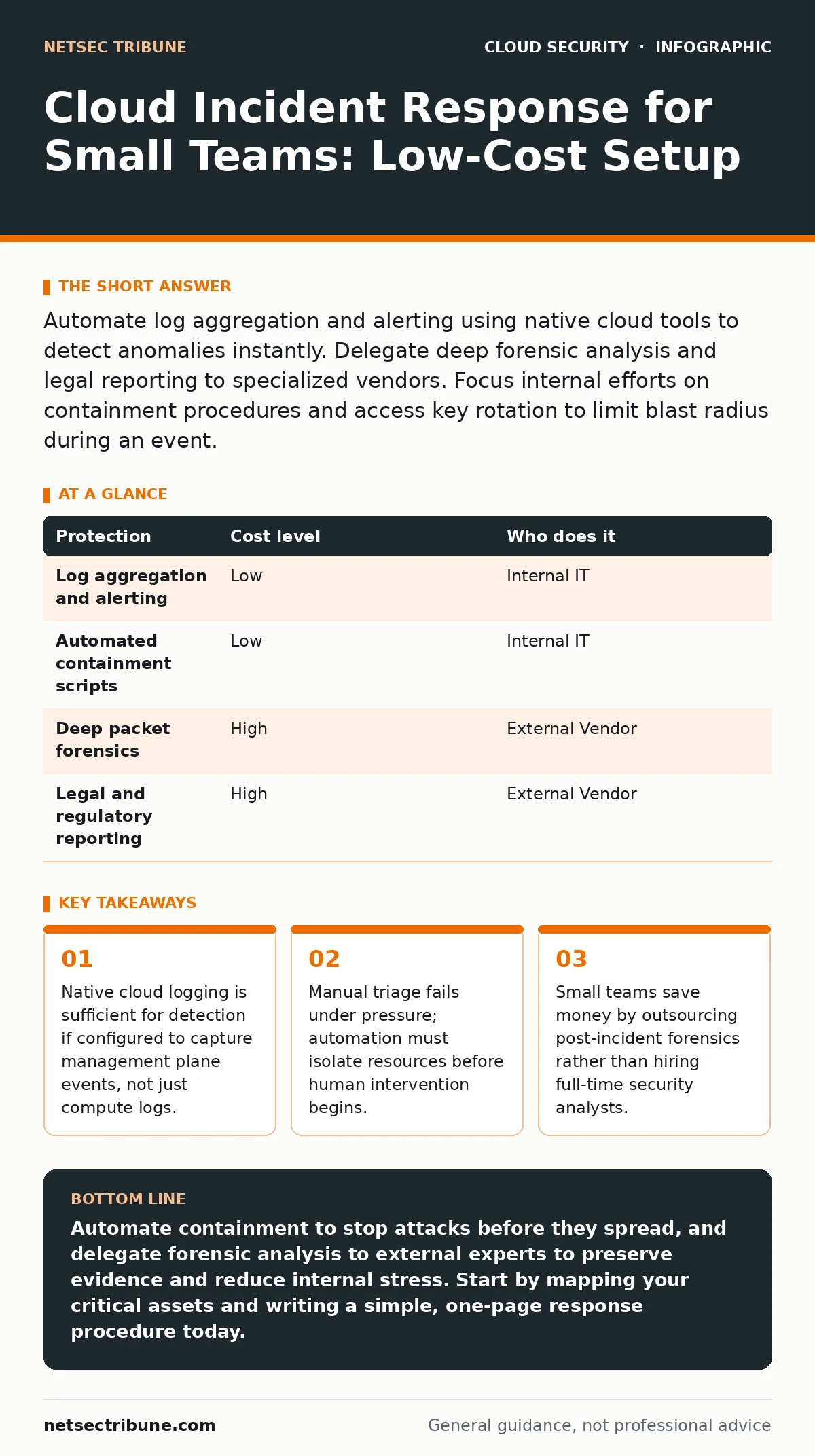
Automate log aggregation and alerting using native cloud tools to detect anomalies instantly. Delegate deep forensic analysis and legal reporting to specialized vendors. Focus internal efforts on containment procedures and access key rotation to limit blast radius during an event.
The Hidden Cost of Manual Triage
Small organizations often assume that cloud incident response requires expensive security operations center (SOC) software. This assumption leads to paralysis. You do not need a dedicated security team to respond effectively, but you cannot rely on human reaction times alone. When an intrusion occurs, seconds matter. Manual review of logs introduces latency that allows attackers to expand their footprint.
The primary risk is not the initial breach, but the dwell time. Dwell time is the period between an attacker entering the system and your team detecting the intrusion. In cloud environments, lateral movement is fast. An attacker can copy data or deploy cryptocurrency miners before you even notice the alert. Your response plan must prioritize speed over thoroughness during the initial phase.
Automating the First Line of Defense
Automation is the only affordable way to achieve low dwell times. You must configure your cloud provider’s native logging service to capture management plane events. These events record who changed permissions, created new users, or modified security groups. Compute logs show application performance, but management logs show intent.
Set up alerts for high-risk actions. Examples include disabling logging, creating new administrative users, or changing firewall rules. When these alerts trigger, an automated script should execute. This script might revoke the compromised access key or isolate the affected virtual machine from the network. This containment happens without human input, stopping the bleed immediately.
| Protection | Cost level | Who does it |
|---|---|---|
| Log aggregation and alerting | Low | Internal IT |
| Automated containment scripts | Low | Internal IT |
| Deep packet forensics | High | External Vendor |
| Legal and regulatory reporting | High | External Vendor |
The Limits of Internal Resources
Your internal team likely wears multiple hats. They handle infrastructure, development, and customer support. Expecting them to also perform forensic analysis is unrealistic. Forensics requires specialized tools and expertise that most small teams do not possess. Attempting this in-house leads to errors that compromise evidence or legal standing.
Instead, focus on containment and communication. Your job is to stop the damage and notify stakeholders. Leave the detailed investigation to professionals. This division of labor reduces stress on your team and ensures that the investigation is conducted correctly. It also protects you from liability if the investigation is later reviewed by regulators or insurers.
What to Delegate to Vendors
When you engage an external partner for incident response, you need to define the scope clearly. Not all vendors offer the same services. Some focus on technical remediation, while others specialize in legal compliance. You need a partner who can handle the technical depth that exceeds your internal capabilities.
Ask your provider specific questions before signing a contract. These questions reveal whether they understand cloud-specific challenges. General IT support firms often lack the expertise to investigate cloud-native threats. They may treat a cloud server like a traditional on-premise machine, missing critical context.
- Do you have experience with cloud-native forensic tools?
- Can you preserve evidence in a legally admissible format?
- What is your response time for critical incidents?
- Do you provide post-incident hardening recommendations?
Managing Access Keys and Permissions
Access keys are the primary attack vector in cloud environments. Attackers often steal long-lived credentials to gain persistent access. Even if you contain the initial breach, stolen keys allow attackers to return later. Therefore, your response plan must include immediate credential revocation.
Automate the rotation of access keys. Use short-lived tokens where possible. These tokens expire after a set period, reducing the window of opportunity for attackers. If a key is compromised, revoking it stops the attack immediately. Do not rely on password changes alone, as API keys often bypass traditional authentication controls. For more on maintaining credential hygiene, see our guide on access key rotation.
See also: CIS Benchmarks Explained: How to Build a Secure Baseline · Cloud Penetration Testing: Seven Practices for Realistic Assessment
Cleaning Up Orphaned Resources
After an incident, your environment may contain leftover resources. These are orphaned cloud resources. They include unattached storage volumes, unused security groups, or terminated instances that still hold data. Attackers may hide their tools in these resources. If you delete them prematurely, you lose evidence. If you keep them, you incur costs and risk future breaches.
Document every resource created during the incident. Take snapshots before deletion. These snapshots serve as evidence and allow for reconstruction if needed. Clean up systematically, following a checklist. This ensures that no malicious artifacts remain in your environment. For further reading on identifying these remnants, review our guide on orphaned cloud resources.
Integrating with Broader Security Practices
Incident response does not exist in a vacuum. It relies on the overall security posture of your cloud environment. If your attack surface is large and unmanaged, detection becomes difficult. You must regularly map your cloud attack surface to know what you are protecting. This mapping helps you prioritize alerts and reduce noise.
Additionally, ensure that your container configurations are secure. Misconfigurations in containers can allow attackers to escape isolation. Review your Kubernetes misconfigurations regularly. Use admission controllers to enforce security policies automatically. For deeper insights, refer to our guides on Kubernetes admission controllers and container runtime security. A strong foundation makes incident response less frequent and more effective.
Building a Minimal Viable Plan
You do not need a hundred-page document. You need a clear, actionable plan. Define roles, communication channels, and escalation paths. Test the plan regularly with tabletop exercises. These exercises simulate incidents without causing real damage. They reveal gaps in your automation and communication processes.
Focus on the most likely scenarios. For most small businesses, credential theft and configuration errors are the primary risks. Tailor your response procedures to these threats. Ignore exotic attack vectors that are unlikely to affect your specific environment. This focused approach saves time and resources. For external validation of your defenses, consider cloud penetration testing.
Key takeaways
- Native cloud logging is sufficient for detection if configured to capture management plane events, not just compute logs.
- Manual triage fails under pressure; automation must isolate resources before human intervention begins.
- Small teams save money by outsourcing post-incident forensics rather than hiring full-time security analysts.
Automate containment to stop attacks before they spread, and delegate forensic analysis to external experts to preserve evidence and reduce internal stress. Start by mapping your critical assets and writing a simple, one-page response procedure today.
Frequently asked questions
How much does cloud incident response cost for a small business?
Costs vary widely. Basic automation using native cloud tools is low-cost. External forensic services can range from a few thousand to tens of thousands of dollars per incident, depending on complexity.
Do we need a dedicated security officer?
No. A dedicated officer is often unnecessary for small teams. Instead, assign incident response duties to existing IT staff and invest in automation tools to augment their capabilities.
Can we use free tools for incident response?
Yes. Most cloud providers offer free tiers for logging and monitoring. Open-source SIEM tools are also available. The cost lies in configuration and maintenance, not licensing.
How often should we test our incident response plan?
Test at least twice a year. More frequent testing is better if your cloud environment changes rapidly. Regular drills ensure that your team remains familiar with procedures and that automation scripts function correctly.
How this guide was produced: written by the NetSec Tribune editorial team with AI assistance, checked against the public references listed below, and reviewed when the facts change. See our editorial policy or report an error.