
Audit Logging Misconceptions: 6 Ways Teams Fail at Evidence
Most logging systems capture noise rather than signal, leaving teams blind to lateral movement and silent data exfiltration during active incidents.
Teams often treat logging as a compliance checkbox rather than an investigative tool. This misunderstanding leads to missing context, ignoring privileged actions, and failing to correlate events across systems. Proper logging requires strict time synchronization, immutable storage, and a focus on user behavior rather than just system alerts to catch subtle threats.
Misreading: Logging is a compliance checkbox
Correct reading: Treating audit logging as a box to tick for auditors creates a false sense of security. Compliance frameworks often specify what to log, but they rarely define how to analyze it. You collect data to satisfy a requirement, then let it sit in a data lake. Attackers do not care about your compliance posture. They care about whether you can see them moving laterally. If your logs exist only for inspection, you lack the context needed to detect low-and-slow threats.
Imagine a scenario where an attacker compromises a service account. You must design logging for detection, not just documentation. This approach aligns with best practices for preventing unauthorized access by ensuring visibility into actual system interactions.
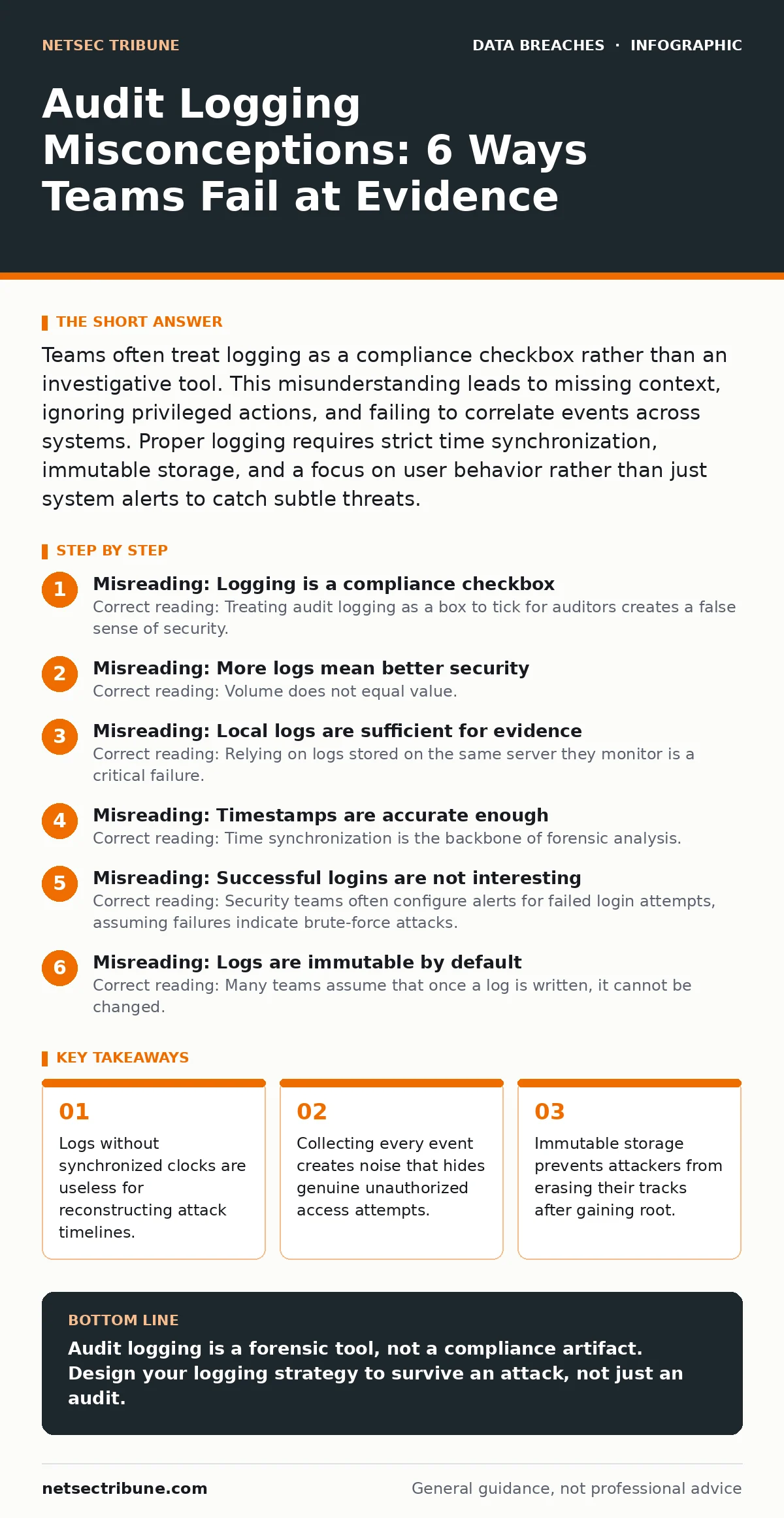
Misreading: More logs mean better security
Correct reading: Volume does not equal value. Dumping every debug message, heartbeat, and successful login into your storage creates a haystack where the needle is impossible to find. High-volume logging increases storage costs and slows down query performance. It also increases the risk of alert fatigue. Analysts tune out noisy alerts, causing them to miss the few signals that indicate a real breach.
You need to tune your logging sources. Disable verbose logging in production environments unless you are actively investigating an issue. Focus on identity and access management events. These events tell you who did what, when, and from where. This precision reduces noise and makes it easier to spot anomalies. Refer to our guide on identity theft protection to understand how compromised credentials often bypass basic volume-based monitoring.
Misreading: Local logs are sufficient for evidence
Correct reading: Relying on logs stored on the same server they monitor is a critical failure. If an attacker gains root or administrator access, their first step is often to clear local logs. They erase the evidence of their entry, privilege escalation, and data theft. By the time you detect the intrusion, the local logs are empty. You have lost the timeline of the attack.
Centralize your logs immediately. Send logs to a remote, secure log management system as they are generated. This ensures that even if the source system is compromised, the records survive. This practice is vital for maintaining integrity during a data breach investigation. It also supports the principles of encryption at rest by ensuring that the logs themselves are protected while in transit and at rest in the central repository.
Misreading: Timestamps are accurate enough
Correct reading: Time synchronization is the backbone of forensic analysis. If your servers, firewalls, and endpoints are not synchronized to the same time source, you cannot correlate events. An attack might span multiple systems. If the timestamps differ by even a few seconds, you cannot determine the order of operations. Did the firewall block the connection before or after the server logged the request? Without precise time, you cannot answer this.
Use Network Time Protocol to synchronize all logging sources to a single, trusted time server. Ensure that the time source is secure and cannot be manipulated by an attacker. Check for clock drift regularly. A mismatch of minutes can make an attack appear to happen before the attacker even logged in. This accuracy is required to reconstruct the sequence of events in any serious incident.
Misreading: Successful logins are not interesting
Correct reading: Security teams often configure alerts for failed login attempts, assuming failures indicate brute-force attacks. They ignore successful logins. This is a dangerous blind spot. Attackers who have stolen credentials will log in successfully. They will not trigger failure alerts. They will move laterally, access sensitive data, and exfiltrate it, all while appearing as legitimate users.
Monitor successful logins for anomalies. Look for logins from unusual locations, at unusual times, or from new devices. Combine this with user and entity behavior analytics to establish a baseline for normal activity. Deviations from this baseline are more indicative of compromise than a high volume of failed attempts. This approach helps detect the subtle signs of a breach before data masking techniques can hide the theft.
See also: Indicators of Compromise: 6 Common Misreadings That Fail in Detection · Threat Intelligence Feeds: Seven Practices for Operational Use
Misreading: Logs are immutable by default
Correct reading: Many teams assume that once a log is written, it cannot be changed. This is rarely true. Standard file systems allow administrators to overwrite, delete, or modify log files. Even in centralized systems, misconfigurations can allow data loss. You must enforce immutability explicitly. Use write-once-read-many storage or append-only logs.
Configure your logging infrastructure to prevent any user, including administrators, from altering historical records. This ensures that if an insider threat or a compromised admin account attempts to cover their tracks, the original data remains intact. This is a critical control for maintaining the integrity of your audit trail. It also protects against the manipulation of evidence that often accompanies credential dumps.
Misreading: Context is optional in log entries
Correct reading: A log entry that says "User logged in" is useless. It lacks context. You need to know the source IP, the destination IP, the user ID, the role, and the outcome. Without this context, you cannot determine if the login was legitimate. You cannot trace the source of an attack. You cannot identify the scope of a compromise.
Ensure that your logging configuration captures detailed context for every significant event. Include network identifiers, process IDs, and file paths where relevant. This detail allows you to reconstruct the attack path. It also helps in identifying whether a breach involved printed document leaks or digital exfiltration by tracing the data flow. Detailed context turns raw data into actionable intelligence.
Misreading: Third-party logs are out of scope
Correct reading: Many organizations focus on logging their own infrastructure while ignoring third-party services, cloud platforms, and partner integrations. Attackers often pivot through these external services. They exploit weak configurations in a vendor’s API or a partner’s portal. If you are not logging interactions with these third parties, you have a blind spot.
Integrate logging from all external services into your central repository. Use APIs and webhooks to pull logs from cloud providers and SaaS applications. Monitor access tokens and API keys. Treat third-party access with the same scrutiny as internal access. This holistic view is necessary to prevent unauthorized access through the supply chain. It ensures that your audit trail covers the entire attack surface, not just the perimeter.
Key takeaways
- Logs without synchronized clocks are useless for reconstructing attack timelines.
- Collecting every event creates noise that hides genuine unauthorized access attempts.
- Immutable storage prevents attackers from erasing their tracks after gaining root.
Audit logging is a forensic tool, not a compliance artifact. Design your logging strategy to survive an attack, not just an audit.
Frequently asked questions
How often should I rotate my audit logs?
Rotate logs based on storage capacity and retention policies, but ensure that rotated logs are moved to immutable storage. Never delete logs before the retention period expires.
Can I use free log management tools for compliance?
Free tools may meet basic requirements, but they often lack the immutability, scalability, and advanced search capabilities needed for serious incident response. Evaluate your risk tolerance carefully.
What is the difference between audit logs and system logs?
System logs record system events like errors and crashes. Audit logs record security-relevant actions taken by users and processes. Focus on audit logs for security monitoring.
How do I handle log storage costs?
Use tiered storage. Keep recent, high-value logs in fast, expensive storage. Move older logs to cheaper, cold storage. Archive logs that are no longer needed for active monitoring.
How this guide was produced: written by the NetSec Tribune editorial team with AI assistance, checked against the public references listed below, and reviewed when the facts change. See our editorial policy or report an error.