Credential Dumps: Risks and Protection for Small Businesses
Credential dumps allow attackers to bypass perimeter defenses by using stolen login data, turning weak authentication into full system compromise.
Small businesses face credential dumps because attackers reuse stolen data across services. Protect against this by enforcing multi-factor authentication, monitoring for unusual login patterns, and ensuring your IT provider rotates secrets regularly rather than relying solely on complex passwords.
The Anatomy of a Small Target
Small organizations are exposed not because their technology is weak, but because their attack surface is narrow. Attackers do not need to hack a firewall if they can simply walk through the front door using valid keys. Credential dumps are collections of usernames and passwords stolen from previous breaches. Attackers automate the process of testing these combinations against new services. This technique is known as credential stuffing.
The risk is amplified by human behavior. Users rarely create unique passwords for every service. They reuse variations of a single phrase. When one service suffers a breach, the resulting dump contains data that works elsewhere. For a small team, a single compromised administrative account can grant access to the entire digital infrastructure. The attacker does not need to exploit a software bug. They only need a password that matches a dump.
Why Standard Defenses Fail
Traditional perimeter security assumes the threat is outside the network. Firewalls and intrusion detection systems monitor traffic for malicious signatures. They are designed to stop unknown entities. A credential dump attack presents a known entity. The login request looks identical to a legitimate user typing their password. The system validates the credentials and grants access. The security tools see a successful login and log nothing unusual.
This creates a blind spot in monitoring. Most small business security stacks focus on blocking bad traffic. They do not focus on validating user behavior. If an attacker logs in from a new country at 3 a.m., a basic firewall may allow it. The system trusts the password. It does not question the context. This is why context-aware authentication is necessary. It evaluates the location, device, and time of login alongside the password. Without this layer, a stolen password is a master key.
The Mechanics of Credential Reuse
Attackers prioritize high-value targets with low security overhead. Small businesses often lack dedicated security staff. They rely on IT providers for maintenance. These providers may configure initial security settings but rarely monitor ongoing user behavior. This gap allows credential reuse to persist. Users set a password once and never change it. They assume the provider handles security.
The hidden cost of this assumption is exposure. When a provider configures a service, they often use default or simple credentials for setup. If these are not changed immediately, they become part of the attack surface. Attackers scan for default credentials before trying leaked ones. This is a form of credential dump where the data is public knowledge. The risk is not just external breaches. It is internal misconfiguration.
Low-Cost Protective Measures
You can reduce risk without expensive software. The most effective measure is multi-factor authentication (MFA). This requires a second form of verification, such as a code from a phone app or a hardware key. Even if an attacker has your password, they cannot log in without the second factor. This breaks the chain of credential stuffing.
Another measure is role-based access control. This limits what each user can do based on their job function. A marketing intern should not have administrative rights. If their account is compromised, the attacker can only access marketing tools. They cannot install malware or change system settings. This containment reduces the impact of a breach.
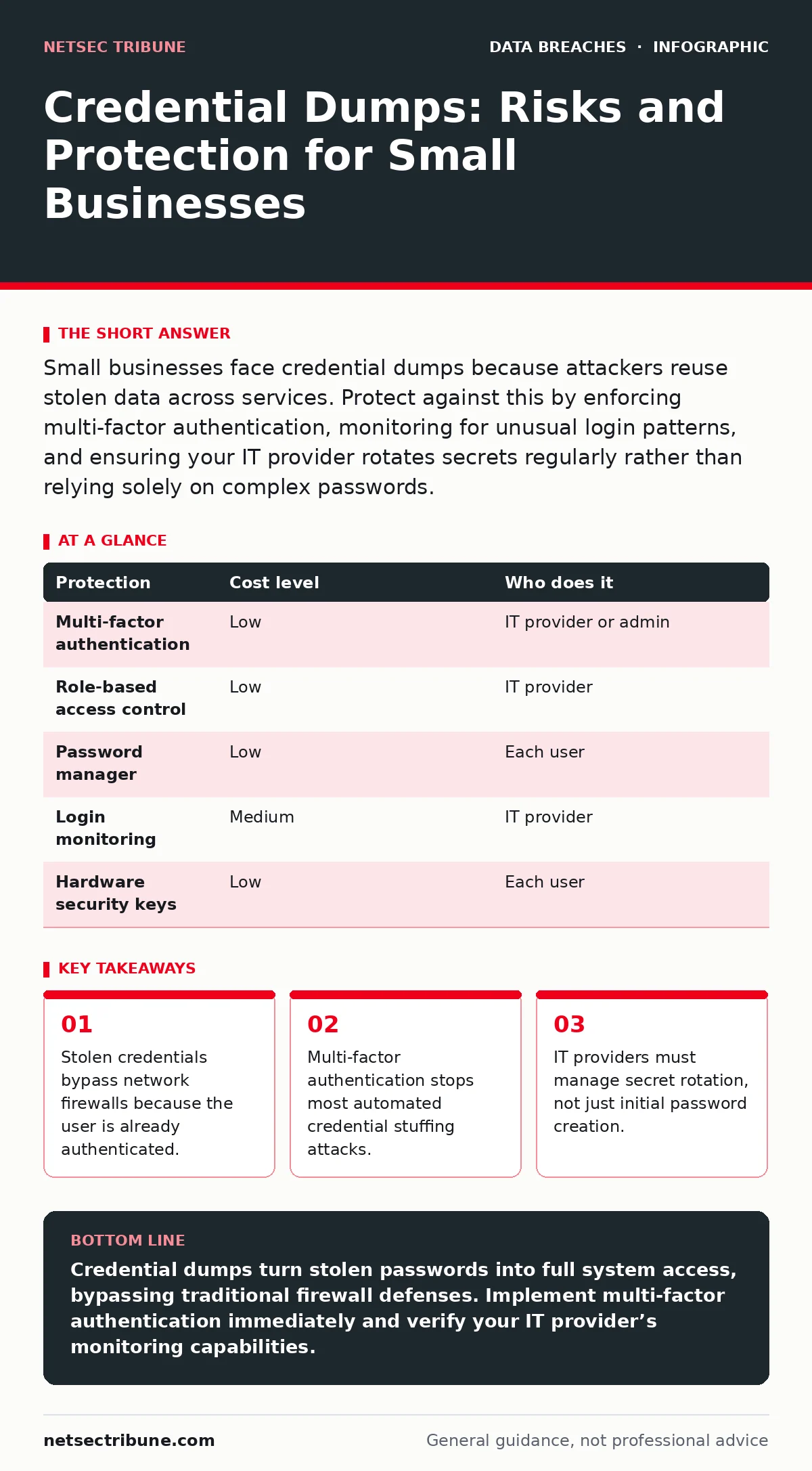
| Protection | Cost level | Who does it |
|---|---|---|
| Multi-factor authentication | Low | IT provider or admin |
| Role-based access control | Low | IT provider |
| Password manager | Low | Each user |
| Login monitoring | Medium | IT provider |
| Hardware security keys | Low | Each user |
What to Ask Your IT Provider
Your IT provider is your first line of defense. You must verify that they are actively managing credentials, not just setting them up. Ask specific questions about their processes. Do not accept vague answers about "best practices." You need to know the mechanics of their security.
- How do you rotate administrative credentials?
- Do you monitor for logins from unusual locations?
- What happens when an employee leaves the company?
- How do you test for weak or reused passwords?
- Do you enforce multi-factor authentication for all accounts?
See also: Printed Document Leak Myths: What Security Teams Get Wrong · Data Breach Response: Containment, Recovery and Prevention Steps
The Limits of Technical Controls
Technical controls are necessary but not sufficient. You cannot prevent a user from sharing their password. You cannot stop an attacker from buying a dump. You can only make the stolen data useless. This requires a shift in mindset. Security is not about building higher walls. It is about assuming the walls will be breached.
This assumption leads to encryption at rest. If an attacker accesses your files, they should not be able to read them. Encryption ensures that data remains secure even if the system is compromised. This is separate from full disk encryption, which protects the physical drive. Both are needed for complete protection.
Planning for the Inevitable
You will likely face a credential compromise. The question is how you respond. You need an incident communication plan that outlines steps for containment and recovery. This plan should include notifying affected users and resetting credentials. It should also define who speaks to the media or clients.
Conduct tabletop exercises to test this plan. Simulate a scenario where an attacker accesses your email. Walk through the steps of disconnecting the account, changing passwords, and informing stakeholders. This practice reveals gaps in your response. It prepares your team to act calmly under pressure.
Beyond the Password
Passwords are the weakest link. They are easy to steal and hard to manage. Moving away from passwords is the long-term solution. Email encryption protects the content of messages, but it does not stop account takeover. You need to focus on identity management. This includes regular audits of user permissions and automated de-provisioning of unused accounts.
Review your unauthorized access logs regularly. Look for patterns that indicate automation. Multiple failed logins followed by a success are a red flag. Implement alerts for these events. This allows you to intervene before data is exfiltrated.
The Reality of Small Business Security
Small businesses are attractive targets because they are vulnerable. They lack the resources for deep security. This makes simple measures critical. Multi-factor authentication is the single most effective step you can take. It is cheap and easy to implement. Do not delay.
Your IT provider must be a partner in security, not just a technician. Hold them accountable for credential management. Ask for proof of monitoring and rotation. If they resist, find a new provider. Security is not an optional feature. It is a core business requirement.
Key takeaways
- Stolen credentials bypass network firewalls because the user is already authenticated.
- Multi-factor authentication stops most automated credential stuffing attacks.
- IT providers must manage secret rotation, not just initial password creation.
Credential dumps turn stolen passwords into full system access, bypassing traditional firewall defenses. Implement multi-factor authentication immediately and verify your IT provider’s monitoring capabilities.
Frequently asked questions
Can a password manager stop credential dumping?
A password manager prevents credential reuse, which is the primary fuel for credential stuffing attacks, but it does not stop an attacker from trying stolen combinations if you reuse passwords.
Is multi-factor authentication enough to stop all attacks?
MFA blocks most automated credential stuffing, but it does not protect against phishing attacks where a user is tricked into handing over a verification code.
How often should I change my passwords?
Regular password rotation is less effective than using unique, complex passwords for every service and monitoring for unauthorized access attempts.
What is the difference between a credential dump and a data breach?
A credential dump is a list of stolen usernames and passwords, while a data breach is the unauthorized access to or theft of sensitive data, which can result from using a credential dump.
How this guide was produced: written by the NetSec Tribune editorial team with AI assistance, checked against the public references listed below, and reviewed when the facts change. See our editorial policy or report an error.