
Secure Email Gateway Checklist for Modern Threat Defense
Misconfigured gateways often fail not from missing features, but from overly permissive default rules that bypass deep inspection for trusted senders.
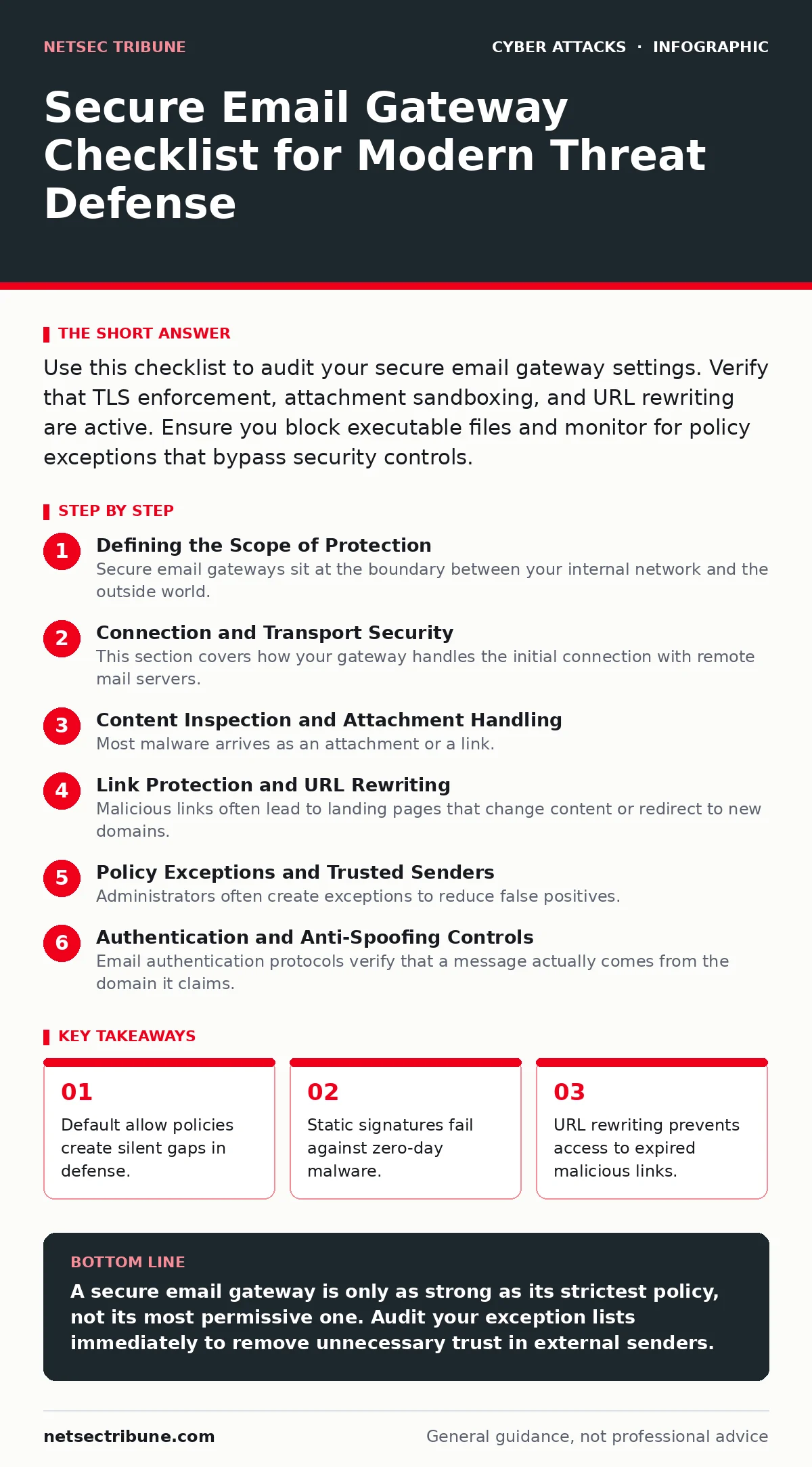
Use this checklist to audit your secure email gateway settings. Verify that TLS enforcement, attachment sandboxing, and URL rewriting are active. Ensure you block executable files and monitor for policy exceptions that bypass security controls.
Defining the Scope of Protection
Secure email gateways sit at the boundary between your internal network and the outside world. They inspect incoming and outgoing messages for threats before those messages reach the user’s inbox. You use this checklist to verify that your gateway is configured to stop modern threats, not just legacy spam. The goal is to reduce the attack surface without breaking legitimate business communication.
Imagine a scenario where a high-volume supplier sends invoices embedded with malicious macros. A poorly configured gateway might allow these through because the sender domain is whitelisted. This checklist helps you identify and close those specific gaps.
Connection and Transport Security
This section covers how your gateway handles the initial connection with remote mail servers. Weak transport security allows attackers to intercept or alter messages in transit.
- Enforce TLS for all outbound connections: Prevents man-in-the-middle attacks where an attacker reads or modifies email content.
- Reject connections from servers with invalid certificates: Stops messages from sources that cannot prove their identity cryptographically.
- Disable STARTTLS fallback to plaintext: Ensures that if encryption fails, the message is dropped rather than sent in clear text.
- Verify certificate transparency logs: Detects unauthorized or rogue certificates issued for your domain.
- Set strict timeout limits for handshake: Mitigates slowloris-style denial of service attacks targeting the gateway resources.
Content Inspection and Attachment Handling
Most malware arrives as an attachment or a link. Your gateway must inspect these elements deeply. Simple signature matching is no longer sufficient against polymorphic threats that change their code structure.
- Block executable file types by default: Stops common malware formats like .exe, .scr, and .bat from reaching users.
- Enable sandboxing for Office documents: Detects malicious macros that only activate when the file is opened locally.
- Strip hidden metadata from PDFs: Removes embedded scripts or links that are invisible to the naked eye.
- Limit attachment size thresholds: Prevents resource exhaustion from large files that could hide data exfiltration attempts.
- Scan for encrypted archive passwords: Forces gateways to reject password-protected zip files that bypass inspection.
Link Protection and URL Rewriting
Malicious links often lead to landing pages that change content or redirect to new domains. Static scanning misses these dynamic threats. Your gateway must rewrite URLs to pass through a proxy that checks the destination in real time.
- Enable URL rewriting for all outbound links: Allows the gateway to inspect the destination page every time a user clicks.
- Block links to known malicious IP ranges: Prevents access to command and control servers used by botnets.
- Detect and neutralize homograph attacks: Catches URLs that use visually similar characters from different scripts to mimic legitimate sites.
- Monitor for URL shorteners: Expands shortened links to reveal the final destination before allowing delivery.
- Block links to file-sharing services by default: Reduces risk from unvetted documents hosted on third-party platforms.
Policy Exceptions and Trusted Senders
Administrators often create exceptions to reduce false positives. These exceptions become the weakest point in your defense. Attackers actively probe for these trusted bypasses.
- Audit whitelisted domains monthly: Removes trust for vendors or partners that are no longer active or have been compromised.
- Require re-verification for high-privilege users: Ensures that executives do not receive unfiltered email from unknown senders.
- Limit the scope of bypass rules: Prevents a single rule from disabling all security checks for an entire domain.
- Log all exceptions applied to messages: Provides an audit trail for forensic analysis after a breach.
- Disable trust for free email providers: Blocks spoofed messages from public services that lack strict authentication.
See also: Lateral Movement in Cybersecurity: Definition and Detection · Packet Capture Analysis: A Step-by-Step Implementation Guide
Authentication and Anti-Spoofing Controls
Email authentication protocols verify that a message actually comes from the domain it claims. Without these, attackers can easily impersonate your organization or trusted partners.
- Enforce DMARC reject policy: Tells receiving servers to reject emails that fail authentication checks.
- Validate SPF records strictly: Prevents unauthorized servers from sending email on behalf of your domain.
- Verify DKIM signatures: Ensures the content of the email has not been altered in transit.
- Block messages from domains with no authentication: Stops email from poorly configured or malicious sources.
- Monitor for authentication failures: Identifies attempts to spoof your domain before they reach users.
Integration and Incident Response
Your gateway does not operate in a vacuum. It must share data with other security tools to provide context. Without integration, you miss the broader picture of an attack.
- Integrate with threat intelligence feeds: Updates blocklists with the latest indicators of compromise.
- Send alerts to SIEM systems: Correlates email events with other network activity for faster detection.
- Enable automated quarantine for suspicious messages: Allows security teams to review blocked items without user intervention.
- Configure feedback loops for false positives: Lets users report blocked legitimate email for rapid correction.
- Test integration with multi-factor authentication: Ensures that compromised accounts trigger additional verification steps.
Maintenance and Configuration Hygiene
Security settings degrade over time as new threats emerge and business needs change. Regular maintenance ensures your gateway remains effective.
- Update signature databases daily: Catches known malware variants that appear in recent campaigns.
- Review rule complexity quarterly: Simplifies policies to reduce processing delays and configuration errors.
- Test failover procedures regularly: Ensures email delivery continues if the primary gateway hardware fails.
- Audit user access to gateway admin console: Prevents unauthorized changes to security policies.
- Document all configuration changes: Provides a clear history for troubleshooting and compliance audits.
Key takeaways
- Default allow policies create silent gaps in defense.
- Static signatures fail against zero-day malware.
- URL rewriting prevents access to expired malicious links.
A secure email gateway is only as strong as its strictest policy, not its most permissive one. Audit your exception lists immediately to remove unnecessary trust in external senders.
Frequently asked questions
How do I balance security with user productivity?
Start with strict defaults and gradually add exceptions only for verified business needs. Monitor user feedback to adjust policies that block legitimate traffic.
Can a gateway stop social engineering attacks?
It can filter known malicious content, but it cannot read intent. Users must still recognize psychological manipulation in legitimate-looking emails. See our guide on social engineering red flags for behavioral indicators.
What happens if the gateway goes offline?
Configured failover should route email to a backup server or queue messages locally. Ensure your disaster plan includes this scenario to avoid data loss.
Do I still need endpoint protection?
Yes. Gateways stop threats at the door, but endpoint protection catches malware that slips through or arrives via other channels like USB drives.
How this guide was produced: written by the NetSec Tribune editorial team with AI assistance, checked against the public references listed below, and reviewed when the facts change. See our editorial policy or report an error.