Sandboxing Explained: How Isolated Environments Contain Threats
Sandboxing creates a disposable boundary that stops code from touching your real system, ensuring malicious behavior remains contained and harmless.
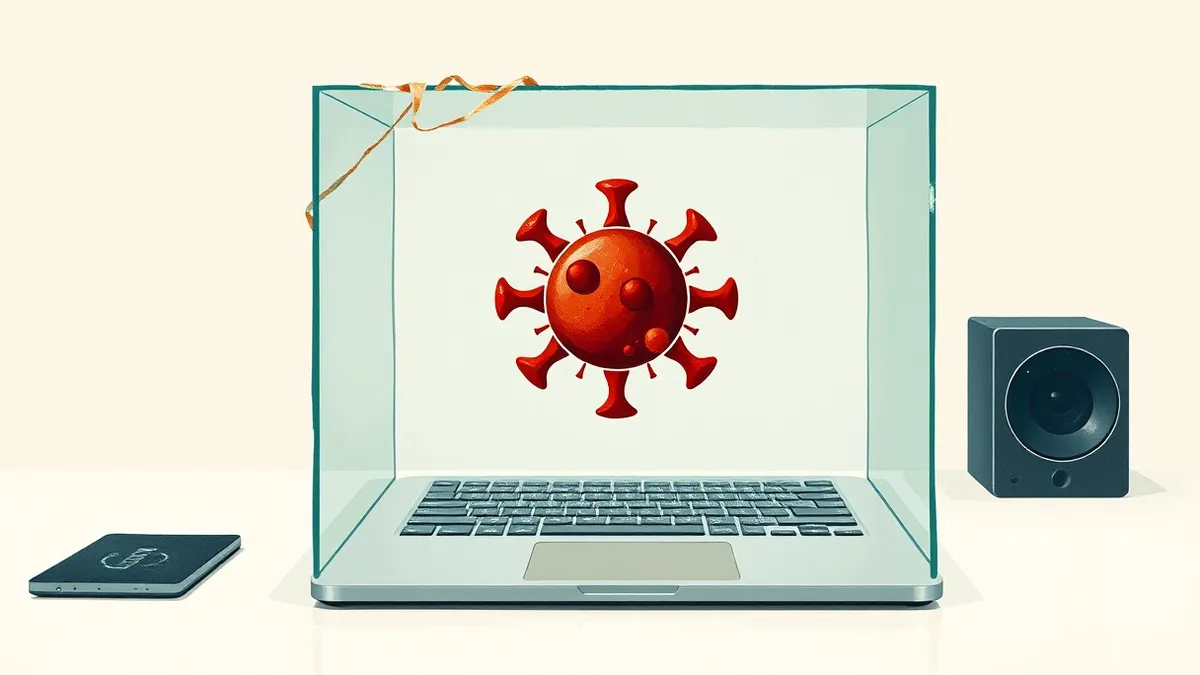
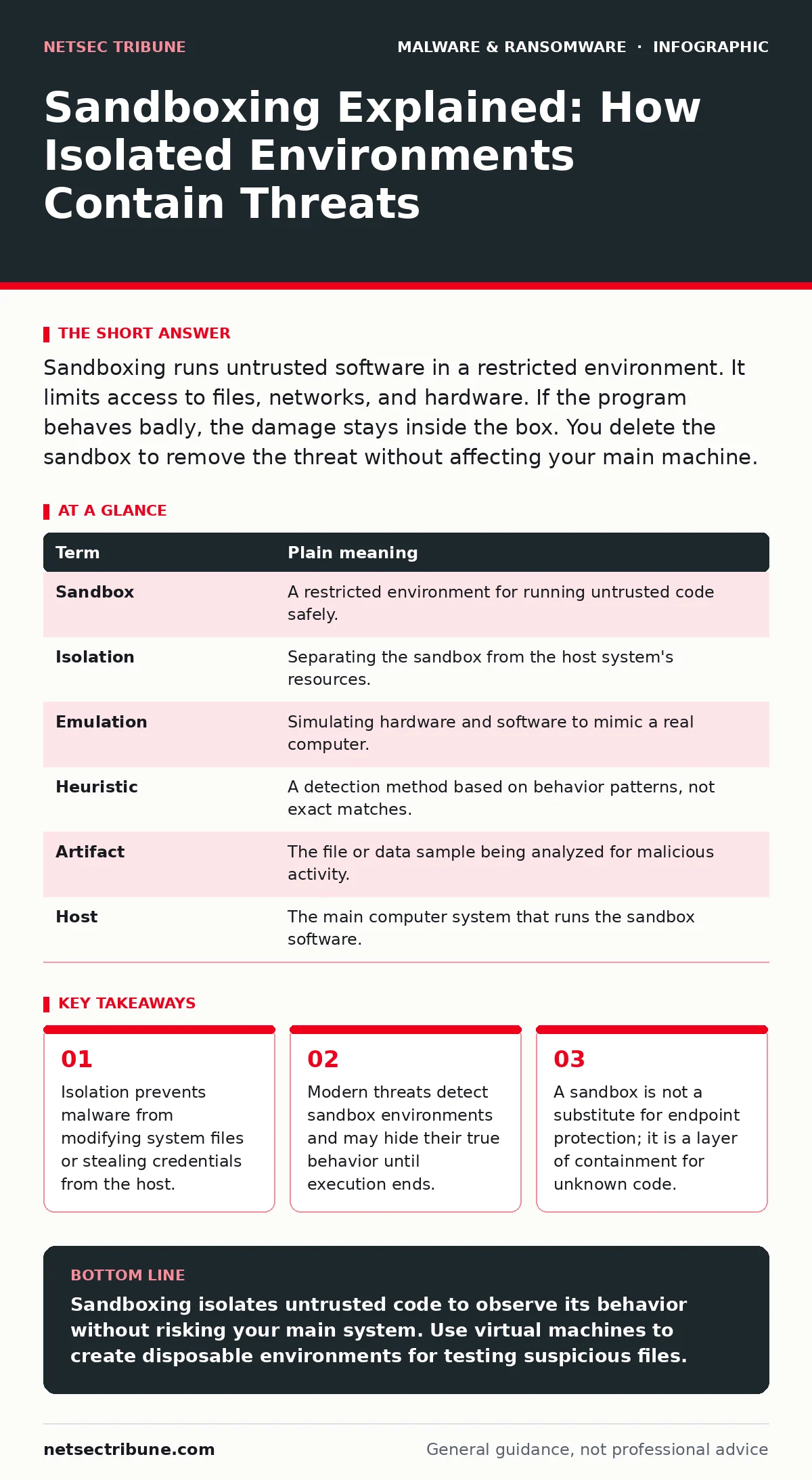
Sandboxing runs untrusted software in a restricted environment. It limits access to files, networks, and hardware. If the program behaves badly, the damage stays inside the box. You delete the sandbox to remove the threat without affecting your main machine.
The Quarantine Box Analogy
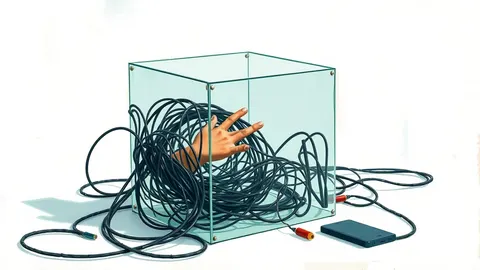
Imagine you receive a package from an unknown sender. You do not open it in your living room. Instead, you place it on a concrete slab in your backyard. You wear gloves and a mask while opening it. If the contents are harmless, you bring them inside. If they are toxic, you burn the package on the slab. Your house remains clean. Sandboxing works the same way. It provides a controlled space where you can interact with unknown digital artifacts without risking your primary system.
What Isolation Actually Means
In computing, isolation means separating processes from the resources they might need to cause harm. A sandbox defines strict boundaries. The software inside cannot see your hard drive, your network connections, or your other running programs unless you explicitly allow it. This is different from an antivirus scan. Antivirus checks the code for known signatures. Sandboxing observes what the code does when it runs. You are watching behavior, not just reading the label.
The Mechanics of Containment
The sandbox operates by intercepting system calls. When the suspicious program tries to write to a file, the sandbox redirects that action to a temporary folder. When it tries to contact a server, the sandbox may block the connection or route it through a monitored channel. If the program attempts to inject code into another process, the sandbox denies the request. These restrictions force the malware to reveal its intent. It cannot hide because it has nowhere to go.
| Term | Plain meaning |
|---|---|
| Sandbox | A restricted environment for running untrusted code safely. |
| Isolation | Separating the sandbox from the host system's resources. |
| Emulation | Simulating hardware and software to mimic a real computer. |
| Heuristic | A detection method based on behavior patterns, not exact matches. |
| Artifact | The file or data sample being analyzed for malicious activity. |
| Host | The main computer system that runs the sandbox software. |
The Detection Problem
This is the hidden cost of sandboxing. Many modern threats check for signs of analysis. They look for low disk space, lack of user interaction, or specific virtual machine drivers. If the sandbox looks too artificial, the malware stays quiet. It waits until it is moved to a real machine. This is why sandbox evasion is a persistent challenge. You cannot rely on a sandbox to catch every threat. It is a tool for observation, not a magic shield.
Where Sandboxing Fits In
You might use sandboxing to test a strange email attachment. You might use it to analyze a trojanized software update that looks slightly different from the original. It is also useful for examining malicious mobile apps before granting them access to your contacts. However, it does not stop keyloggers if you run them on your main machine. It does not prevent crypto-stealing malware if you log in while the sandbox is active. It is a specific tool for specific risks.
See also: Domain Generation Algorithms: Debunking Common Misconceptions · Sandbox Evasion Myths: What Your Analysis Tools Actually Miss
Practical Steps for Analysis
- Create a virtual machine with no connection to your local network. Install only the operating system and basic drivers. Do not log in with your personal accounts.
- Copy the suspicious file into the virtual machine. Run it and observe the file system and network activity. Note any new files created or connections attempted.
- Snapshots are your safety net. Before running the file, save a snapshot of the clean system. After the test, revert to that snapshot. This restores the environment to its original state instantly.
Limitations and Realities
Sandboxing does not protect you from social engineering. If you trust a file and run it on your main system, the sandbox cannot help you. It also does not fix polymorphic malware that changes its code structure with every infection. You must still verify sources and use tamper protection on your critical systems. Sandboxing is a diagnostic tool. It helps you understand what a file is. It does not replace the need for careful handling of unknown data.
Key takeaways
- Isolation prevents malware from modifying system files or stealing credentials from the host.
- Modern threats detect sandbox environments and may hide their true behavior until execution ends.
- A sandbox is not a substitute for endpoint protection; it is a layer of containment for unknown code.
Sandboxing isolates untrusted code to observe its behavior without risking your main system. Use virtual machines to create disposable environments for testing suspicious files.
Frequently asked questions
Can I use a browser sandbox for malware analysis?
Browser sandboxes are designed for web content, not for running executable files. They lack the depth needed to analyze system-level behavior and may not contain sophisticated threats.
Does sandboxing slow down my computer?
Running a sandbox, especially a virtual machine, consumes CPU and memory resources. It can slow down your host system, which is why you should only run it when analyzing specific files.
Is cloud sandboxing safe for sensitive data?
Cloud sandboxes send your file to a remote server for analysis. This may violate data privacy policies if the file contains sensitive information. Use local sandboxes for confidential data.
How do I know if a sandbox caught a threat?
Look for reports on file modifications, registry changes, and network connections. If the sandbox shows unexpected behavior, such as contacting unknown IPs, treat the file as malicious.
How this guide was produced: written by the NetSec Tribune editorial team with AI assistance, checked against the public references listed below, and reviewed when the facts change. See our editorial policy or report an error.