
Packet Capture Analysis: A Step-by-Step Implementation Guide
Raw packet data reveals protocol anomalies that endpoint logs miss, but storing unfiltered traffic creates storage debt and privacy liabilities that scale faster than your detection capabilities.
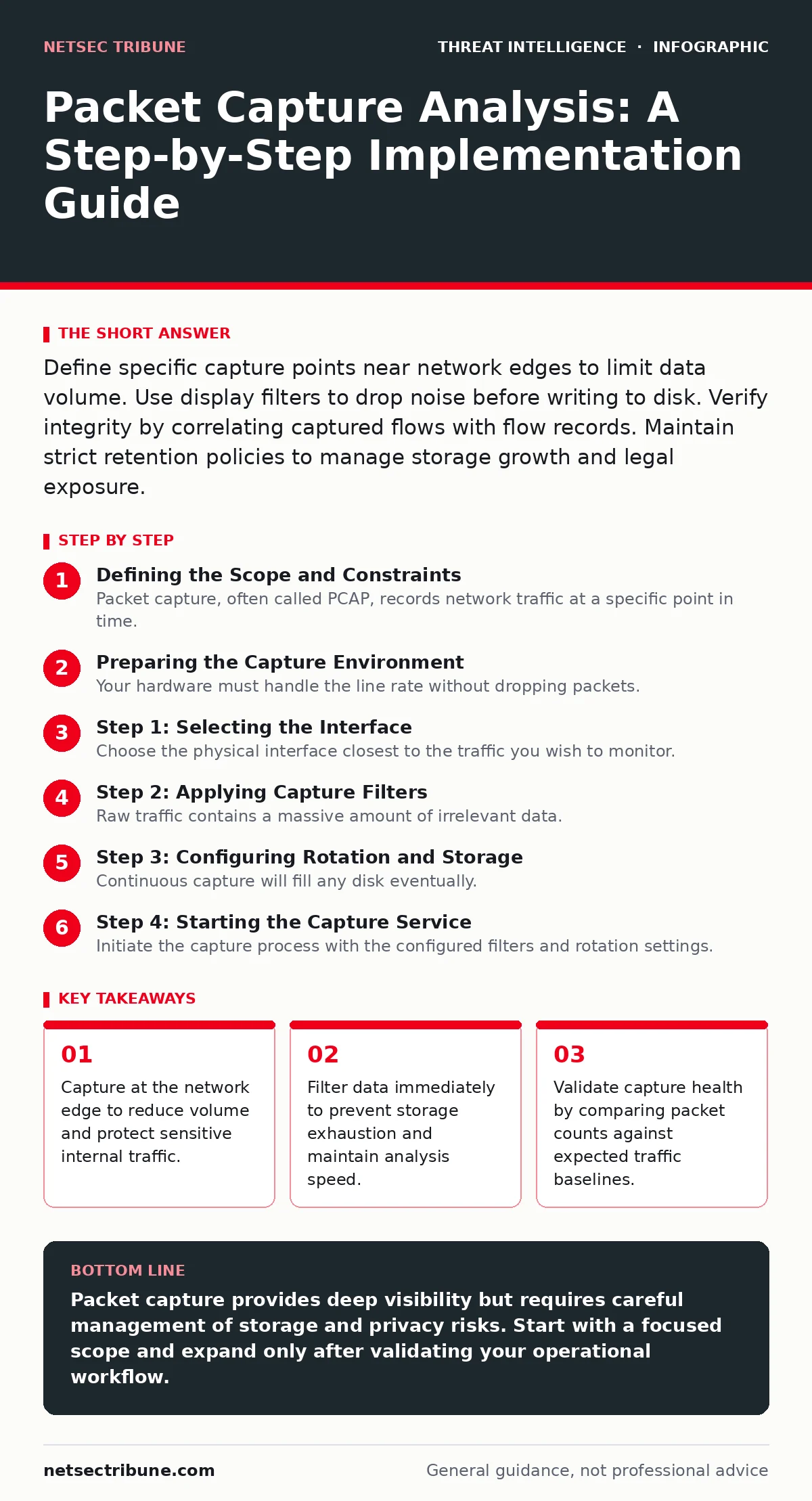
Define specific capture points near network edges to limit data volume. Use display filters to drop noise before writing to disk. Verify integrity by correlating captured flows with flow records. Maintain strict retention policies to manage storage growth and legal exposure.
Defining the Scope and Constraints
Packet capture, often called PCAP, records network traffic at a specific point in time. You must decide where to place your sensors before you install any software. Placing a tap at the core router captures everything, which is rarely useful. Edge switches provide a better balance between visibility and data volume. You need to identify high-value segments, such as internet gateways or database subnets. Internal user traffic often contains noise that obscures threats. Focus on segments where lateral movement or data exfiltration would leave a trace.
Preparing the Capture Environment
Your hardware must handle the line rate without dropping packets. Standard servers often struggle with high throughput due to CPU bottlenecks. Use dedicated network interface cards with large buffers to prevent packet loss during bursts. Configure the operating system to prioritize network interrupts. You also need sufficient disk space for the raw data. Storage fills quickly when capturing full packet payloads. Plan for a write-heavy storage solution that can sustain continuous IOPS. Do not use network attached storage for the initial write path due to latency. Local SSDs provide the necessary speed for real-time ingestion.
Step 1: Selecting the Interface
Choose the physical interface closest to the traffic you wish to monitor. A network tap or a switch mirror port provides visibility into packets passing through. You must ensure the interface supports promiscuous mode, which allows the adapter to see all traffic, not just traffic addressed to it. Verify that the link speed matches your network segment. A mismatch causes dropped packets and incomplete captures. If you are using a virtual switch, ensure the vSwitch supports port mirroring. Virtual environments add complexity to packet timestamping and ordering.
Step 2: Applying Capture Filters
Raw traffic contains a massive amount of irrelevant data. You must apply capture filters to reduce the data stream before it hits the disk. Capture filters are more efficient than display filters because they reduce I/O load. Exclude broadcast traffic, multicast DNS, and known benign protocols. For example, you might filter out local subnet management traffic. This step significantly reduces storage requirements. It also makes analysis faster by removing background noise. Be careful not to over-filter, as this can hide the very threats you seek.
Step 3: Configuring Rotation and Storage
Continuous capture will fill any disk eventually. You must implement log rotation to manage file size and age. Set a maximum file size and a maximum number of files. When a file reaches the limit, the system closes it and starts a new one. Old files should be moved to cold storage or deleted based on retention policy. Ensure the rotation mechanism does not interrupt the capture process. Gaps in data create blind spots for investigators. Use a naming convention that includes the date and time for easy identification. This structure helps when correlating events across multiple days.
See also: Lateral Movement in Cybersecurity: Definition and Detection · DDoS Protection Explained: How Traffic Shaping Stops Floods
Step 4: Starting the Capture Service
Initiate the capture process with the configured filters and rotation settings. Run the service as a background daemon to ensure persistence across reboots. Verify that the process has the necessary permissions to access the network interface. On Linux systems, this often requires root privileges or specific capabilities. On Windows, the driver must be properly installed and signed. Check the system logs for errors during startup. If the service fails to bind to the interface, check for conflicting applications. No other tool should be capturing on the same interface simultaneously.
Step 5: Verifying Data Integrity
You must confirm that the capture is working as intended. A silent failure means you have no data during an incident. Check the file size growth rate against expected traffic volume. If the files are not growing, the filters may be too restrictive. Use a simple tool to read the latest capture file and count packets. Compare this count to the interface counters on the switch or router. A significant discrepancy indicates packet loss or a configuration error. You can also generate test traffic from a known source and verify it appears in the capture. This end-to-end test proves the pipeline is functional.
- Verify file creation on disk
- Confirm test traffic appears in the output
- Validate timestamp accuracy
Maintaining Operational Readiness
Packet capture analysis requires ongoing upkeep. Filters need periodic review to accommodate new applications and protocols. Storage systems require monitoring to prevent disk exhaustion. You should integrate capture alerts with your existing monitoring stack. This integration allows you to detect capture failures immediately. Regularly test your ability to retrieve and analyze old captures. Data corruption can occur during long-term storage. Use checksums to verify file integrity during rotation. This practice ensures that historical data remains usable for retrospective investigation.
Integrating with Threat Intelligence
Raw packets are difficult to analyze manually at scale. You need to correlate capture data with external indicators. This is where your existing threat intelligence feeds become valuable. You can automate the scanning of captured traffic for known malicious IPs or domains. This integration turns passive data into active detection. It helps identify connections to command and control servers. However, you must balance this with privacy concerns. Not all traffic should be scanned by external services. Ensure your data handling policies comply with legal requirements.
Handling Advanced Evasion Techniques
Attackers often use techniques to avoid detection in packet captures. For example, domain generation algorithms create random domain names that look like normal DNS traffic. Standard filters may not catch these patterns. You need to analyze DNS query patterns over time rather than individual requests. Similarly, pass-the-hash attacks may not leave a clear signature in network traffic alone. These attacks often rely on internal authentication mechanisms. Combining packet capture with internal logs, such as those from Sysmon, provides a more complete picture. This multi-layered approach reduces the risk of missing sophisticated threats.
Managing Legal and Privacy Risks
Capturing network traffic involves handling sensitive user data. You must define clear policies on what data is retained and for how long. Encrypting stored captures adds a layer of security against insider threats. Access controls should be strict, limiting who can view the raw data. Audit trails must record every access to the capture files. This documentation is vital for legal compliance and forensic integrity. Failure to manage these risks can lead to significant liability. Privacy by design should be a core principle of your implementation.
Key takeaways
- Capture at the network edge to reduce volume and protect sensitive internal traffic.
- Filter data immediately to prevent storage exhaustion and maintain analysis speed.
- Validate capture health by comparing packet counts against expected traffic baselines.
Packet capture provides deep visibility but requires careful management of storage and privacy risks. Start with a focused scope and expand only after validating your operational workflow.
Frequently asked questions
How much storage do I need for packet capture?
Storage needs depend on traffic volume and filter strictness. A single gigabit link with no filters can fill terabytes in days. Aggressive filtering can reduce this by orders of magnitude.
Can packet capture detect encrypted threats?
It cannot inspect the payload of encrypted traffic. However, it can detect anomalies in metadata, such as certificate validity, packet sizes, and timing patterns.
Should I capture at the core or edge?
Edge capture is generally better for visibility and performance. Core capture often results in packet loss and excessive data volume that is hard to analyze.
How do I handle packet loss during high traffic?
Use hardware with large buffers and high-performance interfaces. Implement flow-based logging as a fallback to ensure you still have metadata during bursts.
How this guide was produced: written by the NetSec Tribune editorial team with AI assistance, checked against the public references listed below, and reviewed when the facts change. See our editorial policy or report an error.