Data Exfiltration Explained: How Data Leaves Your Network
Data exfiltration often succeeds not through complex hacking, but by exploiting legitimate channels that security tools are configured to ignore or trust.
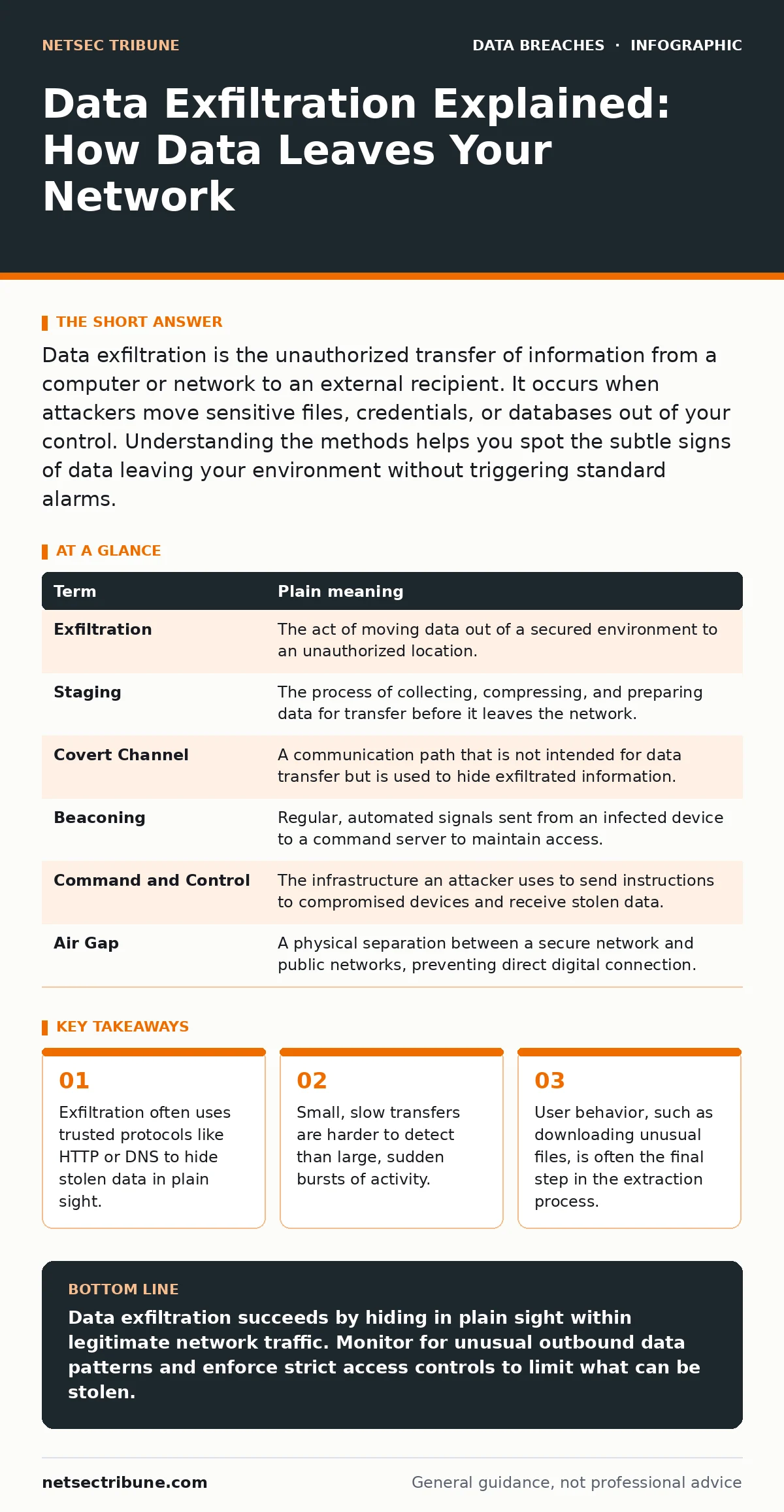
Data exfiltration is the unauthorized transfer of information from a computer or network to an external recipient. It occurs when attackers move sensitive files, credentials, or databases out of your control. Understanding the methods helps you spot the subtle signs of data leaving your environment without triggering standard alarms.
The Library Analogy
Imagine your network is a secure library. The books inside are your data. Most people can enter the library, browse the shelves, and read what is publicly available. However, some books are restricted to a private reading room. Only authorized staff can handle them. Now, suppose a thief wants to steal a restricted book. They could smash the window and sprint out with it. Security cameras would catch this. The alarm would sound. This is a brute-force attack. It is loud, fast, and easy to stop.
The Quiet Thief
A smarter thief does not break the window. They enter through the front door like any other patron. They request a restricted book, but instead of reading it in the room, they photocopy the pages. They take the copies to a public restroom, hide them inside hollowed-out novels, and walk out through the gift shop. To the security guard, they look like a normal visitor leaving with a purchased souvenir. The data left the building, but the method mimicked normal activity. This is the core challenge of data exfiltration. It relies on blending in with legitimate traffic.
Understanding the Mechanism
In digital terms, the library is your infrastructure. The restricted book is sensitive information, such as customer records or source code. The photocopying process is the staging phase, where an attacker collects and compresses data. The hollowed-out novel is the channel used to move the data out. Attackers often use standard protocols for this. They might hide small chunks of data inside DNS requests, which are used to resolve website addresses. They might embed data in the metadata of images uploaded to a public server. Because these channels are necessary for normal business operations, security tools often allow them through by default.
Key Terms Defined
To discuss this topic precisely, you need to understand the specific vocabulary. These terms describe the components of the exfiltration process.
| Term | Plain meaning |
|---|---|
| Exfiltration | The act of moving data out of a secured environment to an unauthorized location. |
| Staging | The process of collecting, compressing, and preparing data for transfer before it leaves the network. |
| Covert Channel | A communication path that is not intended for data transfer but is used to hide exfiltrated information. |
| Beaconing | Regular, automated signals sent from an infected device to a command server to maintain access. |
| Command and Control | The infrastructure an attacker uses to send instructions to compromised devices and receive stolen data. |
| Air Gap | A physical separation between a secure network and public networks, preventing direct digital connection. |
What This Means for You
If you are an ordinary user, you are often the unwitting accomplice in this process. An attacker may not need to break into your system directly. They might send you a malicious email attachment. When you open it, the malware installs silently. It waits for you to connect to the internet. Then, it begins the slow process of copying files.
You might notice your computer running slowly, or your internet connection feeling sluggish. These are often the only signs. The data is leaving your device, but it is doing so in small pieces to avoid detection. This is why full disk encryption is a critical baseline. It protects data if your device is physically stolen, but it does not stop data from being copied while the system is running.
See also: Printed Document Leak Myths: What Security Teams Get Wrong · Data Breach Response: Containment, Recovery and Prevention Steps
The Hidden Cost of Trust
Security teams often struggle with the trade-off between usability and security. If you block all outbound traffic, your business stops. Employees cannot send emails, access cloud services, or update software. Therefore, most networks allow a wide range of outbound connections. This creates a blind spot. Attackers exploit this trust. They use legitimate cloud storage services to store stolen data. They use encrypted messaging apps to send it.
The traffic looks like normal user behavior. Detecting this requires monitoring for anomalies, not just blocking known bad actors. This is why role-based access control is vital. It ensures that users only have access to the data they need to do their jobs. If a user in marketing does not need access to engineering source code, they should not be able to exfiltrate it, even if their account is compromised.
Simple Safety Habits
You can reduce your risk by adopting specific habits. These steps are not about becoming a security expert. They are about reducing the surface area available to attackers.
- Verify before you open. If you receive an unexpected file, even from a known contact, verify its legitimacy through a separate channel. Do not click the link or open the attachment immediately. Check if the request makes sense in the context of your current work.
- Use strong, unique credentials. If an attacker gains access to one account, they can often pivot to others. Using a password manager helps generate and store complex passwords. This limits the damage of a single compromised credential. For more on this, see our guide on credential dumps.
- Keep software updated. Many exfiltration tools exploit known vulnerabilities in outdated software. Updates often patch these holes. Enable automatic updates where possible. If you cannot update immediately, isolate the device from the network.
Beyond the Basics
Exfiltration is rarely the end goal. It is usually part of a larger campaign. Attackers may steal data to sell it, to extort the victim, or to use it for further attacks. Understanding the context helps you prioritize your defenses. For instance, if you suspect an unauthorized access event, you should assume data has already been staged. Do not just reset passwords. Investigate what data was accessible. Consider the impact of DDoS attacks as a distraction technique. Attackers may launch a denial-of-service attack to overwhelm your security team while they exfiltrate data in the background. The noise draws attention away from the quiet theft.
Key takeaways
- Exfiltration often uses trusted protocols like HTTP or DNS to hide stolen data in plain sight.
- Small, slow transfers are harder to detect than large, sudden bursts of activity.
- User behavior, such as downloading unusual files, is often the final step in the extraction process.
Data exfiltration succeeds by hiding in plain sight within legitimate network traffic. Monitor for unusual outbound data patterns and enforce strict access controls to limit what can be stolen.
Frequently asked questions
Can antivirus software stop data exfiltration?
Standard antivirus focuses on known malware signatures. It may detect the tool used to steal data, but it often misses the transfer itself if the tool is custom-made or uses legitimate system commands.
How do I know if my data has been exfiltrated?
Often, you do not know until the attacker reveals it or uses it. Internal monitoring for unusual data volumes or access patterns is the best early warning sign.
Is encryption enough to prevent exfiltration?
Encryption protects data at rest and in transit, but it does not prevent an attacker from copying and sending the data if they have access to the system while it is running.
What is the difference between data leakage and exfiltration?
Leakage is often accidental, such as sending an email to the wrong person. Exfiltration is intentional and malicious, driven by an attacker seeking unauthorized access.
How this guide was produced: written by the NetSec Tribune editorial team with AI assistance, checked against the public references listed below, and reviewed when the facts change. See our editorial policy or report an error.