Implement Kubernetes RBAC: Step-by-Step Access Control
Role-based access control restricts API server requests, preventing lateral movement when a container workload is compromised by an attacker.
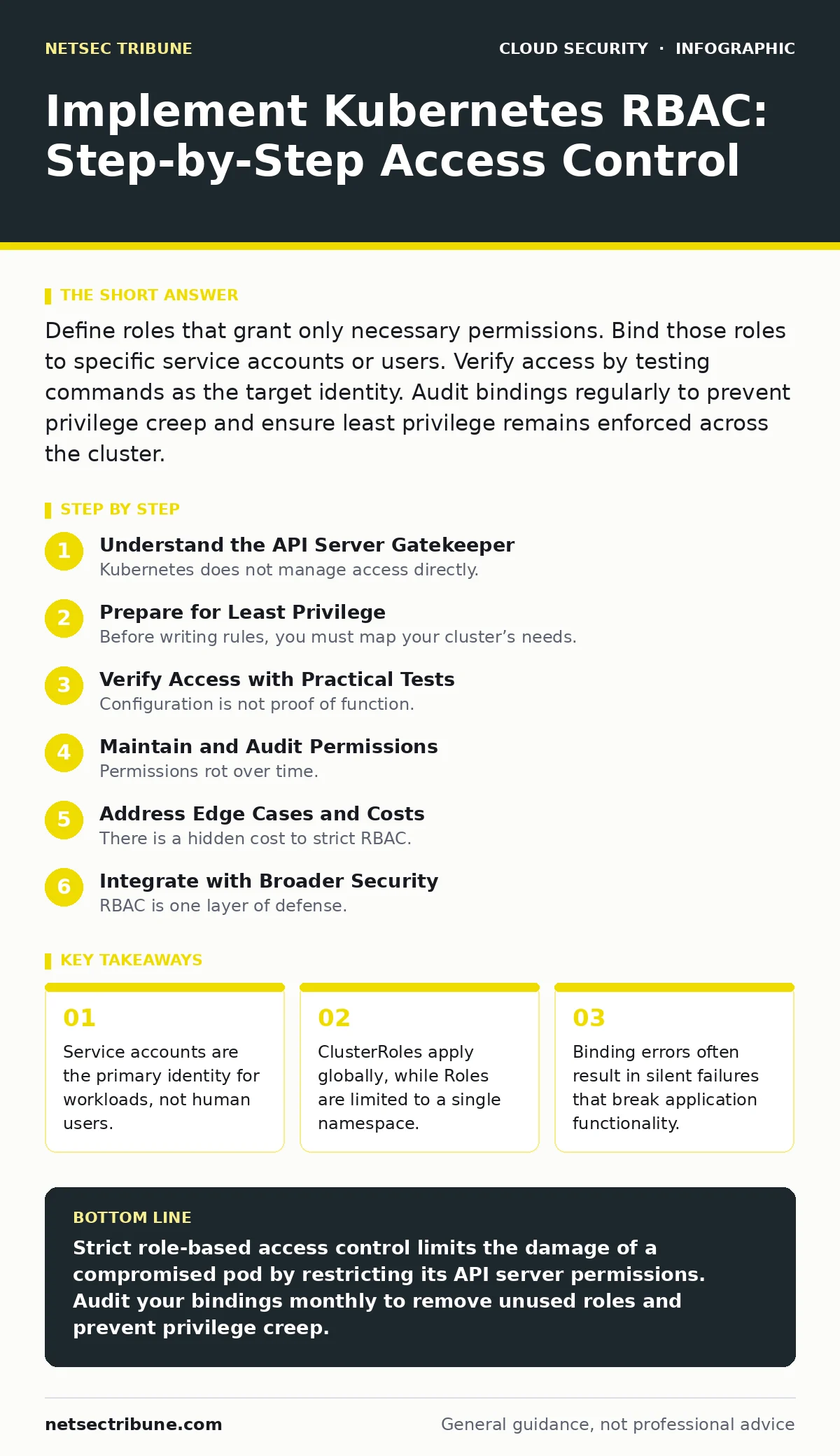
Define roles that grant only necessary permissions. Bind those roles to specific service accounts or users. Verify access by testing commands as the target identity. Audit bindings regularly to prevent privilege creep and ensure least privilege remains enforced across the cluster.
Understand the API Server Gatekeeper
Kubernetes does not manage access directly. The API server acts as the gatekeeper for every request entering the cluster. When a pod needs to read a configuration map, it sends a request to the API server. The API server checks the identity of the requester and the permissions attached to that identity. Role-based access control provides the rules for this check.
You must distinguish between human users and machine identities. Humans usually authenticate via certificates or tokens provided by an external identity provider. Pods use service accounts. A service account is a Kubernetes object that provides an identity for processes running in a pod. Misunderstanding this split leads to security gaps where developers grant human-level access to automated workloads.
Prepare for Least Privilege
Before writing rules, you must map your cluster’s needs. Identify every application and operator running in your environment. Determine exactly which resources each component needs to read, write, or delete. Do not assume an application needs full access to a namespace. Most applications only need to read specific secrets or watch for changes in deployment status.
Review existing permissions if you are migrating from a default setup. Default configurations often grant excessive rights to simplify initial testing. These wide-open permissions become hidden risks as the cluster grows. You should also review guides on Kubernetes misconfigurations to understand common pitfalls in permission scoping.
Step 1: Define Namespace-Specific Roles
Start by creating Roles for individual namespaces. A Role grants permissions only within the namespace where it is defined. This containment prevents a compromised pod in one area from affecting another. Define the role with only the verbs and resources strictly required. For example, a logging agent might need to read pod logs but should not be able to delete them.
Create the role manifest. Specify the apiGroups, resources, and verbs. Apply it to the target namespace. To verify the role exists, list roles in that namespace. You should see your custom role alongside any default system roles. If the role does not appear, check the namespace name in your manifest.
Step 2: Bind Roles to Service Accounts
A Role is useless without a binding. A RoleBinding connects a role to a subject. The subject is usually a service account. Never bind a role to a group unless you fully control every member of that group. Binding to a service account ensures that only the specific pod using that account gains access.
Create the RoleBinding manifest. Reference the role you defined in Step 1. Reference the service account name and namespace. Apply the binding. Verify it by describing the service account. The output should list the bound roles under the metadata or events section. If the binding fails, ensure the service account exists before applying the binding.
Step 3: Handle Cluster-Wide Resources
Some resources exist outside namespaces. Nodes, persistent volumes, and namespaces themselves are cluster-scoped. To manage these, you need a ClusterRole. A ClusterRole defines permissions that can be applied across the entire cluster. Use ClusterRoles sparingly. They bypass namespace isolation.
Bind the ClusterRole using a ClusterRoleBinding. This binding applies the role globally. If you only need access in one namespace, use a RoleBinding instead, even for cluster-scoped resources, if the API supports it. Verify by attempting to list the cluster resource as the service account. Success confirms the global permission is active.
Verify Access with Practical Tests
Configuration is not proof of function. You must test the permissions from the perspective of the workload. Create a test pod that uses the service account you configured. Inside that pod, use the kubectl command to perform the allowed action. Then, attempt an action that should be denied.
If the allowed action succeeds and the denied action returns a "Forbidden" error, your RBAC is working. If the denied action succeeds, you have a privilege escalation risk. If the allowed action fails, check for typos in the resource names or verbs. Common errors include using "read" instead of "get" or "list".
Maintain and Audit Permissions
Permissions rot over time. Applications change, and old roles are rarely removed. You must establish a routine to audit bindings. Check for roles that are not bound to any subject. These orphaned rules add noise and confusion. Remove them to keep the policy set clean.
Monitor for changes in the RBAC configuration. Alert when new ClusterRoles are created or when existing bindings are modified. Sudden changes in permissions can indicate an attacker attempting to escalate privileges. Integrate this monitoring with your cloud incident response plans to ensure rapid detection of unauthorized changes.
Verification Checklist
- All pods use dedicated service accounts, not the default account.
- Roles are defined per namespace where possible.
- ClusterRoles are limited to necessary cluster-scoped resources.
- Bindings explicitly name service accounts, not broad groups.
- Test pods confirm allowed actions and deny forbidden ones.
- No unused roles or bindings remain in the cluster.
Address Edge Cases and Costs
There is a hidden cost to strict RBAC. Debugging becomes harder. When a pod fails to connect to a service, you cannot immediately tell if it is a network issue or a permission denial. You must check the API audit logs to see the denial. This adds latency to troubleshooting.
Imagine a scenario where an operator needs emergency access. If you have locked down all service accounts, you may need a temporary admin role. Create a time-limited binding for this purpose. Remove it immediately after the task is complete. Do not leave emergency roles active. This practice aligns with access key rotation principles, ensuring that temporary privileges do not become permanent.
See also: CIS Benchmarks Explained: How to Build a Secure Baseline · Cloud Penetration Testing: Seven Practices for Realistic Assessment
Integrate with Broader Security
RBAC is one layer of defense. It does not protect against vulnerabilities in the application code or misconfigured network policies. You should combine RBAC with network segmentation. Even if an attacker gains a role, they should not be able to reach sensitive services if the network policy blocks it.
Consider service mesh security for additional control. A service mesh can enforce mutual TLS and fine-grained traffic policies between pods. This adds a layer of protection that RBAC cannot provide. RBAC controls who can talk to the API server. A service mesh controls who can talk to other pods. Both are necessary for a secure environment.
Key takeaways
- Service accounts are the primary identity for workloads, not human users.
- ClusterRoles apply globally, while Roles are limited to a single namespace.
- Binding errors often result in silent failures that break application functionality.
Strict role-based access control limits the damage of a compromised pod by restricting its API server permissions. Audit your bindings monthly to remove unused roles and prevent privilege creep.
Frequently asked questions
What is the difference between a Role and a ClusterRole?
A Role is limited to a specific namespace, while a ClusterRole applies to the entire cluster. Use Roles for most application permissions to maintain isolation.
Can I use RBAC to restrict access to secrets?
Yes. Define a role that allows "get" or "list" on secrets. Bind this role to the service account that needs to read the secret. Do not grant "create" or "delete" unless necessary.
How do I debug a Forbidden error?
Check the API audit logs for the denied request. Identify the user or service account making the request. Verify that the role bound to that identity includes the specific verb and resource.
Should I use the default service account?
No. The default service account often has broad permissions. Create a dedicated service account for each workload with only the permissions it needs. This limits the blast radius of a compromise.
How this guide was produced: written by the NetSec Tribune editorial team with AI assistance, checked against the public references listed below, and reviewed when the facts change. See our editorial policy or report an error.