
Role-Based Access Control Explained: Permissions Without the Chaos
Assigning permissions to roles rather than individuals prevents privilege creep and simplifies access management when employees change jobs or leave the organization.
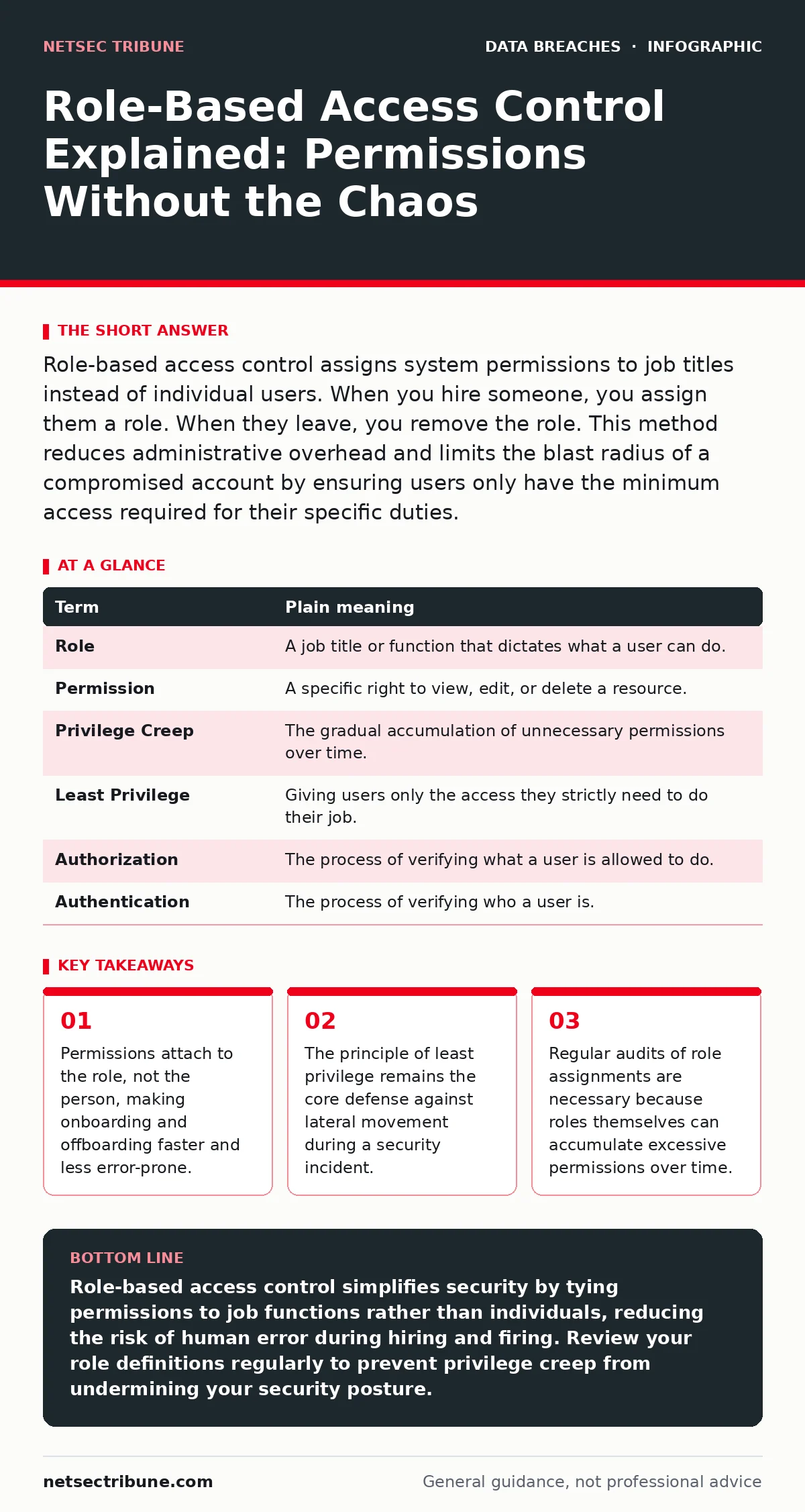
Role-based access control assigns system permissions to job titles instead of individual users. When you hire someone, you assign them a role. When they leave, you remove the role. This method reduces administrative overhead and limits the blast radius of a compromised account by ensuring users only have the minimum access required for their specific duties.
The Hospital Analogy
Imagine a large hospital. You do not give every employee a master key that opens every door. A janitor needs access to supply closets and hallways, but not to the pharmacy or the server room. A doctor needs access to patient records and examination rooms, but not to the financial ledger. A receptionist needs the front desk and scheduling software, but not the surgical instruments.
In this model, the "role" is the job title. The "permissions" are the keys or digital access rights. The janitor gets the janitor key card. The doctor gets the doctor key card. If the janitor quits, you do not need to re-key every door they touched. You simply cancel their card. If a new janitor arrives, you hand them a card with the same limited access. This separation of identity from authority is the foundation of role-based access control.
Defining the Mechanism
Role-based access control is a method of restricting network access based on the roles of individual users within your organization. It shifts the focus from managing individual user accounts to managing groups of users who share common security requirements. This approach relies on the principle of least privilege, which dictates that a user should only have the minimum level of access necessary to perform their job functions.
This structure creates a boundary between who you are and what you can do. Your identity provides authentication, proving you are who you say you are. Your role provides authorization, defining what you are allowed to touch. Separating these two concepts prevents accidental over-privileging, where a user retains access to systems they no longer need because their job description changed but their account permissions did not.
The Hidden Cost of Static Roles
A common misconception is that creating roles solves the access problem permanently. Roles are not static artifacts; they are living entities that require maintenance. Over time, roles tend to accumulate permissions. This phenomenon is known as privilege creep. A marketing role might start with access to social media tools. Later, a campaign requires access to a customer database. That permission is added to the role. Years later, the role holds far more access than any single marketing employee actually needs.
This accumulation creates a silent vulnerability. If an attacker compromises an account with an inflated role, they inherit all the historical permissions attached to that title. The damage potential is higher than if the role had been tightly scoped. You must audit roles just as rigorously as you audit individual accounts. A role that has not been reviewed in months is a liability, not a convenience.
Practical Implementation Steps
Implementing this model does not require expensive software. It requires discipline and a clear mapping of responsibilities. Start by identifying the distinct functions within your organization. Group these functions into logical roles. Define the specific resources each role must access to function.
- Map your data assets. Identify what information exists and who legitimately needs to see it. Do not assume everyone needs access to everything. Document the specific files, databases, or systems required for each job function.
- Define role boundaries. Create distinct roles for each function. Ensure there is no overlap that grants unnecessary access. For example, a "Finance Analyst" role should not include permissions to edit source code, even if the analyst occasionally reads documentation.
- Assign users to roles. Add individuals to these roles rather than granting them individual permissions. When an employee changes jobs, remove them from the old role and add them to the new one. This single action updates all their access rights instantly.
Managing Exceptions and Privilege Creep
You will encounter situations where a user needs access outside their standard role. Perhaps a developer needs temporary access to a production database for debugging. Granting this access directly to the user breaks the model. Instead, create a temporary role or use a just-in-time access mechanism. This grants the permission for a limited window and then revokes it automatically.
This approach prevents permanent bloat in standard roles. It also creates an audit trail. You can see who requested elevated access, why they needed it, and for how long. This visibility is critical during an investigation into unauthorized access. If you cannot trace why a user had access to a sensitive system, you cannot determine if the access was legitimate or the result of a breach.
See also: Exposed Admin Panels: 7 Configuration Mistakes That Invite Intrusion · Broken Access Control OWASP: How to Fix IDOR and Privilege Escalation
Integration with Other Security Controls
Role-based access control works best when combined with other security measures. It does not replace the need for strong authentication. If an attacker steals credentials, they still inherit the role's permissions. Therefore, you must protect the credentials themselves. Multi-factor authentication adds a layer of defense that role-based access control cannot provide.
Furthermore, consider how this model interacts with data protection strategies. If a user with a "Read-Only" role accesses a file, role-based access control ensures they cannot delete it. However, it does not prevent them from copying it to an external drive. This is where data exfiltration controls become relevant. You need to understand that access control governs entry and action, not necessarily the movement of data once it is in memory.
Mini Glossary
| Term | Plain meaning |
|---|---|
| Role | A job title or function that dictates what a user can do. |
| Permission | A specific right to view, edit, or delete a resource. |
| Privilege Creep | The gradual accumulation of unnecessary permissions over time. |
| Least Privilege | Giving users only the access they strictly need to do their job. |
| Authorization | The process of verifying what a user is allowed to do. |
| Authentication | The process of verifying who a user is. |
Key takeaways
- Permissions attach to the role, not the person, making onboarding and offboarding faster and less error-prone.
- The principle of least privilege remains the core defense against lateral movement during a security incident.
- Regular audits of role assignments are necessary because roles themselves can accumulate excessive permissions over time.
Role-based access control simplifies security by tying permissions to job functions rather than individuals, reducing the risk of human error during hiring and firing. Review your role definitions regularly to prevent privilege creep from undermining your security posture.
Frequently asked questions
How does role-based access control differ from attribute-based access control?
Role-based access control uses job titles to grant access, while attribute-based access control uses specific user attributes like location, time of day, or device type to make dynamic decisions. Role-based is simpler but less flexible.
Can I use role-based access control for cloud services?
Yes, most cloud providers support role-based access control natively. You can define roles within the cloud console and assign users to them, ensuring consistent access management across on-premises and cloud environments.
What happens if a user needs access to two different departments?
You can assign the user to multiple roles. However, be cautious of combining roles that have conflicting permissions or excessive combined privileges. Audit the combined access to ensure it still adheres to the principle of least privilege.
Does role-based access control prevent insider threats?
It limits the damage an insider can do by restricting their access to only what they need. However, it does not stop a malicious user from abusing the permissions they legitimately possess. You still need monitoring and logging.
How this guide was produced: written by the NetSec Tribune editorial team with AI assistance, checked against the public references listed below, and reviewed when the facts change. See our editorial policy or report an error.