
Self-Hosted GitLab Vulnerabilities: Definition, Risks, and Fixes
Self-hosted GitLab flaws often stem from complex integration points where standard web defenses fail to inspect internal application logic.
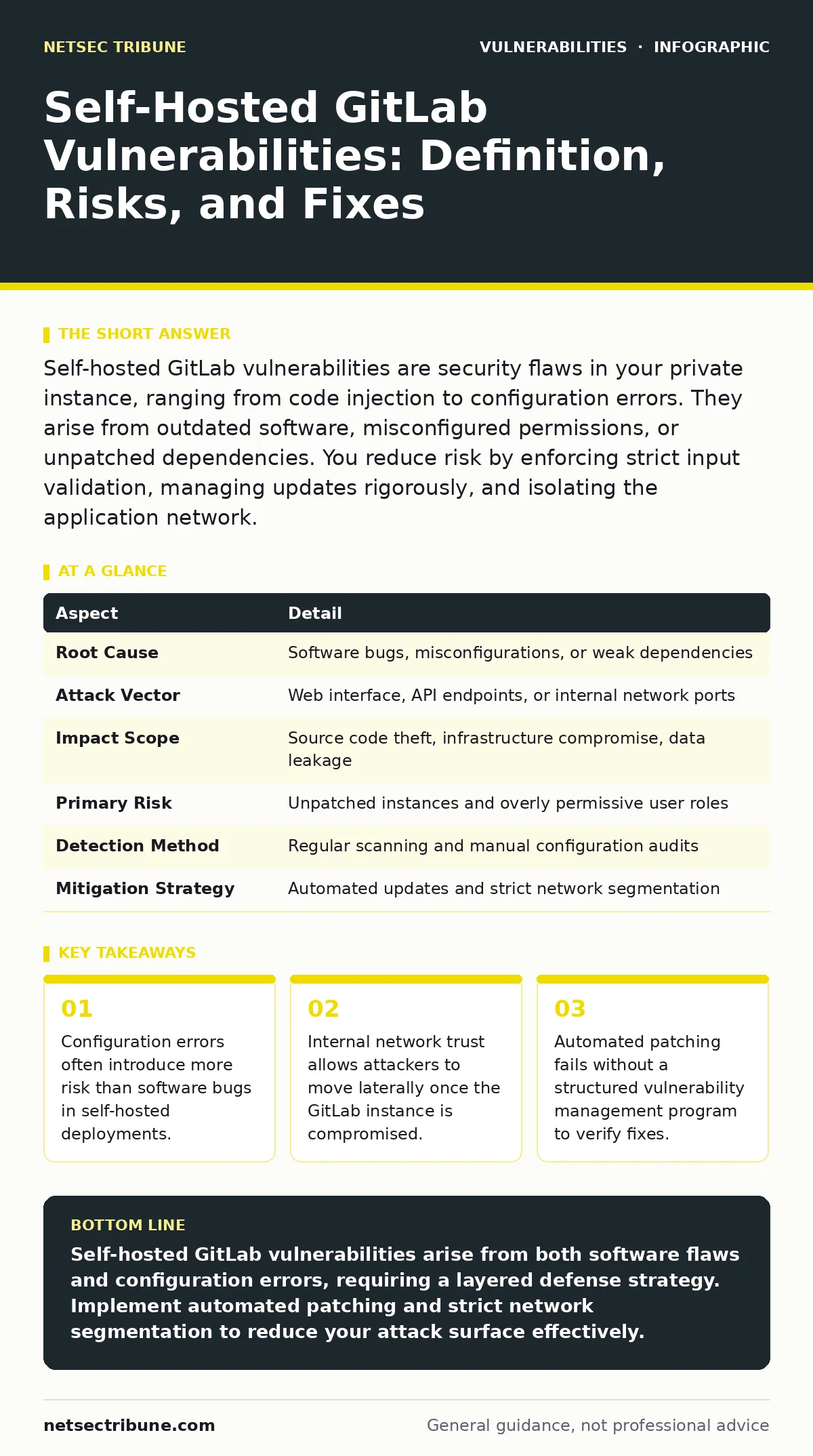
Self-hosted GitLab vulnerabilities are security flaws in your private instance, ranging from code injection to configuration errors. They arise from outdated software, misconfigured permissions, or unpatched dependencies. You reduce risk by enforcing strict input validation, managing updates rigorously, and isolating the application network.
What Defines a Self-Hosted GitLab Vulnerability
A self-hosted GitLab vulnerability is a flaw in the software, configuration, or infrastructure that allows an attacker to bypass intended security controls. Unlike managed services, where the provider handles underlying security, you own the entire stack. This responsibility extends from the operating system kernel to the application layer. A vulnerability exists when the system behaves differently than its design specifies. This deviation might allow unauthorized data access, privilege escalation, or service disruption. The definition includes both known weaknesses in the GitLab codebase and errors introduced during your specific installation process.
| Aspect | Detail |
|---|---|
| Root Cause | Software bugs, misconfigurations, or weak dependencies |
| Attack Vector | Web interface, API endpoints, or internal network ports |
| Impact Scope | Source code theft, infrastructure compromise, data leakage |
| Primary Risk | Unpatched instances and overly permissive user roles |
| Detection Method | Regular scanning and manual configuration audits |
| Mitigation Strategy | Automated updates and strict network segmentation |
How These Flaws Manifest in Practice
Vulnerabilities in self-hosted environments typically manifest through three mechanisms. First, the application code may contain logic errors that allow broken access control. This occurs when the system fails to verify if a user has permission to perform a specific action. Second, external dependencies may introduce weaknesses.
GitLab relies on numerous libraries, any of which could contain memory corruption bugs or injection flaws. Third, configuration mistakes create open doors. You might expose administrative interfaces to the public internet or fail to enforce multi-factor authentication for privileged accounts. These flaws do not always require complex exploits. Simple mistakes in access lists often suffice.
Who Faces the Greatest Risk
Any organization hosting its own GitLab instance faces risk, but the severity varies by architecture. Teams that treat GitLab as a simple file server often neglect the web application surface. They assume that because the service is internal, it is safe. This assumption fails when attackers exploit HTTP request smuggling to bypass upstream proxies.
Organizations with large development teams face higher risk due to complexity. More users mean more potential for privilege abuse. Additionally, instances that integrate with external services, such as container registries or monitoring tools, expand the attack surface. Each integration point is a potential entry vector for attackers seeking to pivot into your network.
Common Forms of GitLab Exploits
You will encounter several recurring vulnerability types. Mass assignment vulnerabilities allow attackers to modify object properties they should not touch. For instance, a user might change their account role by sending a crafted request. Another common form is cross-site scripting, where malicious scripts execute in other users' browsers.
This can steal session tokens or redirect users to phishing sites. Server-side template injection is particularly dangerous in GitLab. It occurs when user input is processed as code by the server. Attackers use this to execute arbitrary commands on the host machine. These flaws often stem from insufficient input validation at the application layer.
What Security Teams Usually Get Wrong
Many teams believe that keeping the software updated eliminates risk. This view ignores the configuration layer. An up-to-date instance with weak passwords and open ports remains vulnerable. Another common error is relying solely on perimeter defenses. Web application firewalls can block known attack patterns, but they cannot fix logical flaws in the application.
If the application logic allows a user to download another user's private repository, a firewall will not stop it. Teams also often neglect the supply chain. They trust third-party runners and plugins without verifying their integrity. This trust becomes a liability when a compromised plugin executes malicious code.
See also: CVSS Environmental Scores: Meaning, Definition and Practical Use · CWE Weakness Categories: Practical Defense for Small Teams
Reducing Risk Through Structural Changes
You reduce risk by treating the GitLab instance as a critical asset. Start with a robust vulnerability management program. This program should schedule regular scans and prioritize fixes based on severity and exploitability. Do not wait for critical alerts. Apply patches promptly. Implement strict network segmentation.
Isolate the GitLab application from sensitive internal networks. Use allowlists to restrict outbound connections from the instance. This prevents compromised runners from calling home to attacker-controlled servers. Enforce least privilege access. Regularly audit user roles and remove unnecessary permissions. These steps create layers of defense that slow down attackers.
Understanding the Underlying Weaknesses
To fix vulnerabilities, you must understand their classification. The CWE weakness categories provide a standard way to identify flaw types. For example, CWE-79 refers to cross-site scripting, while CWE-89 covers SQL injection. Mapping your findings to these categories helps you identify patterns. If you see multiple instances of injection flaws, your issue is likely a lack of centralized input sanitization. This approach shifts your focus from patching individual bugs to fixing systemic issues. It allows you to address the root cause rather than treating symptoms. This structural understanding is vital for long-term security.
The Hidden Cost of Self-Hosting
Self-hosting offers control but demands constant vigilance. The hidden cost is the operational overhead required to maintain security. You must monitor logs, manage certificates, and handle database backups. A single missed update can expose your entire codebase. The complexity of modern GitLab installations means that configuration drift is inevitable. Over time, settings diverge from secure defaults. Regular audits are necessary to catch these deviations. You must balance feature requests with security constraints. Adding new integrations often introduces new risks. Evaluate each addition carefully. The convenience of self-hosting does not justify neglecting security hygiene.
Key takeaways
- Configuration errors often introduce more risk than software bugs in self-hosted deployments.
- Internal network trust allows attackers to move laterally once the GitLab instance is compromised.
- Automated patching fails without a structured vulnerability management program to verify fixes.
Self-hosted GitLab vulnerabilities arise from both software flaws and configuration errors, requiring a layered defense strategy. Implement automated patching and strict network segmentation to reduce your attack surface effectively.
Frequently asked questions
Can I secure GitLab without hiring a dedicated security team?
You can reduce risk by using automated tools for scanning and patching, but some manual configuration audits remain necessary for complex setups.
Does running GitLab on a private network eliminate external threats?
No. Attackers can still exploit internal vulnerabilities, move laterally, or compromise the instance through supply chain attacks or insider threats.
How often should I update my self-hosted GitLab instance?
You should apply security patches immediately upon release and schedule regular maintenance windows for major version upgrades to ensure stability.
What is the first step after discovering a vulnerability?
Isolate the affected component if possible, then verify the exploitability and apply the recommended patch or mitigation from the vendor advisory.
How this guide was produced: written by the NetSec Tribune editorial team with AI assistance, checked against the public references listed below, and reviewed when the facts change. See our editorial policy or report an error.