
Memory Corruption Bugs Explained: Why Bad Data Breaks Software
Memory corruption occurs when programs overwrite reserved data areas, allowing attackers to hijack control flow without needing a known software flaw.
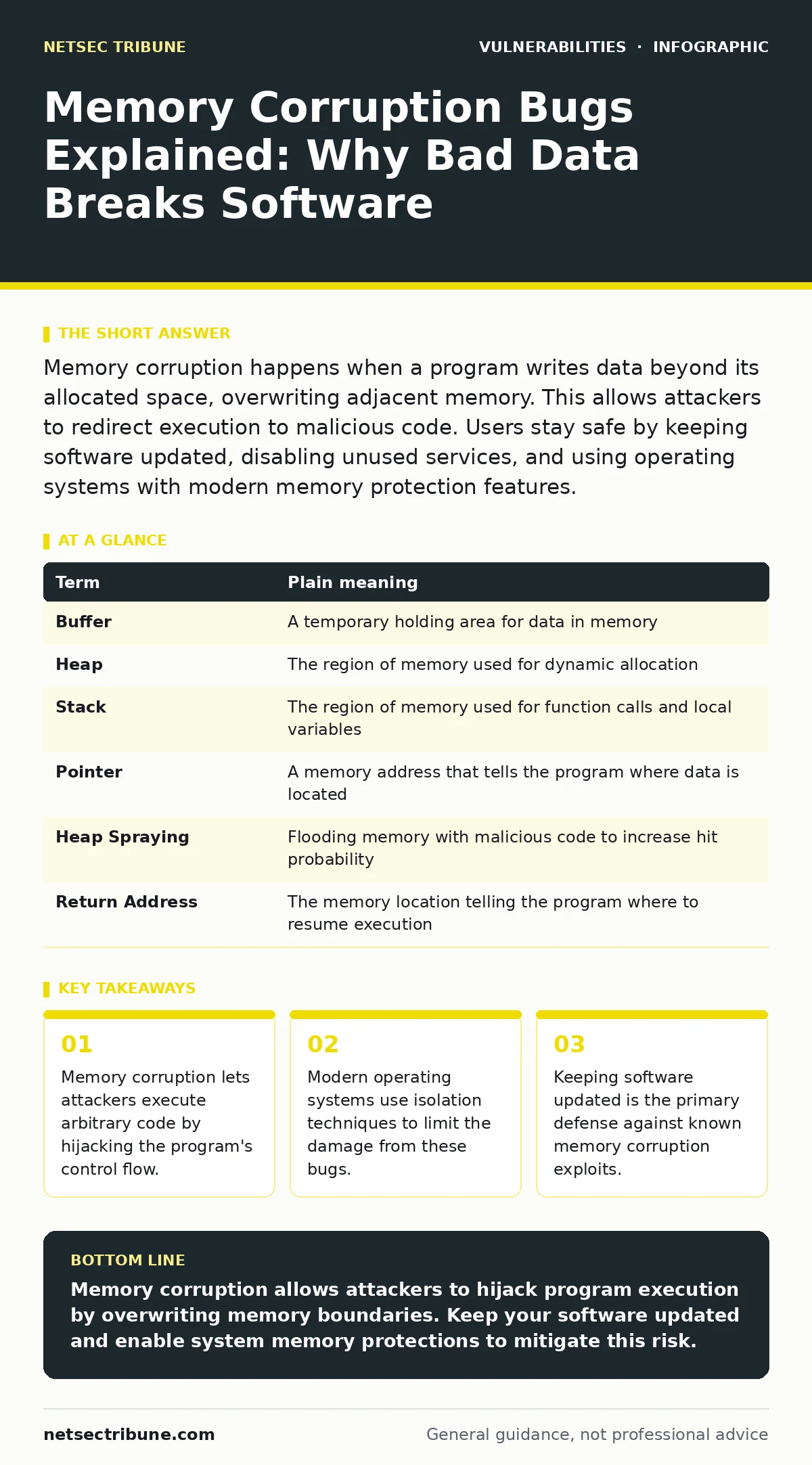
Memory corruption happens when a program writes data beyond its allocated space, overwriting adjacent memory. This allows attackers to redirect execution to malicious code. Users stay safe by keeping software updated, disabling unused services, and using operating systems with modern memory protection features.
The Library Book Analogy
Imagine a library where every reader gets a specific shelf for their books. The librarian assigns shelf 1 to Alice and shelf 2 to Bob. The system works only if Alice keeps her books on shelf 1. If Alice stuffs her books onto shelf 2, she overwrites Bob’s materials. In computing, this is memory corruption. The program is Alice. The memory shelves are RAM addresses. When a program writes data outside its assigned boundaries, it corrupts the adjacent memory. This breaks the isolation that keeps different parts of the system safe.
Core Mechanisms of Corruption
Programs request memory from the operating system to store variables. A buffer is a fixed-size block of memory used to hold data temporarily. If a program receives more data than the buffer can hold, the excess data spills into adjacent memory. This is a buffer overflow. Another common issue is a use-after-free bug. This happens when a program continues to use memory after it has been released back to the system. The released memory may now contain unrelated data or pointers to other critical structures. Writing to this freed memory corrupts those structures.
| Term | Plain meaning |
|---|---|
| Buffer | A temporary holding area for data in memory |
| Heap | The region of memory used for dynamic allocation |
| Stack | The region of memory used for function calls and local variables |
| Pointer | A memory address that tells the program where data is located |
| Heap Spraying | Flooding memory with malicious code to increase hit probability |
| Return Address | The memory location telling the program where to resume execution |
Hijacking Control Flow
The danger of memory corruption lies in control flow hijacking. Programs use a stack to track where they are in their execution. Each function call pushes a return address onto the stack. This address tells the program where to go after the function finishes. If an attacker overwrites this return address with a different value, the program jumps to that new address. Imagine Alice writing a fake note on Bob’s shelf that says "Go to the basement." When the librarian checks the note, the program goes to the basement instead of the next logical step. Attackers place malicious code in the basement. The program then executes this code.
Impact on Ordinary Users
You encounter memory corruption bugs every day. Web browsers, document editors, and media players process complex files from unknown sources. A malicious PDF or image file can trigger a memory corruption bug in your viewer. The attacker does not need to guess your password. They only need you to open the file. The exploit runs with your privileges. If you have administrative rights, the attacker gains full control of your machine. This is why privilege separation matters. Running applications with minimal permissions limits the damage even if a bug is exploited.
Mitigation Strategies for Operations
Security teams deploy multiple layers of defense. Address Space Layout Randomization randomizes the memory addresses used by a process. This makes it hard for attackers to predict where to place their malicious code. Data Execution Prevention marks certain areas of memory as non-executable. Even if an attacker injects code, the processor refuses to run it. Control Flow Integrity ensures that program execution follows expected paths. These mechanisms add friction to exploitation. They do not prevent the bug. They make reliable exploitation significantly harder.
Simple Safety Habits
You can reduce your exposure with basic habits. Keep your operating system and applications updated. Vendors patch memory corruption bugs as soon as they are found. Disabling unused services reduces the attack surface. If you do not need a web server running on your desktop, turn it off. Use applications with strong security defaults. Modern browsers and email clients include sandboxing. This isolates the application from the rest of the system. If the browser is compromised, the attacker remains trapped in the sandbox.
Try This Now
- Check for pending updates on your operating system and critical applications. Install them immediately to close known memory corruption gaps.
- Review your browser plugins and extensions. Disable any that are not essential. Plugins often have direct access to memory and can be exploited.
- Enable automatic updates for security patches. Manual updates are often delayed. Automatic updates ensure you receive protection as soon as it is available.
Understanding memory corruption helps you appreciate the value of vulnerability management programs. These programs track and prioritize fixes for issues like these. You should also consider exposure management to identify vulnerable services. For deeper technical details, see our guide on CWE weakness categories. Related topics include vulnerabilities in self-hosted GitLab and broken access control. Web application firewalls can provide an additional layer of defense against some of these attacks. Mass assignment vulnerabilities are a different class of issue, but they also highlight the importance of input validation.
Key takeaways
- Memory corruption lets attackers execute arbitrary code by hijacking the program's control flow.
- Modern operating systems use isolation techniques to limit the damage from these bugs.
- Keeping software updated is the primary defense against known memory corruption exploits.
Memory corruption allows attackers to hijack program execution by overwriting memory boundaries. Keep your software updated and enable system memory protections to mitigate this risk.
Frequently asked questions
Can antivirus software detect memory corruption exploits?
Antivirus software can detect known malicious payloads delivered via memory corruption. It cannot always detect the exploitation of a zero-day memory bug in real time.
Does using a 64-bit system prevent memory corruption?
A 64-bit system makes exploitation harder due to larger address spaces. It does not prevent the underlying memory corruption bugs from occurring.
Are open-source applications safer from memory corruption?
Open-source applications benefit from community scrutiny. They are not immune to memory corruption bugs. The visibility of code helps find bugs faster.
How do I know if my software has memory corruption vulnerabilities?
Monitor vendor security advisories and use vulnerability scanning tools. These tools check your installed software against databases of known vulnerabilities.
How this guide was produced: written by the NetSec Tribune editorial team with AI assistance, checked against the public references listed below, and reviewed when the facts change. See our editorial policy or report an error.