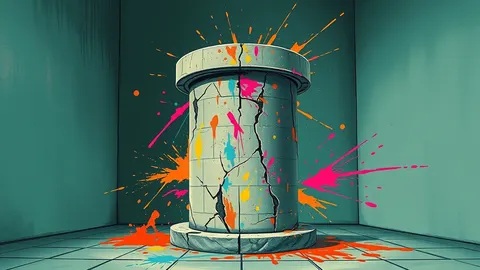
Website Defacement: How Attackers Replace Your Content
Defacement is often the visible tip of a larger compromise where the attacker already controls your server processes and database connections.
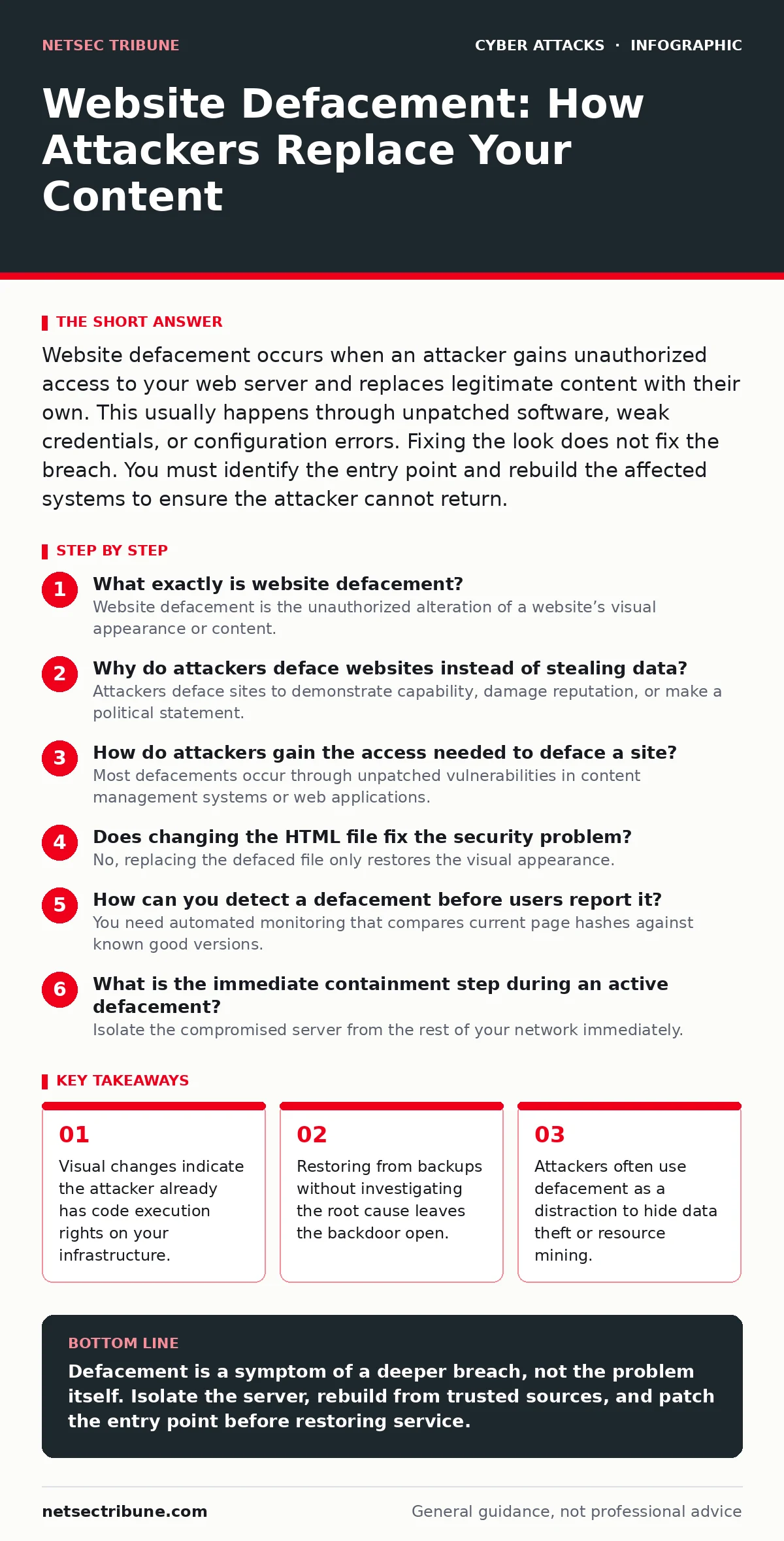
Website defacement occurs when an attacker gains unauthorized access to your web server and replaces legitimate content with their own. This usually happens through unpatched software, weak credentials, or configuration errors. Fixing the look does not fix the breach. You must identify the entry point and rebuild the affected systems to ensure the attacker cannot return.
What exactly is website defacement?
Website defacement is the unauthorized alteration of a website’s visual appearance or content. The attacker replaces your homepage, navigation menus, or static assets with their own messages, images, or links. This is rarely the primary goal of the intrusion; it is a signal that the attacker has successfully bypassed your perimeter controls. It proves they can write to your storage and execute commands on your server.
Why do attackers deface websites instead of stealing data?
Attackers deface sites to demonstrate capability, damage reputation, or make a political statement. It is a low-effort way to prove they have control, which can be sold to other criminals as proof of access. Sometimes, the visual change is a smokescreen. While you focus on the altered homepage, the attacker may be quietly exfiltrating customer records or installing cryptocurrency mining software. The noise of the defacement distracts from the silent data loss.
How do attackers gain the access needed to deface a site?
Most defacements occur through unpatched vulnerabilities in content management systems or web applications. An attacker exploits a known flaw in a plugin, theme, or core software to inject malicious code. They may also use stolen credentials from a previous breach or a weak password that was never changed. In some cases, misconfigured permissions allow any visitor to upload files to the server. The attack vector is almost always a failure in maintenance or configuration, not a zero-day exploit.
Does changing the HTML file fix the security problem?
No, replacing the defaced file only restores the visual appearance. It does not remove the attacker’s access or the method they used to enter. If you do not find and close the entry point, the attacker can simply overwrite your fix again. They may have installed a web shell, which is a script that allows remote command execution. You must identify the vulnerability, patch it, and verify no other files were modified.
How can you detect a defacement before users report it?
You need automated monitoring that compares current page hashes against known good versions. A hash is a unique string of characters that represents the content of a file. If the hash changes unexpectedly, your system can alert you immediately. This works for static files and dynamic content rendered by scripts. Manual checks are too slow and prone to human error. Automated integrity monitoring catches the change in seconds, not hours.
| Detection Method | Speed | Effort | Reliability |
|---|---|---|---|
| Visual Inspection | Slow | High | Low |
| User Reports | Variable | Low | Low |
| File Hash Monitoring | Fast | Medium | High |
| Web Application Firewall Logs | Fast | High | Medium |
See also: Bot Protection Explained: How to Stop Automated Abuse · What Is Input Validation: How to Stop Bad Data From Breaking Systems
What is the immediate containment step during an active defacement?
Isolate the compromised server from the rest of your network immediately. This prevents the attacker from using your server as a pivot point to attack internal systems. Do not simply take the site offline if you can redirect traffic to a static maintenance page. This keeps your public presence visible while you work on the backend. Disconnecting the server stops lateral movement but does not remove the malware.
How do you prove the site is fully cleaned?
You must rebuild the server from trusted sources rather than trying to clean the existing files. Attackers often hide backdoors in system libraries, cron jobs, or database entries that are hard to find. Reinstalling the operating system and applications from original media ensures no hidden code remains. Restore your data only from backups taken before the breach window. Verify that all user passwords are reset and that session tokens are invalidated to prevent session hijacking.
Can a Content Delivery Network prevent defacement?
A Content Delivery Network can serve cached versions of your pages, masking the defacement temporarily. It does not stop the attacker from modifying the files on your origin server. Once the cache expires or is purged, the defaced content will appear again. CDNs are a buffer, not a shield. You still need to secure the origin server and fix the underlying vulnerability. Relying on caching gives you time to respond but does not resolve the compromise.
What long-term changes reduce the risk of future defacement?
Implement strict least-privilege access controls for your web server and applications. The web process should only have permission to read and write to specific directories, not the entire system. Disable unused features, plugins, and user accounts. Regularly update all software components to patch known vulnerabilities. Conduct periodic tabletop exercises to ensure your team knows how to respond to a compromise. This reduces the attack surface and limits the damage if an attacker does gain access.
How does defacement relate to broader supply chain risks?
Defacement can indicate that a third-party component in your stack was compromised. If a popular plugin or library contains malicious code, every site using it becomes vulnerable. This is similar to API abuse where trusted connections are exploited. You must monitor your dependencies for security advisories and update them promptly. Isolating your web tier from critical internal resources limits the blast radius of such supply chain attacks.
Key takeaways
- Visual changes indicate the attacker already has code execution rights on your infrastructure.
- Restoring from backups without investigating the root cause leaves the backdoor open.
- Attackers often use defacement as a distraction to hide data theft or resource mining.
Defacement is a symptom of a deeper breach, not the problem itself. Isolate the server, rebuild from trusted sources, and patch the entry point before restoring service.
Frequently asked questions
How long does it take to recover from a website defacement?
Recovery time depends on the complexity of the environment and the quality of your backups. Simple static sites may take hours, while complex applications can take days to rebuild and verify.
Should I pay a ransom if the attacker threatens to deface my site?
No. Paying does not guarantee the attacker will stop, and it encourages further attacks. Focus on containment, eradication, and recovery using your own resources and backups.
Can a firewall stop website defacement?
A firewall can block known malicious IP addresses, but it cannot stop attacks that use legitimate traffic or exploit application logic flaws. You need a web application firewall and proper input validation.
Is defacement illegal?
Yes. Unauthorized modification of computer systems and data is a criminal offense in most jurisdictions. Law enforcement agencies track and prosecute these activities.
How this guide was produced: written by the NetSec Tribune editorial team with AI assistance, checked against the public references listed below, and reviewed when the facts change. See our editorial policy or report an error.