Website Defacement Attack: How It Works and How to Stop It
Website defacement is rarely a standalone theft attempt; it is a signal that an attacker has bypassed your perimeter and controls your server environment.
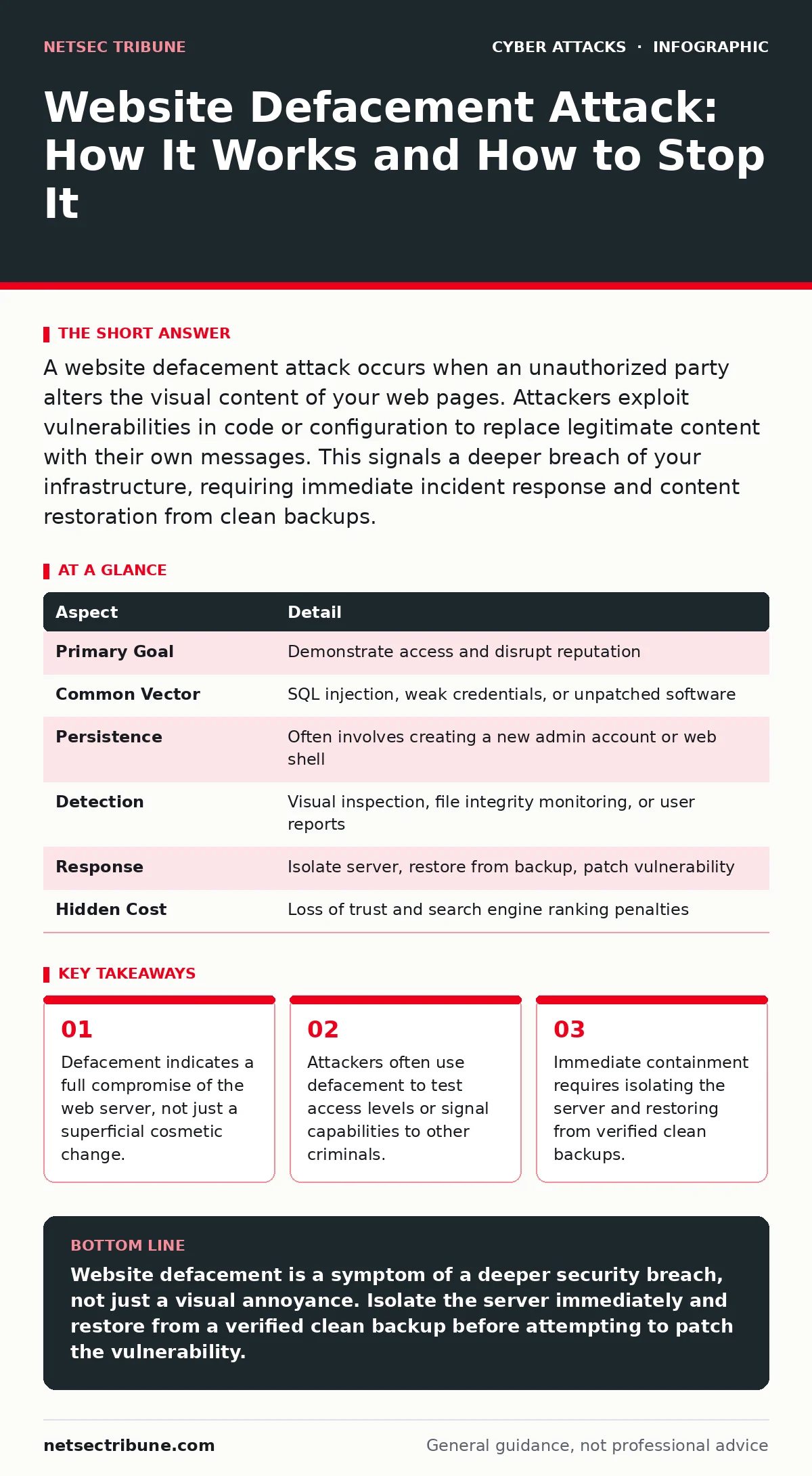
A website defacement attack occurs when an unauthorized party alters the visual content of your web pages. Attackers exploit vulnerabilities in code or configuration to replace legitimate content with their own messages. This signals a deeper breach of your infrastructure, requiring immediate incident response and content restoration from clean backups.
The Broken Vandalism Analogy
Imagine you run a physical storefront. A vandal does not break in to steal the cash register. Instead, they spray paint a large logo on your front window and leave a note demanding attention. The paint is visible to everyone, but the real damage is the broken lock that allowed them inside. Website defacement operates on this same principle. The altered page is the paint. The vulnerability that allowed the change is the broken lock. You see the visual change, but you must investigate the structural failure.
What Is a Website Defacement Attack?
A website defacement attack is the unauthorized alteration of the visual presentation of a web page. The attacker replaces original content with text, images, or videos that serve their own narrative. This narrative might be political protest, a warning about security flaws, or a simple claim of ownership. The act itself is often symbolic. It proves the attacker can write to your public-facing directories. It also proves they can bypass your access controls. The visual change is the symptom, not the disease. The disease is the underlying vulnerability in your application or server.
At a Glance: Defacement Mechanics
| Aspect | Detail |
|---|---|
| Primary Goal | Demonstrate access and disrupt reputation |
| Common Vector | SQL injection, weak credentials, or unpatched software |
| Persistence | Often involves creating a new admin account or web shell |
| Detection | Visual inspection, file integrity monitoring, or user reports |
| Response | Isolate server, restore from backup, patch vulnerability |
| Hidden Cost | Loss of trust and search engine ranking penalties |
How the Attack Unfolds
Attackers rarely deface a site without first gaining significant control. They typically exploit a known vulnerability in your web application framework or content management system. Once inside, they need a way to modify files. They might upload a malicious script that allows them to change content remotely. This script acts as a backdoor. If you remove the visible defacement but leave the backdoor, the attacker returns. They often change the default index file in your root directory. This ensures that anyone visiting your main URL sees their message. The technical execution is simple, but the access required is high.
Who Gets Targeted and Why
You might assume only high-profile targets face this threat. Attackers often target smaller organizations because they have weaker defenses. Small businesses and personal blogs frequently run outdated software. They lack the resources for constant monitoring. An attacker scans the internet for known vulnerabilities in popular platforms. When they find a match, they exploit it quickly. The goal is not always financial theft. Sometimes the goal is purely notoriety. Attackers build reputations by defacing high-volume sites. Other times, they use the defaced site as a staging ground for further attacks. They might host malicious files on your server to infect your visitors.
See also: Bot Protection Explained: How to Stop Automated Abuse · What Is Input Validation: How to Stop Bad Data From Breaking Systems
What People Usually Get Wrong
Many teams treat defacement as a cosmetic issue. They restore the original files and assume the problem is solved. This is a critical error. The vulnerability remains open. The attacker may still have access via a hidden backdoor. Another common mistake is ignoring the server logs. Logs show how the attacker entered. Without analyzing logs, you cannot patch the hole. You also often fail to check for persistence mechanisms. Attackers create new administrative accounts to ensure they can return. If you do not audit user accounts, you leave the door open. Defacement is a clear indicator of a breach. Treat it with the same urgency as data theft.
Immediate Response Steps
When you discover a defacement, your first step is containment. Do not simply fix the page. Isolate the affected server from the network. This prevents the attacker from moving laterally to other systems. Next, preserve the evidence. Take screenshots of the defaced page and save the current files. You will need this for forensic analysis. Then, restore your site from a known good backup. This backup must be from before the compromise. Verify the integrity of the backup before restoring. After restoration, patch the vulnerability that allowed the entry. Change all administrative passwords. Review user accounts for unauthorized additions.
Long-Term Prevention Strategies
Prevention requires a defense-in-depth approach. Keep all software updated. Apply security patches immediately after release. Use a web application firewall to filter malicious traffic. This adds a layer of protection against known attack patterns. Implement strict access controls. Limit who can modify website files. Use multi-factor authentication for all administrative accounts.
This prevents password theft from leading to full control. Monitor file integrity. Set up alerts for changes to critical files. This helps you detect unauthorized modifications quickly. Conduct regular tabletop exercises to prepare your team for incident response. Practice makes the response faster and more effective.
The Hidden Blast Radius
Defacement affects more than your homepage. Search engines may de-index your site if they detect malicious content. This hurts your visibility and revenue. Visitors may lose trust in your brand. They assume your security is weak. This reputational damage takes time to repair. Additionally, your server might be used to host malware. Your visitors could download malicious files without knowing. This expands your liability. You become an accomplice in infecting others. The blast radius of a defacement extends far beyond the visual change. It impacts your legal standing and customer trust.
Related Security Concerns
Defacement often overlaps with other attack types. If an attacker controls your server, they might intercept user sessions. This leads to session hijacking, where they steal active user logins. They might also use your server to launch botnet attacks against other targets. Your infrastructure becomes a weapon. Understanding these connections helps you prioritize your defense. Secure your email gateways to prevent social engineering that leads to credential theft. Prevent rainbow table attacks by hashing passwords correctly. Mitigate ARP spoofing on your internal network to protect management interfaces. Each layer reduces the chance of a full compromise.
Key takeaways
- Defacement indicates a full compromise of the web server, not just a superficial cosmetic change.
- Attackers often use defacement to test access levels or signal capabilities to other criminals.
- Immediate containment requires isolating the server and restoring from verified clean backups.
Website defacement is a symptom of a deeper security breach, not just a visual annoyance. Isolate the server immediately and restore from a verified clean backup before attempting to patch the vulnerability.
Frequently asked questions
How do I know if my website has been defaced?
Check your homepage and key pages for unexpected content. Look for changes in layout, images, or text that you did not authorize. Monitor user reports and search engine alerts for unusual content.
Can I prevent defacement with a firewall?
A web application firewall can block many common attack patterns. It filters malicious requests before they reach your server. However, it does not replace the need for secure coding and regular updates.
Should I take the site offline during an investigation?
Yes, isolating the server prevents further damage and lateral movement. You can place a maintenance page in front of the site to inform visitors. This maintains some presence while you secure the backend.
How long does it take to recover from defacement?
Recovery time depends on the complexity of the breach. Simple restores might take hours. Full forensic analysis and patching can take days. Prioritize containment first, then thorough investigation.
How this guide was produced: written by the NetSec Tribune editorial team with AI assistance, checked against the public references listed below, and reviewed when the facts change. See our editorial policy or report an error.