
Malicious Mobile Apps: How Stealthy Code Bypasses Store Filters
Store approval only verifies initial safety; malicious apps often activate hidden functions only after installation and user interaction.
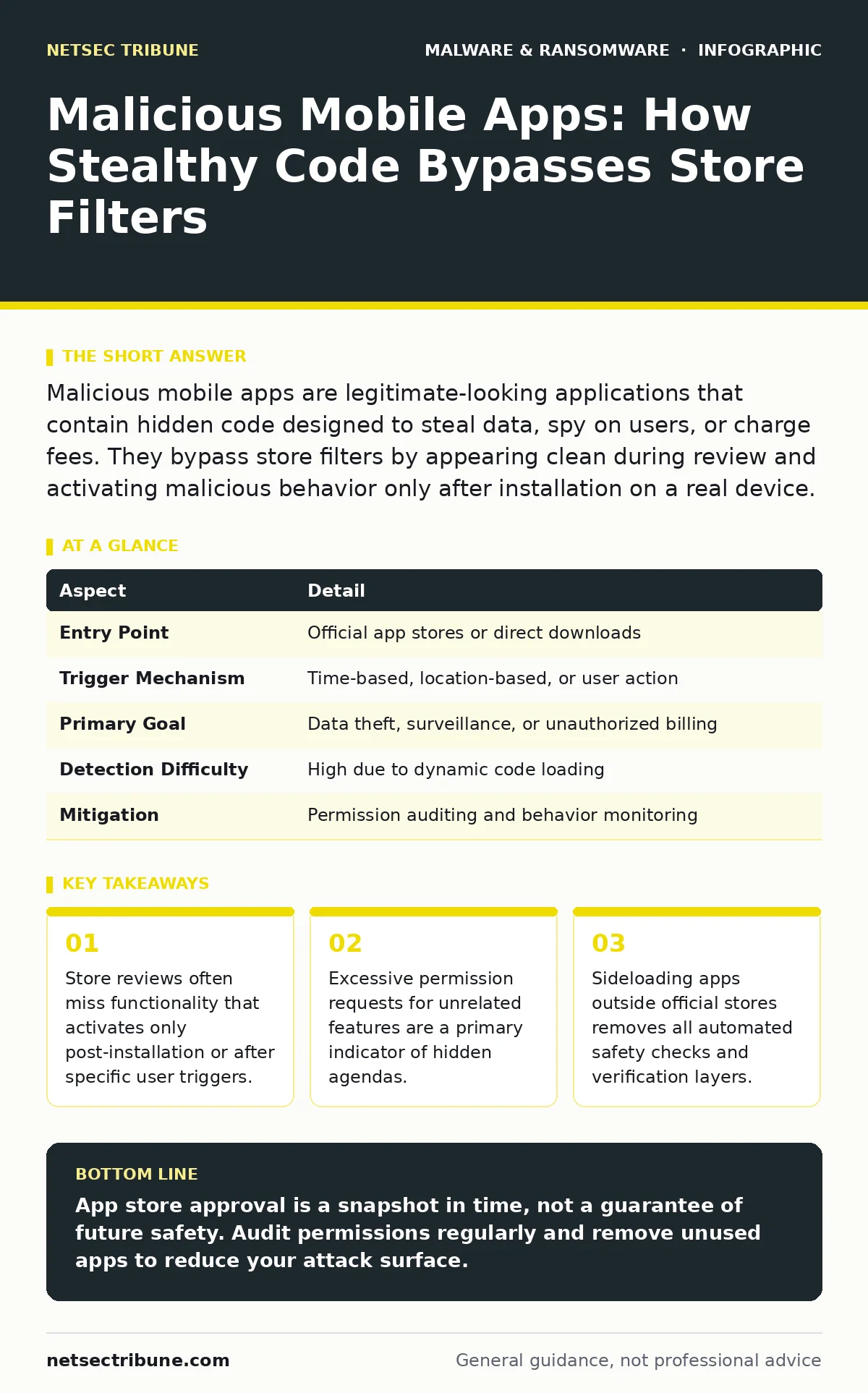
Malicious mobile apps are legitimate-looking applications that contain hidden code designed to steal data, spy on users, or charge fees. They bypass store filters by appearing clean during review and activating malicious behavior only after installation on a real device.
The Iceberg of App Approval
Imagine ordering a meal that looks perfect but contains invisible allergens. The kitchen passes health inspections, yet the final dish causes a reaction. Mobile app stores operate similarly. They review the code before publication, but they cannot predict how that code behaves in the complex, unpredictable environment of your actual device.
Developers submit apps that appear benign during the automated and manual review process. Once you install the app, it gains access to your system. At that point, it can download additional modules, wait for specific network conditions, or listen for commands from a remote server. This technique allows the malicious payload to remain invisible until the app is already running on your phone.
| Aspect | Detail |
|---|---|
| Entry Point | Official app stores or direct downloads |
| Trigger Mechanism | Time-based, location-based, or user action |
| Primary Goal | Data theft, surveillance, or unauthorized billing |
| Detection Difficulty | High due to dynamic code loading |
| Mitigation | Permission auditing and behavior monitoring |
Permission Creep and Context
Apps request permissions to function, but the scope of those permissions often exceeds their stated purpose. A flashlight app needs access to your LED light. It does not need access to your contacts, microphone, or clipboard. When an app requests permissions unrelated to its core function, it creates a pathway for data exfiltration.
This is not always malicious intent from the start. Some developers request broad permissions for future features or analytics. However, this practice increases the attack surface. If the app is later compromised or sold to a new owner, those existing permissions can be exploited immediately. You grant the door key once, and the building can change hands.
Dynamic Code Loading
The most effective way to evade static analysis is to keep the malicious code out of the initial package. Static analysis tools scan the files inside the app before installation. If the malware is not there, the tool sees nothing.
Dynamic code loading changes this dynamic. The app arrives clean. After installation, it connects to a remote server and downloads the actual malicious scripts or libraries. These scripts execute in memory, leaving no trace on the storage drive. This method is similar to how trojanized software operates on desktop platforms, where a legitimate installer fetches a payload from the web.
The Sideloading Risk
Official stores provide a layer of security through vetting. Sideloading, the process of installing apps directly from files or websites, removes this protection entirely. When you sideload an app, you are explicitly telling your operating system to trust the code without verification.
This risk is not limited to obscure websites. Professional software distribution often relies on direct downloads for enterprise tools or beta versions. The lack of a centralized authority means there is no one to scan the file before you run it. You become the sole auditor of the code's safety.
Behavioral Anomalies
Since code-based detection fails against dynamic loading, defense must shift to behavior. Malicious apps often exhibit distinct patterns that differ from legitimate software. These patterns are not always obvious, but they are measurable.
High battery consumption is a common side effect of constant background data transmission. If an app that should only run when open is draining power while your phone is idle, it is likely maintaining a connection to a command and control server. Similarly, unexpected data usage spikes can indicate that the app is uploading your personal information.
See also: Domain Generation Algorithms: Debunking Common Misconceptions · Sandbox Evasion Myths: What Your Analysis Tools Actually Miss
What People Usually Get Wrong
Many users believe that the operating system’s sandboxing effectively isolates apps from each other. While sandboxing restricts direct access to other apps' data, it does not stop an app from using its own granted permissions to extract data. If you grant an app access to your photos, the sandbox allows it to read all your photos.
Another common misconception is that paid apps are safer. Price does not correlate with security. Many sophisticated crypto-stealing malware variants are distributed through paid apps to build credibility. The payment process gives the developer a veneer of legitimacy, making users more likely to grant excessive permissions without scrutiny.
Reducing Exposure
You cannot inspect every line of code, but you can control the environment in which apps run. The most effective reduction in risk comes from minimizing permissions. Deny access to features the app does not strictly need. If a game does not need your location, do not give it.
Regularly audit your installed applications. Remove apps you no longer use. Each installed app is a potential entry point. Keep your operating system updated, as patches often close vulnerabilities that apps exploit to break out of their sandbox.
For higher security, consider using a device dedicated to sensitive tasks. Keep banking and work apps on a device that rarely downloads new software. This separation limits the blast radius if one app is compromised.
The Limits of Protection
No measure provides absolute safety. Even with strict permissions, social engineering can trick you into handing over data voluntarily. Phishing messages may appear to come from a trusted app, prompting you to enter credentials into a fake interface.
Security is a balance of convenience and control. The more you restrict, the less useful your device becomes. The goal is not to eliminate all risk, which is impossible, but to raise the cost for attackers so high that your device becomes a poor target compared to others.
Key takeaways
- Store reviews often miss functionality that activates only post-installation or after specific user triggers.
- Excessive permission requests for unrelated features are a primary indicator of hidden agendas.
- Sideloading apps outside official stores removes all automated safety checks and verification layers.
App store approval is a snapshot in time, not a guarantee of future safety. Audit permissions regularly and remove unused apps to reduce your attack surface.
Frequently asked questions
Can antivirus software detect malicious mobile apps?
Antivirus software can detect known signatures, but it often misses new or dynamically loaded malware. Behavior-based detection is more effective than signature scanning for modern threats.
Do I need to worry if I only use the official app store?
You should still be cautious. Official stores are not foolproof, and malicious apps can slip through initial reviews. They often activate their harmful functions only after installation.
How do I know if an app is stealing my data?
Look for signs like rapid battery drain, increased data usage, or apps running in the background when they should not. These behaviors often indicate unauthorized network activity.
Is it safe to grant "Accessibility" permissions to apps?
Generally, no. Accessibility permissions allow an app to control your device and read all on-screen content. Only grant this to trusted, well-known accessibility tools, not to utilities or games.
How this guide was produced: written by the NetSec Tribune editorial team with AI assistance, checked against the public references listed below, and reviewed when the facts change. See our editorial policy or report an error.