Social Engineering Explained: How Manipulation Bypasses Security
Attackers exploit human psychology rather than software flaws, making technical defenses insufficient against targeted deception.
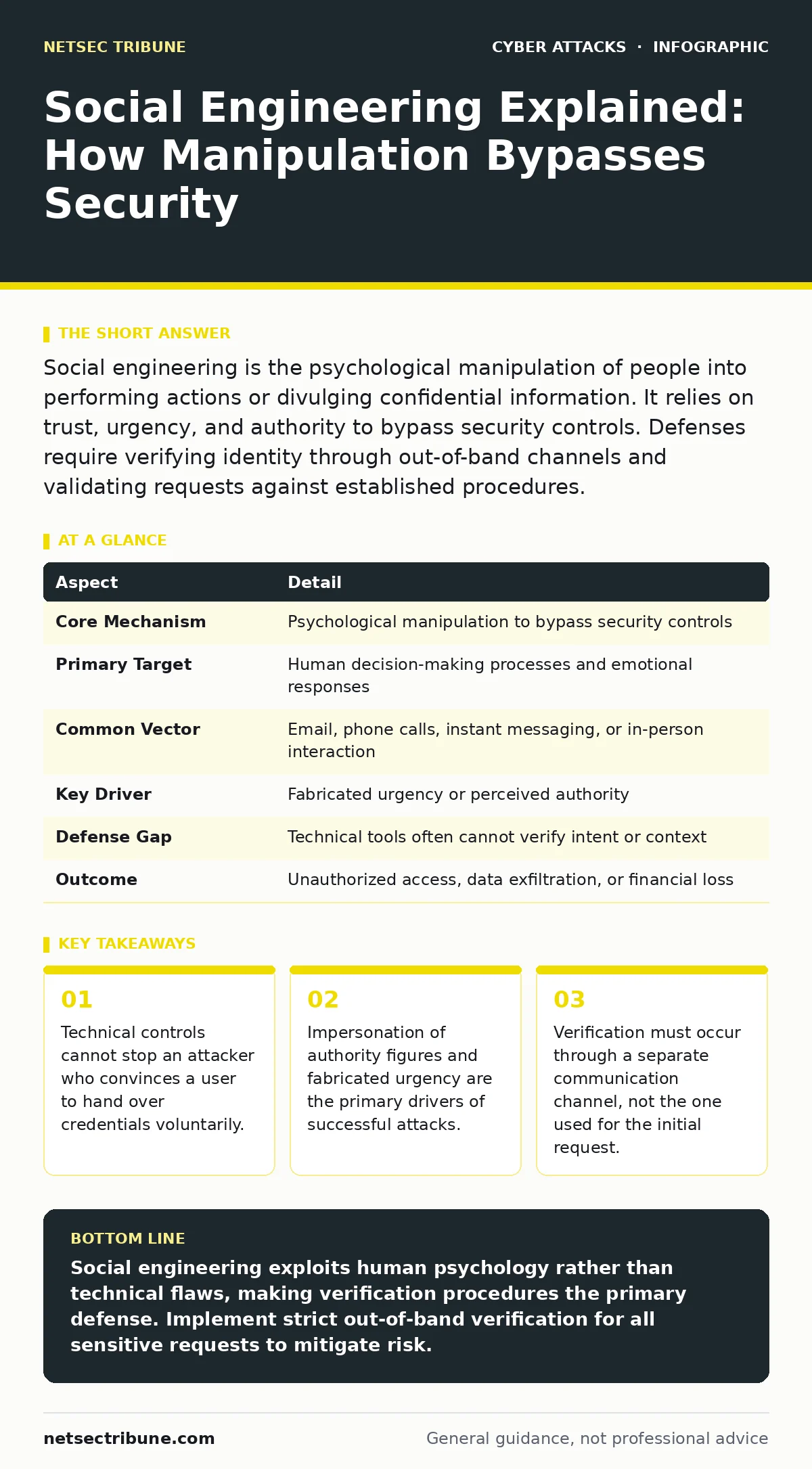
Social engineering is the psychological manipulation of people into performing actions or divulging confidential information. It relies on trust, urgency, and authority to bypass security controls. Defenses require verifying identity through out-of-band channels and validating requests against established procedures.
The Mechanics of Trust Exploitation
Imagine you receive a call from your bank claiming your account is compromised. The caller sounds stressed, uses your full name, and demands you transfer funds to a "secure" account immediately. You comply because the situation feels urgent and the caller appears authoritative. This is social engineering. It is the deliberate manipulation of people into performing actions or revealing sensitive information.
Unlike malware or exploits, this method targets the human element of security. It exploits cognitive biases, such as the tendency to obey authority or the fear of negative consequences. The attacker does not need to break into a system. They simply need you to open the door.
| Aspect | Detail |
|---|---|
| Core Mechanism | Psychological manipulation to bypass security controls |
| Primary Target | Human decision-making processes and emotional responses |
| Common Vector | Email, phone calls, instant messaging, or in-person interaction |
| Key Driver | Fabricated urgency or perceived authority |
| Defense Gap | Technical tools often cannot verify intent or context |
| Outcome | Unauthorized access, data exfiltration, or financial loss |
Common Forms of Manipulation
Attackers use various channels to reach their targets. Phishing remains the most prevalent form. This involves sending fraudulent messages that appear to come from a trusted source. The goal is to trick you into clicking a malicious link or downloading an infected attachment.
Vishing, or voice phishing, uses phone calls. The attacker may spoof the caller ID to display a legitimate number. They often script their conversation to mimic IT support or executive leadership. Smishing operates similarly but uses SMS text messages. These messages often contain shortened URLs that lead to credential harvesting sites.
Baiting offers something desirable to lure the victim. This could be a free USB drive left in a parking lot or a promise of exclusive content. When you insert the drive or click the link, malware installs itself. Pretexting involves creating a fabricated scenario. The attacker builds a narrative over time to gain your trust before making a request.
What People Usually Get Wrong
A common misconception is that social engineering only affects naive users. In reality, experienced professionals are frequent targets. Attackers research their victims extensively. They tailor their approach to match the victim’s role, responsibilities, and known stressors.
Another error is assuming that technical filters stop these attacks. Secure email gateways can block known malicious domains. They cannot detect a message that looks legitimate but contains a subtle manipulation. The content may be grammatically perfect and hosted on a clean server. The threat lies in the intent, not the code.
Many organizations believe that training alone solves the problem. While awareness helps, it creates a false sense of security. Employees may recognize obvious threats but fall for sophisticated, low-volume attacks. Defense requires a combination of training, technical controls, and strict verification procedures.
The Hidden Cost of Verification
Implementing strict verification processes introduces friction. Every request for sensitive action must be confirmed. This slows down operations and can frustrate users. You must balance security with usability. If the verification process is too cumbersome, employees will find ways to bypass it.
Consider the trade-off in remote work environments. Verifying identity is harder when you cannot see the person. You rely on digital signals that can be spoofed. Caller ID spoofing is trivial for attackers. Email headers can be forged. You need out-of-band verification. This means confirming a request through a different channel than the one used for the initial contact.
Reducing Risk Through Process
Start by establishing clear procedures for sensitive actions. Define what constitutes a high-risk request. These include wire transfers, password resets, and access to critical systems. Require secondary verification for all such requests. This verification must come from a known, trusted source.
Use multi-factor authentication to protect accounts. This adds a layer of security even if credentials are stolen. However, MFA can be bypassed if the attacker tricks you into approving a login prompt. Be wary of unexpected MFA requests. If you did not initiate a login, treat it as suspicious.
Regularly update your contact lists. Ensure that employees have direct phone numbers for executives and IT support. Do not rely on public directory information. Attackers scrape public data to build their profiles. Private, verified contact information reduces the attack surface.
The Role of Culture and Awareness
Security is a shared responsibility. Foster a culture where questioning requests is encouraged. Employees should feel safe saying "no" or asking for clarification. If someone feels pressured to act quickly, they are vulnerable. Slow down the process. Take a moment to verify.
Conduct tabletop exercises to simulate attacks. These exercises help teams practice their response. They reveal gaps in procedures and communication. Discuss scenarios where an attacker impersonates a senior leader. Practice the steps for verification and escalation.
Review incidents regularly. Analyze what worked and what failed. Update your procedures based on real-world experience. Security is not static. Attackers adapt their tactics. Your defenses must evolve accordingly.
Technical Controls and Limitations
Technical tools support your defense but do not replace human judgment. Secure email gateways filter out known threats. They scan for malicious links and attachments. However, they cannot assess the context of a message. A message may be technically clean but socially manipulative.
API abuse is another vector. Attackers may exploit legitimate APIs to gather information about your organization. This data helps them craft more convincing attacks. Monitor API usage for anomalies. Restrict access to sensitive data. Ensure that APIs require strong authentication.
Session hijacking can occur if an attacker intercepts your web session. Use secure protocols and keep your software updated. However, the initial compromise often happens through social engineering. You hand over the session token voluntarily. Technical controls can detect unusual activity, but prevention starts with user awareness.
Moving Beyond Basic Defenses
Do not stop at basic awareness training. Move toward active defense. Test your employees with simulated attacks. Measure their response. Use the results to improve your training. Focus on high-risk groups. Executives and finance staff are prime targets. Provide them with specialized training.
Integrate security into your daily workflow. Make verification easy. Provide quick reference guides. Embed security checks into your communication tools. The goal is to make the secure choice the easy choice.
Remember that social engineering is a constant threat. Attackers will always find new ways to manipulate. Your defense must be proactive. Stay informed about emerging tactics. Adapt your strategies. Security is a continuous process, not a one-time fix.
Key takeaways
- Technical controls cannot stop an attacker who convinces a user to hand over credentials voluntarily.
- Impersonation of authority figures and fabricated urgency are the primary drivers of successful attacks.
- Verification must occur through a separate communication channel, not the one used for the initial request.
Social engineering exploits human psychology rather than technical flaws, making verification procedures the primary defense. Implement strict out-of-band verification for all sensitive requests to mitigate risk.
Frequently asked questions
How do I verify a request from my boss via email?
Do not reply to the email. Call them on a known, direct phone number or message them through an internal chat platform to confirm the request.
Can multi-factor authentication stop social engineering?
MFA adds a layer of security but does not prevent users from being tricked into approving login prompts or sharing codes.
What is the difference between phishing and social engineering?
Phishing is a specific type of social engineering that uses digital communications like email or text. Social engineering is the broader category of psychological manipulation.
Should I report failed social engineering attempts?
Yes. Reporting attempted attacks helps your security team identify new tactics and improve defenses for the entire organization.
How this guide was produced: written by the NetSec Tribune editorial team with AI assistance, checked against the public references listed below, and reviewed when the facts change. See our editorial policy or report an error.