
Sandbox Evasion Myths: What Your Analysis Tools Actually Miss
Most sandbox evasion techniques exploit the predictable behavior of automated analysis environments rather than breaking cryptographic protections or hiding from human analysts.
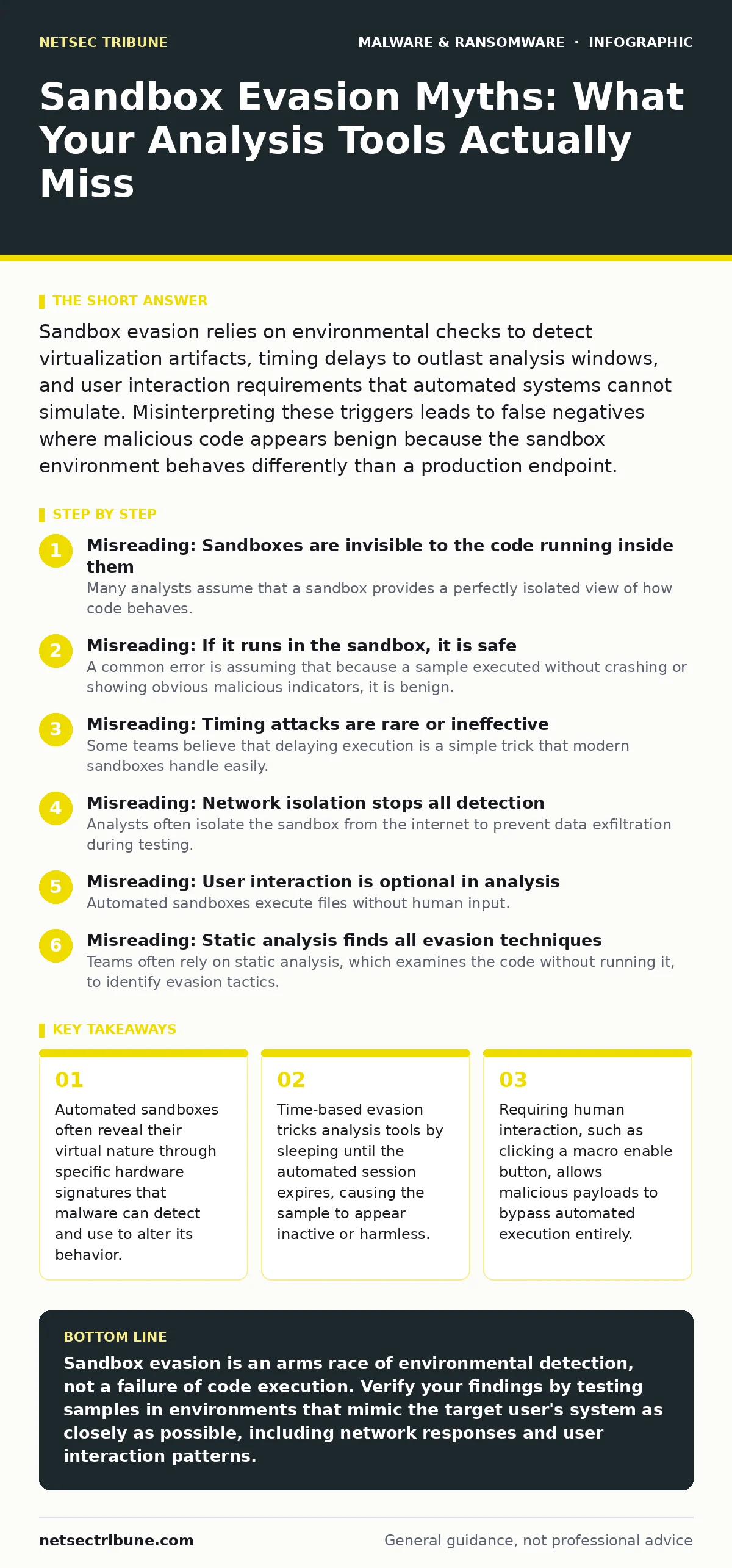
Sandbox evasion relies on environmental checks to detect virtualization artifacts, timing delays to outlast analysis windows, and user interaction requirements that automated systems cannot simulate. Misinterpreting these triggers leads to false negatives where malicious code appears benign because the sandbox environment behaves differently than a production endpoint.
Misreading: Sandboxes are invisible to the code running inside them
Many analysts assume that a sandbox provides a perfectly isolated view of how code behaves. This assumption fails because the sandbox itself leaves fingerprints on the operating system. Malware authors write detection routines that look for these specific artifacts. If the code finds them, it exits cleanly or runs a decoy routine.
Correct reading: Treat the sandbox as a hostile environment that the malware is actively probing. The presence of virtualization drivers, specific MAC address ranges, or default administrator accounts serves as a trigger. When you see a sample that terminates immediately or runs a harmless calculator, it is likely because the environment signaled that it was not a real user machine. This is the core mechanism of sandboxing evasion. The code is not broken; it is hiding.
Misreading: If it runs in the sandbox, it is safe
A common error is assuming that because a sample executed without crashing or showing obvious malicious indicators, it is benign. This is a false negative caused by incomplete execution. Many modern threats use multi-stage payloads. The first stage performs environmental checks. If the checks pass, the second stage downloads or decrypts the actual malicious logic.
Correct reading: A clean run in an automated sandbox often means the malware successfully identified the environment and withheld its primary function. It did not fail to run; it chose not to run the dangerous part. You must verify if the sample attempted to contact external domains or accessed sensitive system areas before terminating. This behavior is similar to how trojanized software might appear legitimate until specific conditions are met. The absence of evidence is not evidence of absence.
Misreading: Timing attacks are rare or ineffective
Some teams believe that delaying execution is a simple trick that modern sandboxes handle easily. They assume that if the sandbox runs the sample for a standard duration, any delayed payload will eventually trigger. This underestimates the sophistication of timing-based evasion. Malware can sleep for hours or days.
Correct reading: Automated analysis sessions have strict time limits to conserve resources. A sample that sleeps for longer than the session timeout will never show its malicious behavior in that specific run. It is not hiding in memory; it is waiting for the observer to leave. This is particularly effective against malicious mobile apps that might delay data exfiltration until the user is on a trusted Wi-Fi network, or desktop malware that waits for business hours. If your analysis window is short, long-sleep malware will always appear inert.
Misreading: Network isolation stops all detection
Analysts often isolate the sandbox from the internet to prevent data exfiltration during testing. They assume this containment also prevents the malware from hiding. In reality, many threats require a successful network connection to proceed. If the sandbox blocks all outbound traffic, the malware may interpret this as a lack of internet access and remain dormant.
Correct reading: Network isolation can inadvertently trigger evasion mechanisms. Some malware checks for specific DNS responses or HTTP headers. If these checks fail due to isolation, the code assumes it is in a restricted environment or a sandbox and stops. To catch this, you must simulate the expected network responses without allowing actual exfiltration. This is why understanding keyloggers and other data-stealing tools requires a simulated, not just blocked, network. The malware needs to believe it has a path to the outside world to activate.
Misreading: User interaction is optional in analysis
Automated sandboxes execute files without human input. Analysts sometimes dismiss the need for user interaction, assuming the code should run on its own. This ignores a vast category of threats that rely on social engineering to bypass technical controls. Macros in documents, for example, require a click to enable.
Correct reading: If a threat requires a user to click "Enable Content," an automated sandbox will never see the payload. The file appears to be a standard document. This is a deliberate design choice by the attacker. You must use tools that can simulate user interactions or manually trigger these events in a controlled environment. This is distinct from computer worms that propagate automatically. User-dependent malware will always slip through fully automated pipelines.
See also: Malicious Mobile Apps: How Stealthy Code Bypasses Store Filters · Domain Generation Algorithms: Debunking Common Misconceptions
Misreading: Static analysis finds all evasion techniques
Teams often rely on static analysis, which examines the code without running it, to identify evasion tactics. They assume that looking for strings like "VMware" or "VirtualBox" is sufficient. This approach misses runtime checks and polymorphic code. The malware may not contain hardcoded strings. It may calculate the presence of virtualization through CPU instructions or timing differences.
Correct reading: Static analysis provides a baseline, but it cannot detect behavioral evasion. The code might look clean in a disassembler but behave maliciously only when executed in a specific environment. You must combine static review with dynamic execution in multiple different environments. This layered approach is necessary because malicious PyPI packages and other supply chain threats often look like standard libraries until they are imported and executed. The risk lies in the execution context, not just the code structure.
Key takeaways
- Automated sandboxes often reveal their virtual nature through specific hardware signatures that malware can detect and use to alter its behavior.
- Time-based evasion tricks analysis tools by sleeping until the automated session expires, causing the sample to appear inactive or harmless.
- Requiring human interaction, such as clicking a macro enable button, allows malicious payloads to bypass automated execution entirely.
- Network-dependent malware may remain dormant if the sandbox restricts outbound connections, hiding its command-and-control communication.
Sandbox evasion is an arms race of environmental detection, not a failure of code execution. Verify your findings by testing samples in environments that mimic the target user's system as closely as possible, including network responses and user interaction patterns.
Frequently asked questions
Does running a sample in a VM always mean it will evade detection?
Not always, but it increases the likelihood. Modern malware checks for specific virtualization artifacts. If your VM is not properly hardened to remove these fingerprints, the malware may detect it and remain dormant.
How can I simulate user interaction in an automated sandbox?
Use orchestration tools that can send synthetic mouse clicks and keystrokes to the sandboxed environment. This allows the automated system to trigger macros or other user-dependent payloads without human involvement.
Is network isolation safe for analyzing ransomware?
Network isolation prevents data loss during analysis but may cause the ransomware to remain dormant. To analyze it, you must provide simulated network responses that convince the malware it has connectivity, while blocking actual outbound traffic.
Can static analysis detect sandbox evasion?
Static analysis can detect simple string-based checks, but it misses complex runtime behaviors and polymorphic code. It is a useful first step, but dynamic analysis in varied environments is required for accurate detection.
How this guide was produced: written by the NetSec Tribune editorial team with AI assistance, checked against the public references listed below, and reviewed when the facts change. See our editorial policy or report an error.