
Full Disk Encryption Explained: How It Stops Data Loss
Full disk encryption renders stolen hardware useless by scrambling data into unreadable noise without the cryptographic key.
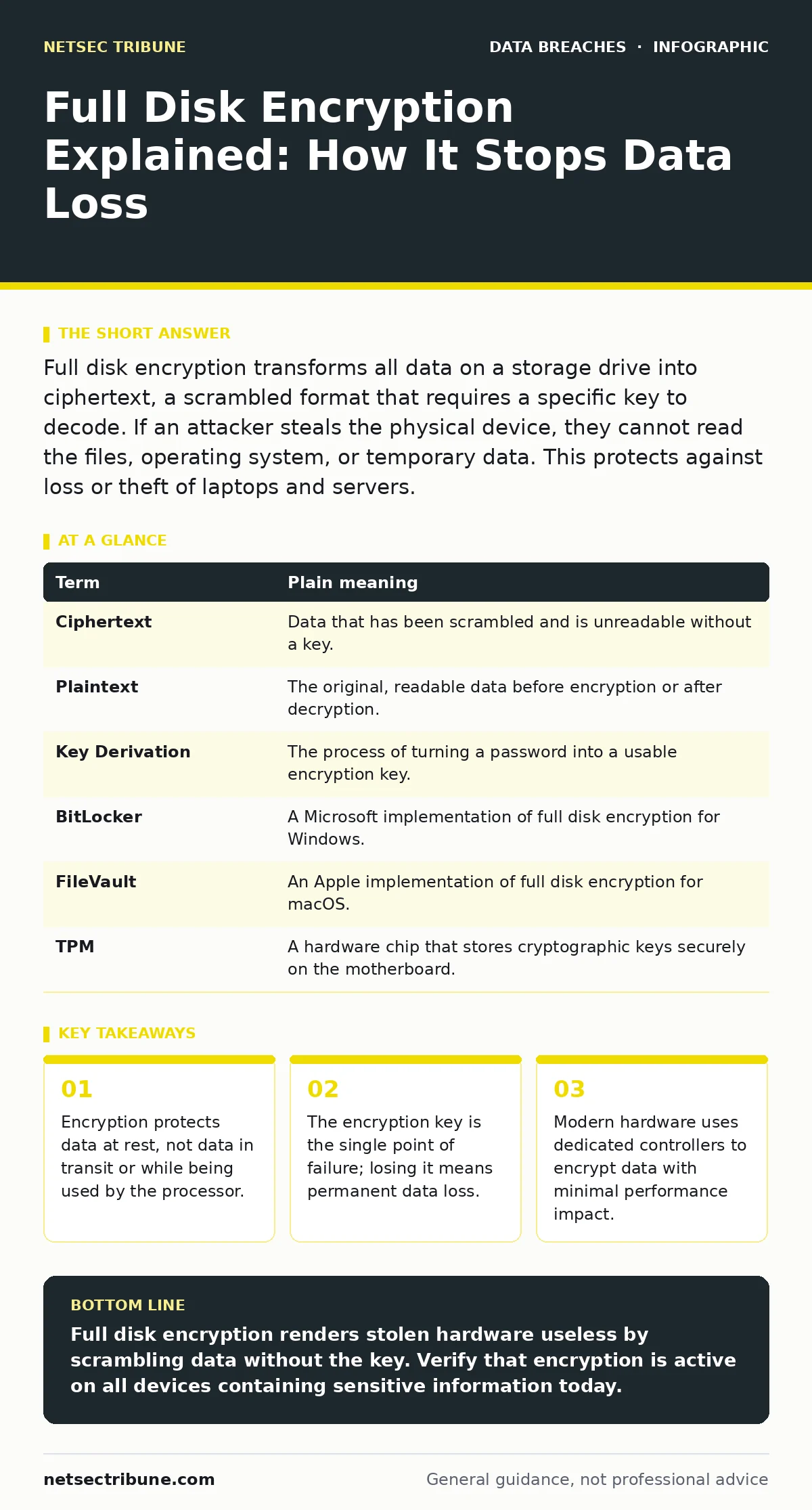
Full disk encryption transforms all data on a storage drive into ciphertext, a scrambled format that requires a specific key to decode. If an attacker steals the physical device, they cannot read the files, operating system, or temporary data. This protects against loss or theft of laptops and servers.
The Locked Vault Analogy
Imagine your computer is a house. When you turn it off, the house is empty. Full disk encryption is like a vault that locks every single item inside the house the moment the power cuts. The walls remain, but the contents are scrambled into a chaotic jumble that looks like random static.
Without the key, a thief can break into the house, but they cannot open the vault. They see only noise. This analogy helps explain why encryption matters for the storage medium, not the running system. The lock engages on the drive itself, not on the operating system software.
How The Mechanism Works
Full disk encryption operates at the block level. Before data hits the physical platters or NAND flash, the system encrypts it. This process happens transparently. You type a password, and the system uses that input to derive the decryption key.
The key unlocks the drive controller. The controller then decrypts data on the fly as the operating system requests it. To the user, the process is invisible. To an attacker with physical access to the drive, the data remains indecipherable ciphertext.
Key Terms Defined
Understanding the components helps you configure systems correctly. Here are the core concepts.
| Term | Plain meaning |
|---|---|
| Ciphertext | Data that has been scrambled and is unreadable without a key. |
| Plaintext | The original, readable data before encryption or after decryption. |
| Key Derivation | The process of turning a password into a usable encryption key. |
| BitLocker | A Microsoft implementation of full disk encryption for Windows. |
| FileVault | An Apple implementation of full disk encryption for macOS. |
| TPM | A hardware chip that stores cryptographic keys securely on the motherboard. |
The Hidden Cost of Convenience
Full disk encryption adds a layer of security, but it introduces a new failure mode. If you lose the key, the data is gone. There is no backdoor. No vendor can recover it. This is a deliberate design choice to prevent unauthorized access.
Consider the trade-off. You gain protection against physical theft. You lose the ability to recover data if the key is corrupted or forgotten. This is why key management is as important as the encryption itself. You must back up recovery keys securely, but not so securely that you cannot access them in an emergency.
Edge Cases and Limitations
Encryption does not protect everything. It secures data at rest. It does not stop an attacker who has remote access to a running system. If the operating system is already decrypted in memory, the encryption layer is bypassed.
This is why you must also address unauthorized access. Encryption protects the drive, not the session. An attacker with administrator rights can copy data while the system is awake. They do not need the disk encryption key. They just need to read the memory.
Furthermore, encryption can slow down older hardware. Modern processors handle encryption efficiently, but legacy systems may struggle. The performance hit is usually negligible on current devices, but it is a factor for embedded systems or older servers.
See also: Printed Document Leak Myths: What Security Teams Get Wrong · Data Breach Response: Containment, Recovery and Prevention Steps
Integration With Other Controls
Full disk encryption works best as part of a layered defense. It complements role-based access control. Even if an attacker bypasses encryption by accessing a running system, they still face permission barriers.
It also mitigates the risk of credential dumps. If an attacker steals a drive, they cannot extract password hashes from the system file. This limits their ability to pivot to other systems. However, it does not stop data exfiltration from a compromised network connection.
Try This Now
Start protecting your data with these three steps.
- Check if full disk encryption is already enabled. Most modern operating systems enable it by default. Look for a lock icon in your system settings.
- Back up your recovery key. Write it down or store it in a secure password manager. Test that you can access it.
- Enable encryption on any external drives. USB sticks and portable SSDs are often left unencrypted. They are easy to lose and easy to steal.
Key takeaways
- Encryption protects data at rest, not data in transit or while being used by the processor.
- The encryption key is the single point of failure; losing it means permanent data loss.
- Modern hardware uses dedicated controllers to encrypt data with minimal performance impact.
Full disk encryption renders stolen hardware useless by scrambling data without the key. Verify that encryption is active on all devices containing sensitive information today.
Frequently asked questions
Does full disk encryption slow down my computer?
On modern hardware, the performance impact is negligible. Older systems may experience slight slowdowns during heavy read/write operations.
Can I recover data if I forget my password?
Only if you have a backup of the recovery key. Without the key, the data is mathematically unrecoverable.
Does encryption protect against ransomware?
No. Ransomware encrypts your files again while the system is running. Full disk encryption does not prevent this.
Is full disk encryption required for compliance?
Many standards require it. Check your specific regulatory requirements to ensure your implementation meets the criteria.
How this guide was produced: written by the NetSec Tribune editorial team with AI assistance, checked against the public references listed below, and reviewed when the facts change. See our editorial policy or report an error.