Printed Document Leak Myths: What Security Teams Get Wrong
Physical paper remains a primary vector for data exfiltration because standard digital controls fail to track or protect information once it leaves the screen.
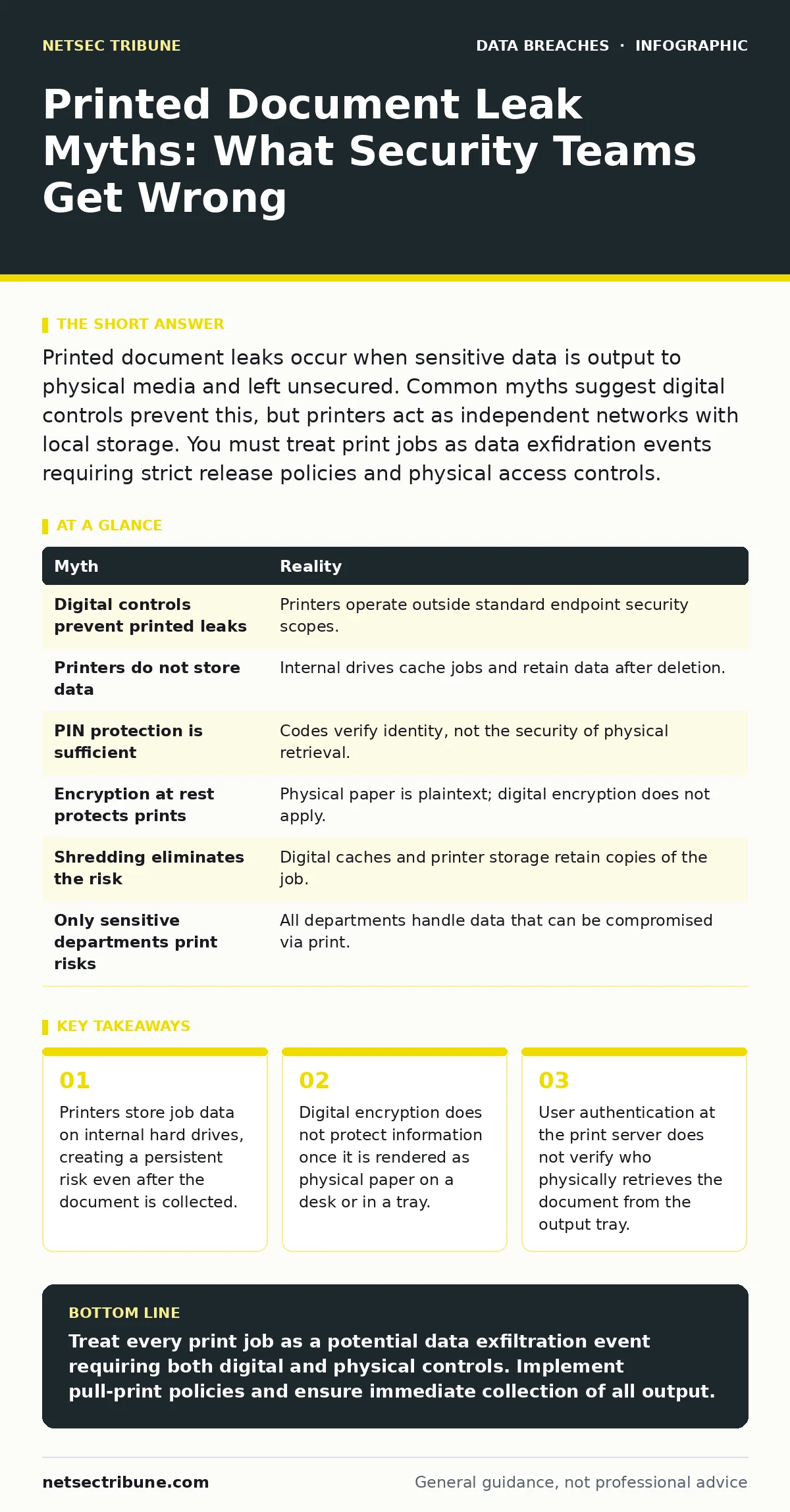
Printed document leaks occur when sensitive data is output to physical media and left unsecured. Common myths suggest digital controls prevent this, but printers act as independent networks with local storage. You must treat print jobs as data exfidration events requiring strict release policies and physical access controls.
Myth: Digital controls prevent printed leaks
Reality: Standard endpoint security and network firewalls stop data from leaving the digital environment, but they cannot control what happens after the printer receives the job. Once the print driver sends the page description language to the device, the data exists outside the scope of most security tools. The printer acts as a separate computing node with its own memory and storage.
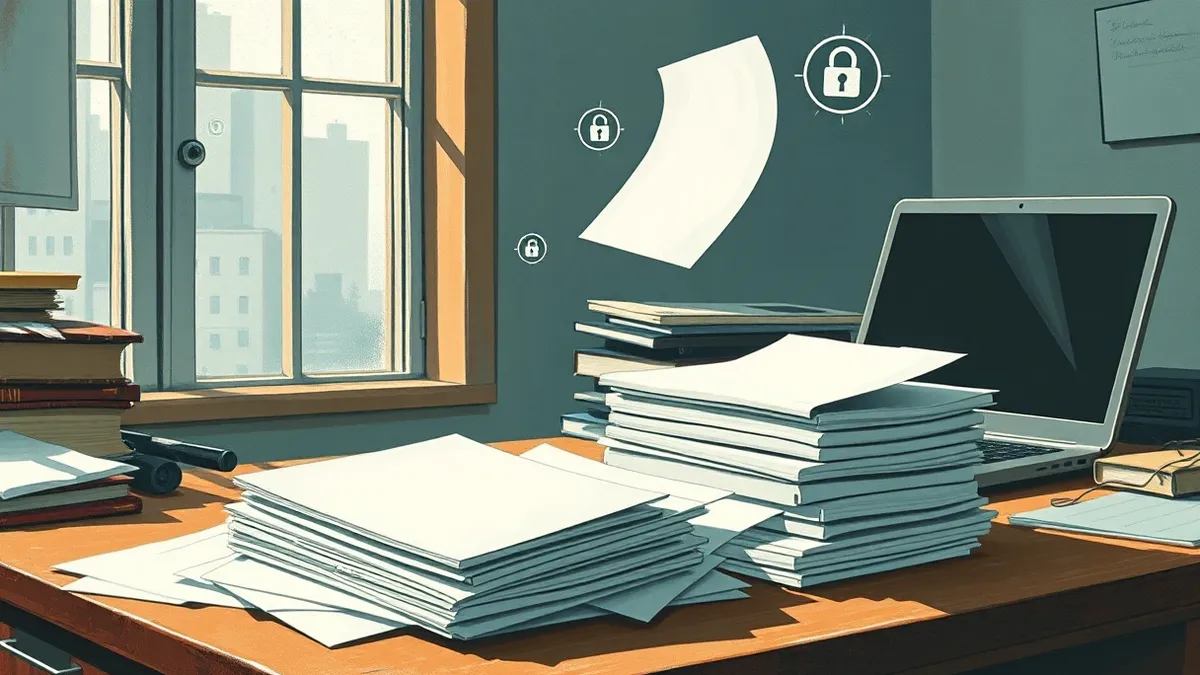
Imagine an employee sending a confidential contract to a shared office printer. The file travels through encrypted channels, but the final output is a stack of paper sitting in a tray. Any person with physical access to that tray can read, photograph, or remove the document. No amount of endpoint detection can alert you when a stranger picks up that paper. This gap between digital transmission and physical retrieval is where the breach occurs.
Myth: Printers do not store data
Reality: Most modern network printers and multifunction devices contain internal hard drives or solid-state storage. These drives cache print jobs, scanned images, and fax data to manage high-volume queues. When a job fails or the device restarts, the data may remain on the disk. Standard deletion commands often only remove the file pointer, not the actual binary data.
Forensic recovery tools can reconstruct these files from the storage medium. If an attacker gains physical access to the printer, they can clone the drive and extract years of sensitive documents. This risk persists even if the printer is disconnected from the network. You must assume the device retains a copy of every document it processes. Implementing secure overwrite features or using devices with encrypted storage mitigates this, but many legacy models lack these capabilities.
Myth: Password protection at the printer is sufficient
Reality: Requiring a PIN code to release a print job protects the data while it sits in the printer’s memory, but it does not secure the document after release. The user enters the code, the printer outputs the pages, and the document is now physical. If the user walks away, the data is exposed. This method shifts the risk from the network to the physical environment.
Suppose a user releases a job and steps away to answer a phone call. The document sits in the output tray. A colleague or visitor can easily take it. The PIN verified the user’s identity, but it did not verify the security of the retrieval location. You need a policy that mandates immediate collection of printed materials. Combining pull-print technology with strict physical access controls to printer rooms reduces the window of exposure.
Myth: Encryption at rest protects printed data
Reality: Encryption at rest secures data stored on digital media like servers and laptops. It does not apply to physical paper. Once the data is printed, the encryption keys are irrelevant. The information is now in plaintext form, visible to anyone who can see the page. Relying on digital encryption for physical assets is a category error.
You might encrypt the database containing customer records, ensuring that a stolen server yields no readable information. However, if that data is printed for a board meeting, the physical copies contain the raw information. Attackers targeting offices often look for unsecured printers and shredders. They know that physical documents bypass digital security layers. You must treat printed output as unencrypted data from the moment it exits the device.
Myth: Shredding eliminates the risk
Reality: Shredding destroys the physical document, but it does not erase the data from the printer’s internal storage or the user’s computer cache. Print spooler files on the workstation may retain a copy of the job. These temporary files are often accessible to other users on the same machine. Shredding addresses the final physical artifact, not the digital trail that created it.
Imagine an employee shredding a draft report after printing. The paper is destroyed, but the print spooler on their laptop still holds the PDF. If an attacker gains unauthorized access to that laptop, they can recover the document from the local cache. You must configure print spoolers to delete jobs immediately after completion. Additionally, you should enable secure print features that prevent local caching. Physical destruction is only the last step in a chain of controls.
See also: Breach Notification Laws: Small Business Compliance Mechanics · CIA Triad Security: How Confidentiality, Integrity and Availability Protect Data
Myth: Only sensitive departments print risky data
Reality: Any department with access to sensitive data can create a leak through printing. HR, finance, legal, and engineering all handle information that requires protection. Assuming only specific teams pose a risk leads to uneven security policies. General users often print documents containing embedded metadata or watermarks that reveal more than intended.
Suppose a marketing employee prints a draft campaign plan. The document may contain internal comments, revision history, or contact details. If this paper is discarded improperly, it aids identity theft protection efforts by competitors or malicious actors. You must apply consistent print policies across the organization. Monitoring print volumes and restricting color printing can reduce unnecessary output. Uniform controls prevent weak links in the chain.
| Myth | Reality |
|---|---|
| Digital controls prevent printed leaks | Printers operate outside standard endpoint security scopes. |
| Printers do not store data | Internal drives cache jobs and retain data after deletion. |
| PIN protection is sufficient | Codes verify identity, not the security of physical retrieval. |
| Encryption at rest protects prints | Physical paper is plaintext; digital encryption does not apply. |
| Shredding eliminates the risk | Digital caches and printer storage retain copies of the job. |
| Only sensitive departments print risks | All departments handle data that can be compromised via print. |
Key takeaways
- Printers store job data on internal hard drives, creating a persistent risk even after the document is collected.
- Digital encryption does not protect information once it is rendered as physical paper on a desk or in a tray.
- User authentication at the print server does not verify who physically retrieves the document from the output tray.
Treat every print job as a potential data exfiltration event requiring both digital and physical controls. Implement pull-print policies and ensure immediate collection of all output.
Frequently asked questions
How do I secure printers in a shared office?
Use pull-print technology that requires user authentication at the device before output. Restrict physical access to printer rooms and enforce immediate collection policies.
Can I delete print jobs from a printer's hard drive?
Standard deletion often leaves data recoverable. Use printers with secure overwrite features or encrypted storage to ensure data is truly erased.
Does encryption protect printed documents?
No. Encryption at rest secures digital files. Once printed, the data is physical and unencrypted, requiring physical security measures instead.
What is the biggest risk with home printers?
Home printers often lack secure features and are connected to unsecured networks. They may store data on internal drives that are accessible to anyone with physical access.
How this guide was produced: written by the NetSec Tribune editorial team with AI assistance, checked against the public references listed below, and reviewed when the facts change. See our editorial policy or report an error.