
Should I Use Captcha On My Site? The Security Trade-Offs
CAPTCHA creates friction that blocks automated abuse but simultaneously pushes attackers toward more expensive manual labor or sophisticated bot networks.
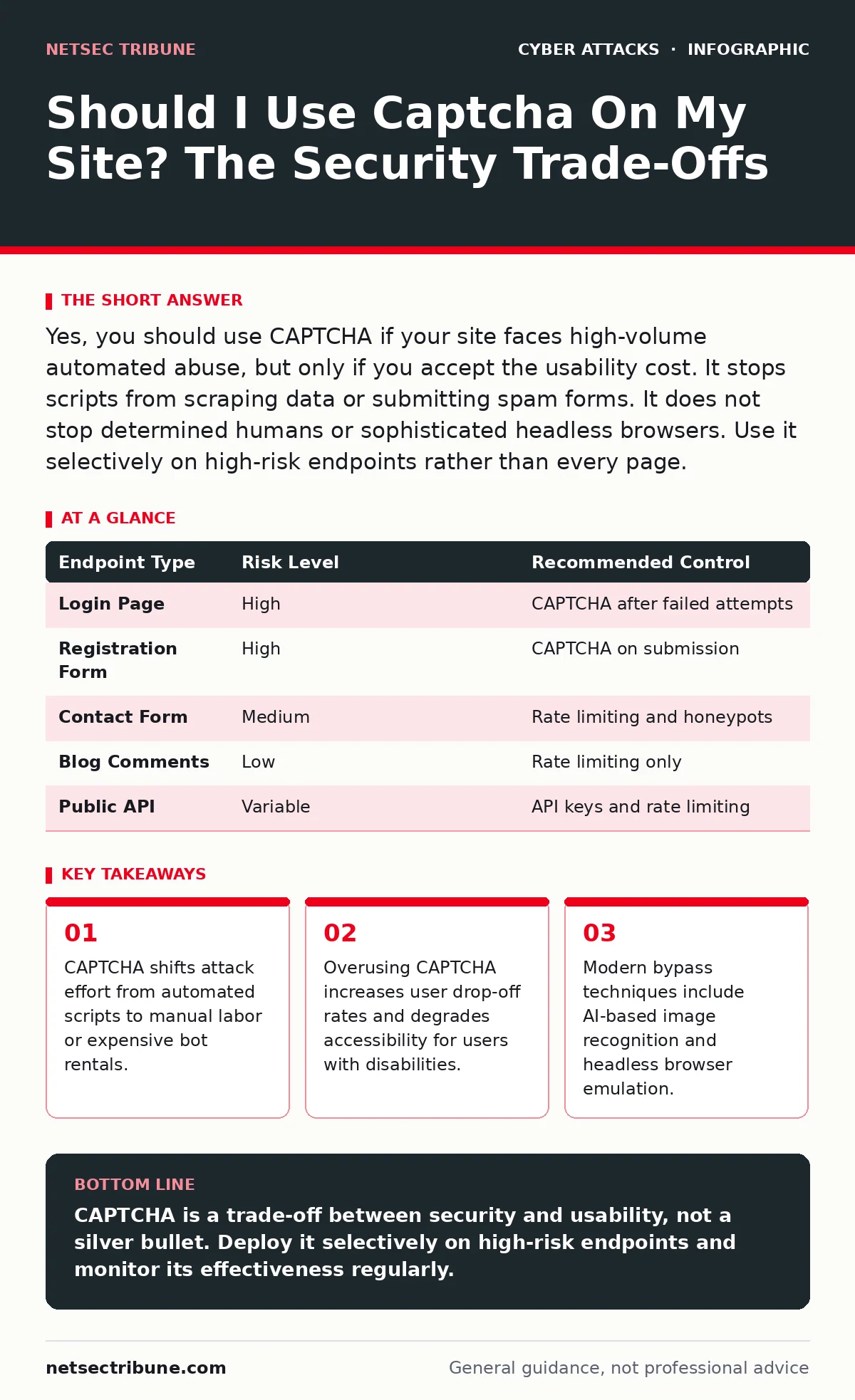
Yes, you should use CAPTCHA if your site faces high-volume automated abuse, but only if you accept the usability cost. It stops scripts from scraping data or submitting spam forms. It does not stop determined humans or sophisticated headless browsers. Use it selectively on high-risk endpoints rather than every page.
Should I Use Captcha On My Site?
You should use CAPTCHA on your site when the cost of automated abuse exceeds the cost of user friction. CAPTCHA, which stands for Completely Automated Public Turing test to tell Computers and Humans Apart, verifies that a visitor is human. It does not verify that the human is authorized. It simply raises the barrier for entry. If your site handles low-value interactions, the security gain may not justify the usability loss. For high-value endpoints like login forms or payment gateways, the protection is necessary.
What Does CAPTCHA Actually Stop?
CAPTCHA stops automated scripts that cannot solve visual or logical puzzles. It prevents simple bots from scraping contact details, submitting comment spam, or executing credential stuffing attacks. It forces an attacker to either pay for human labor to solve the challenges or invest in expensive AI models that can recognize images. It does not stop an individual human from manually filling out a form. It also does not stop sophisticated bot networks that use headless browsers to emulate real user behavior.
What Is the Usability Cost of CAPTCHA?
The primary cost of CAPTCHA is user abandonment. Every additional step in a workflow reduces conversion rates. Users with visual impairments often struggle with image-based challenges, creating accessibility violations. Mobile users face increased battery drain and data usage when rendering heavy JavaScript challenges. If you place CAPTCHA on every page, you create a hostile user experience. This friction drives legitimate users away while determined attackers persist. You must balance security needs against business goals.
Where Should CAPTCHA Be Deployed?
Deploy CAPTCHA on high-risk endpoints where automated abuse causes direct harm. These include login pages, registration forms, password reset flows, and contact forms. Do not place CAPTCHA on low-risk pages like blog comments or public information requests. Use rate limiting as a first line of defense on these lower-risk areas. Rate limiting restricts the number of requests from a single IP address. It is less intrusive than CAPTCHA and often sufficient for low-value interactions.
| Endpoint Type | Risk Level | Recommended Control |
|---|---|---|
| Login Page | High | CAPTCHA after failed attempts |
| Registration Form | High | CAPTCHA on submission |
| Contact Form | Medium | Rate limiting and honeypots |
| Blog Comments | Low | Rate limiting only |
| Public API | Variable | API keys and rate limiting |
How Do Attackers Bypass CAPTCHA?
Attackers bypass CAPTCHA using optical character recognition software and machine learning models. These tools can solve simple text-based challenges with high accuracy. More advanced attackers use headless browsers, which are browsers without a graphical interface. These browsers execute JavaScript just like a real browser. They can interact with CAPTCHA widgets and send the response back to the server. This makes the traffic look legitimate to the server. Simple CAPTCHA implementations are easily defeated by these methods.
See also: Website Defacement Attack: How It Works and How to Stop It
What Are the Accessibility Implications?
CAPTCHA creates barriers for users with disabilities. Image-based challenges are difficult for users with visual impairments. Audio challenges are difficult for users with hearing impairments. Some users with motor disabilities struggle with click-and-drag interactions. You must provide alternative verification methods. Invisible CAPTCHA solutions analyze user behavior in the background. They reduce friction but still require careful tuning to avoid false positives. Always test your implementation with accessibility tools.
How Does CAPTCHA Relate to Other Threats?
CAPTCHA does not protect against social engineering attacks. If a user voluntarily provides credentials to a fake site, CAPTCHA cannot help. It also does not mitigate insider threats. An employee with legitimate access can bypass CAPTCHA just like any other user. CAPTCHA is a perimeter control, not an identity control. You must combine it with other security measures. For example, passkeys provide stronger authentication than passwords. CAPTCHA can protect the login page, while passkeys verify the user.
What Is the Maintenance Burden?
CAPTCHA requires ongoing maintenance to remain effective. Attackers continuously improve their bypass techniques. You must update your CAPTCHA configuration regularly. You must monitor for false positives, where legitimate users are blocked. You must monitor for false negatives, where bots are allowed through. This monitoring requires dedicated resources. If you lack the resources to monitor CAPTCHA effectiveness, consider simpler controls. Rate limiting and account lockout policies are easier to maintain.
When Should You Avoid CAPTCHA?
Avoid CAPTCHA on internal tools or behind multi-factor authentication. If a user has already proven their identity, adding CAPTCHA adds no security value. It only adds friction. Avoid CAPTCHA on APIs that use token-based authentication. Tokens are harder to steal than passwords. Use API abuse prevention techniques instead. These include rate limiting, IP reputation checks, and anomaly detection. CAPTCHA is designed for human-computer interaction, not machine-to-machine communication.
What Is the Future of CAPTCHA?
The future of CAPTCHA lies in behavioral analysis. Instead of asking users to solve puzzles, systems analyze how they interact with the site. Mouse movements, scroll patterns, and typing rhythms are unique to humans. Machine learning models detect anomalies in this behavior. This approach is more seamless but raises privacy concerns. It requires collecting and processing significant amounts of user data. You must ensure your data handling practices comply with privacy regulations.
Key takeaways
- CAPTCHA shifts attack effort from automated scripts to manual labor or expensive bot rentals.
- Overusing CAPTCHA increases user drop-off rates and degrades accessibility for users with disabilities.
- Modern bypass techniques include AI-based image recognition and headless browser emulation.
CAPTCHA is a trade-off between security and usability, not a silver bullet. Deploy it selectively on high-risk endpoints and monitor its effectiveness regularly.
Frequently asked questions
Can CAPTCHA stop all bots?
No, CAPTCHA cannot stop all bots. Sophisticated bots using AI and headless browsers can bypass many CAPTCHA implementations.
Is invisible CAPTCHA more secure?
Invisible CAPTCHA can be equally secure but relies heavily on behavioral analysis. It may have higher false positive rates if not tuned correctly.
Should I use CAPTCHA on mobile apps?
Use CAPTCHA sparingly in mobile apps. It degrades the user experience and increases battery usage. Consider using device attestation instead.
How often should I update my CAPTCHA?
Update your CAPTCHA configuration whenever you detect a new bypass technique. Regular monitoring is essential to maintain effectiveness.
How this guide was produced: written by the NetSec Tribune editorial team with AI assistance, checked against the public references listed below, and reviewed when the facts change. See our editorial policy or report an error.