
Warning Signs of CI/CD Pipeline Vulnerabilities
Broken build logs and unexpected artifact hashes reveal compromise long before application code is inspected for flaws or misconfigurations.
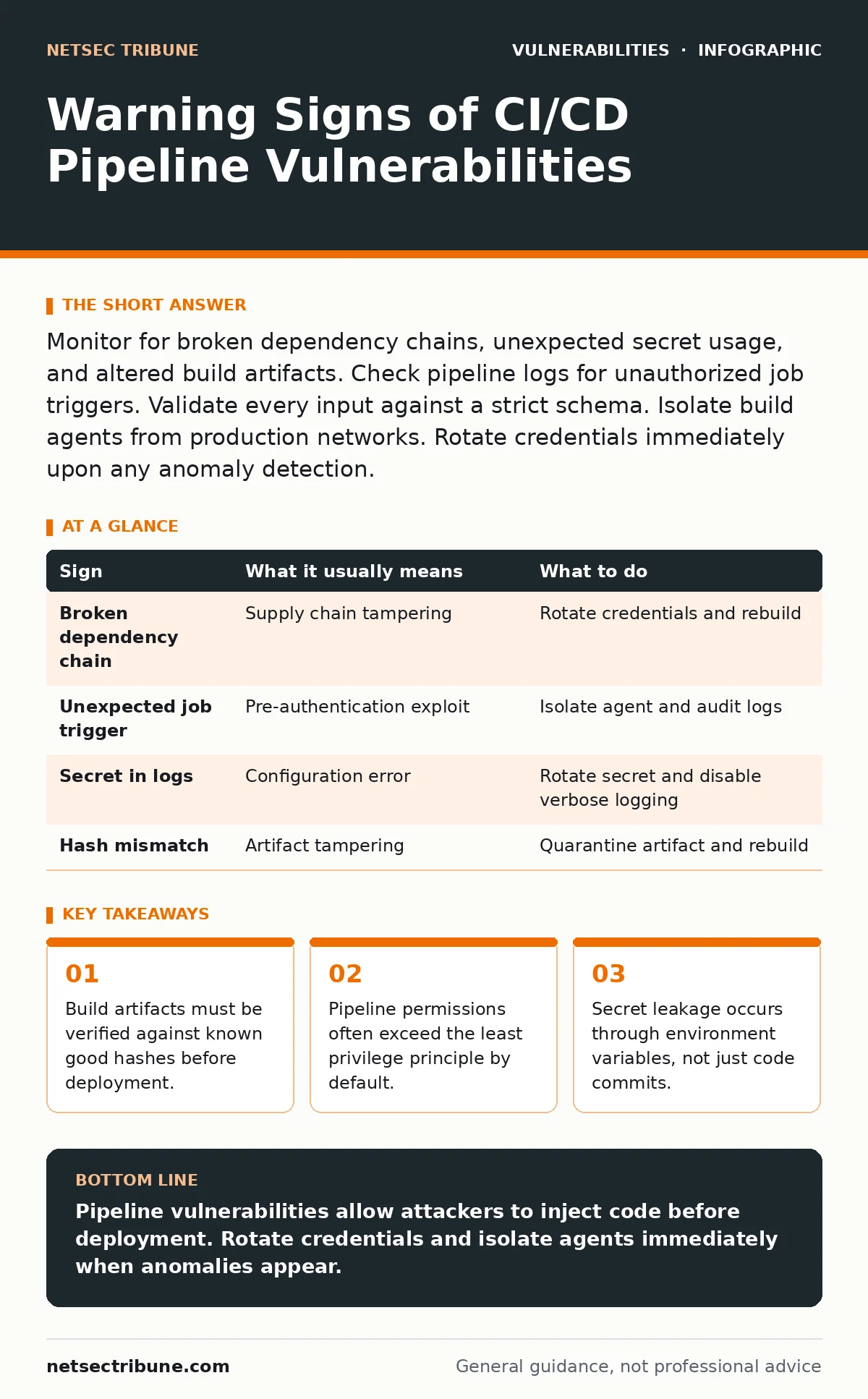
Monitor for broken dependency chains, unexpected secret usage, and altered build artifacts. Check pipeline logs for unauthorized job triggers. Validate every input against a strict schema. Isolate build agents from production networks. Rotate credentials immediately upon any anomaly detection.
Visible Signs of Pipeline Compromise
Build failures that occur without code changes signal immediate risk. The build system fails because a dependency has been altered or removed. This is not a simple bug. It indicates an actor has modified the supply chain. You see this when a previously stable branch suddenly cannot compile. The error messages point to missing libraries or corrupted archives. This breaks the trust model of your development workflow. The build agent cannot verify the integrity of the components it downloads. You must treat this as a breach until proven otherwise. The failure is the only warning you get before malicious code enters production.
Unexpected job triggers are another visible sign. A pipeline runs when no developer pushed code. This happens when an attacker exploits a pre-authentication vulnerability in the CI service. They inject a payload that forces the system to execute a job. The logs show the trigger source as external or automated. This bypasses the normal code review process. The job may look legitimate but runs with elevated privileges. You see this in the activity feed of your CI server. The timing is irregular and does not match deployment schedules.
Subtle Signs That Slip Past Monitoring
Environment variable leakage is easy to miss. Developers often store secrets in plain text within pipeline definitions. These variables are printed to standard output during verbose logging. You see the secret in the build log as a string value. This is not a complex exploit. It is a configuration error that persists for months. The secret is now public in the log archives. Attackers scrape these logs for credentials. They use the credentials to access other systems. The damage spreads silently because the log entry looks like normal debug data.
Artifact hash mismatches indicate tampering. The final build output has a different checksum than expected. This happens when an attacker modifies the binary after compilation. They inject a backdoor into the executable. The source code review missed it because the attack occurred in the build step. You notice this when the deployment fails integrity checks. The hash does not match the one recorded in the previous successful build. This discrepancy proves the artifact was altered. The build agent was compromised or the network was intercepted.
Response Protocol for Detected Anomalies
Rotate all credentials immediately. Assume every secret used in the pipeline is compromised. This includes API keys, database passwords, and service account tokens. Do not wait for forensic analysis. Generate new credentials and update the secret manager. Invalidate the old tokens. This stops the attacker from using stolen access. It does not remove the backdoor from the artifact. You must also rebuild the artifact from a clean source. Verify the new hash against the known good value.
Isolate the build environment. Disconnect the compromised agent from the network. Preserve the logs for later analysis. Do not delete the logs. They contain the evidence of the attack. Rebuild the pipeline from a known good configuration. Check for unauthorized scripts or plugins. Remove any modifications made by the attacker. Verify that the pipeline permissions are restricted. Ensure only authorized users can trigger jobs. This reduces the attack surface for future attempts.
| Sign | What it usually means | What to do |
|---|---|---|
| Broken dependency chain | Supply chain tampering | Rotate credentials and rebuild |
| Unexpected job trigger | Pre-authentication exploit | Isolate agent and audit logs |
| Secret in logs | Configuration error | Rotate secret and disable verbose logging |
| Hash mismatch | Artifact tampering | Quarantine artifact and rebuild |
Preventing Future Pipeline Exploits
Implement strict input validation for all pipeline inputs. This includes branch names, commit messages, and pull request titles. Attackers use these fields to inject commands. They rely on the pipeline parsing the input without sanitization. You see this in mass assignment vulnerabilities where extra fields are processed. The pipeline executes the injected command. This gives the attacker control over the build agent. You must validate every input against a strict schema. Reject any input that does not match the expected format. This stops injection attacks at the entry point.
Maintain an accurate asset inventory for patching. You must know every component in your pipeline. This includes plugins, tools, and base images. Outdated components contain known vulnerabilities. Attackers exploit these to gain access. You cannot patch what you do not know exists. Regularly scan your pipeline for outdated dependencies. Update them promptly. This reduces the number of exploitable flaws. It does not stop zero-day attacks. It limits the damage from known bugs.
The Hidden Cost of Convenience
Pipeline automation encourages laziness. Developers bypass security checks to speed up deployment. They add scripts that run with root privileges. These scripts often contain hardcoded secrets. The convenience of quick deployments leads to insecure practices. You trade security for speed. The cost is a larger attack surface. Attackers exploit this laziness. They find the easiest path into your environment. The path is often the pipeline itself. You must balance speed with security. Automate the security checks. Do not skip them.
See also: Asset Inventory for Patching: Definition, Purpose, and Execution
Integrating With Vulnerability Management
Your vulnerability management programs must include the pipeline. Most teams focus on application code. They ignore the build infrastructure. This leaves a blind spot. Attackers target the blind spot. They compromise the pipeline to inject flaws. You must scan the pipeline for vulnerabilities. Treat it as a critical asset. Apply the same rigor as your production servers. Use CVSS environmental scores to prioritize fixes. This helps you focus on the most dangerous flaws. It does not eliminate all risk. It reduces the likelihood of a successful attack.
Addressing Specific Exposure Vectors
Exposed .git directories can reveal pipeline configurations. If your server misconfigures access controls, attackers download the entire repository. This includes the pipeline definition files. They see the secrets and the build steps. They replicate the environment locally. They craft an attack tailored to your setup. You must ensure that sensitive directories are not accessible. Restrict access to the repository. Use authentication for all requests. This prevents unauthorized access to the source code. It does not protect against insider threats. It stops external attackers from stealing your configuration.
Key takeaways
- Build artifacts must be verified against known good hashes before deployment.
- Pipeline permissions often exceed the least privilege principle by default.
- Secret leakage occurs through environment variables, not just code commits.
Pipeline vulnerabilities allow attackers to inject code before deployment. Rotate credentials and isolate agents immediately when anomalies appear.
Frequently asked questions
How do I detect if a build artifact is tampered with?
Compare the artifact hash against a known good value. A mismatch indicates tampering. Quarantine the artifact and rebuild from source.
Can I prevent injection attacks in pipeline inputs?
Yes. Validate all inputs against a strict schema. Reject any input that does not match the expected format. This stops command injection.
Why are environment variables a security risk?
They often contain secrets. If logged, these secrets become visible in build logs. Attackers scrape logs for credentials. Mask variables to prevent leakage.
What is the first step after detecting a pipeline breach?
Rotate all credentials used in the pipeline. Assume every secret is compromised. Invalidate old tokens and generate new ones immediately.
How this guide was produced: written by the NetSec Tribune editorial team with AI assistance, checked against the public references listed below, and reviewed when the facts change. See our editorial policy or report an error.