
Software Restriction Policies: 6 Common Misunderstandings
Software restriction policies fail when teams treat them as static lists rather than dynamic controls that require constant validation against changing application dependencies.
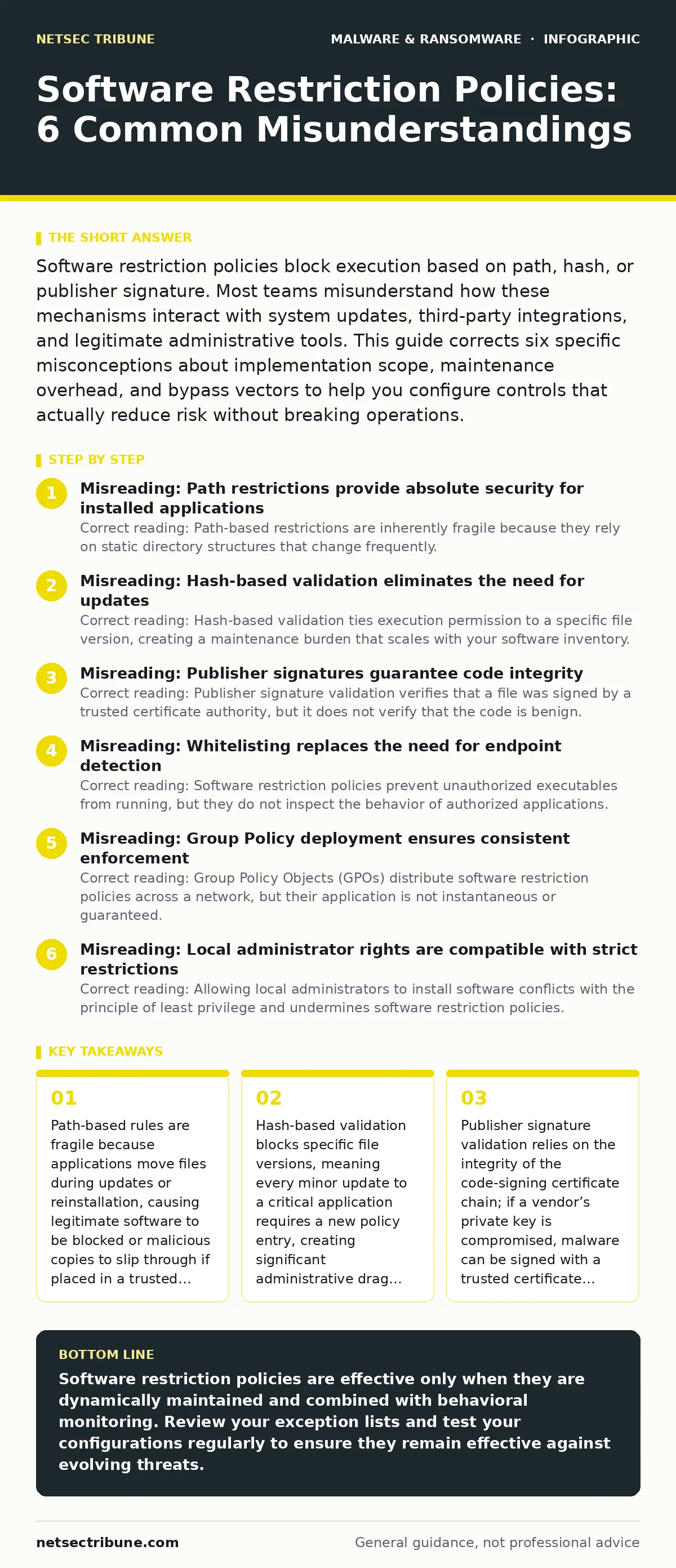
Software restriction policies block execution based on path, hash, or publisher signature. Most teams misunderstand how these mechanisms interact with system updates, third-party integrations, and legitimate administrative tools. This guide corrects six specific misconceptions about implementation scope, maintenance overhead, and bypass vectors to help you configure controls that actually reduce risk without breaking operations.
Misreading: Path restrictions provide absolute security for installed applications
Correct reading: Path-based restrictions are inherently fragile because they rely on static directory structures that change frequently. When you configure a rule to allow execution only from C:\Program Files\Vendor, you assume the vendor will never move a component to a temporary directory or a user profile folder. Many modern applications use dynamic loading, placing shared libraries in %APPDATA% or %TEMP% during runtime. If your policy blocks execution from these common user-writeable directories, legitimate applications fail to launch. If your policy allows them, an attacker who gains write access to those directories can drop a malicious executable and run it with the same permissions as the legitimate application. This creates a direct trade-off between usability and security. You must decide whether to accept the risk of user-directory execution or break complex applications. This fragility is why path rules alone are insufficient for high-security environments.
Misreading: Hash-based validation eliminates the need for updates
Correct reading: Hash-based validation ties execution permission to a specific file version, creating a maintenance burden that scales with your software inventory. When an application vendor releases a minor update, the file hash changes. Your existing policy entry no longer matches the new file, causing the application to be blocked. You must generate a new hash and deploy the updated policy before users can use the new version.
This process creates a window of vulnerability where users might attempt to bypass controls to access the updated software. Furthermore, if you use a centralized management system, the delay between hash generation and policy propagation can disrupt operations. This approach works well for static, rarely-changed utilities but fails for frequently updated enterprise software. It does not protect against runtime injection, where a legitimate process loads a malicious module that does not require its own execution policy entry.
Misreading: Publisher signatures guarantee code integrity
Correct reading: Publisher signature validation verifies that a file was signed by a trusted certificate authority, but it does not verify that the code is benign. If a software vendor’s code-signing private key is compromised, attackers can sign malicious executables with that vendor’s certificate. Your policy will allow the malware to run because it trusts the signature. This scenario highlights a critical limitation of digital signatures: they authenticate identity, not intent.
You must combine signature validation with behavioral monitoring to detect anomalies. Additionally, self-signed certificates from internal developers can bypass external trust chains if your policy is not configured to validate against a specific root certificate hierarchy. This requires careful management of internal certificate authorities to prevent rogue developers from signing unauthorized tools.
Misreading: Whitelisting replaces the need for endpoint detection
Correct reading: Software restriction policies prevent unauthorized executables from running, but they do not inspect the behavior of authorized applications. A trojanized software package that is signed by a trusted vendor and installed in a permitted directory will execute without triggering a restriction policy violation. Once running, it can perform data exfiltration, keylogging, or lateral movement.
This is why restriction policies are a preventive control, not a detective one. You still need endpoint detection and response capabilities to monitor process behavior, network connections, and file system changes. Relying solely on whitelisting creates a false sense of security, assuming that if an application is allowed to run, it is safe. This assumption fails against supply chain attacks where the initial compromise occurs through legitimate distribution channels.
Misreading: Group Policy deployment ensures consistent enforcement
Correct reading: Group Policy Objects (GPOs) distribute software restriction policies across a network, but their application is not instantaneous or guaranteed. Endpoints may fail to retrieve the latest GPO due to network connectivity issues, firewall rules, or misconfigured domain controller replication. This results in a drift between the intended policy state and the actual enforcement state on individual machines.
An attacker can exploit this delay by targeting endpoints that have not yet received the updated restrictions. Furthermore, if an endpoint is disconnected from the domain, it retains the last cached policy. If that cached policy is outdated, the machine may allow execution of applications that should now be blocked. You must implement mechanisms to verify policy application status and alert on discrepancies. Regular audits of registry keys that store restriction settings can help identify endpoints that are out of compliance.
See also: Decoding Ransom Notes: Evidence Handling and Negotiation Realities · Botnets: How Command and Control Networks Operate and Persist
Misreading: Local administrator rights are compatible with strict restrictions
Correct reading: Allowing local administrators to install software conflicts with the principle of least privilege and undermines software restriction policies. A local administrator can modify the registry keys that define the policy, effectively disabling the controls on their machine. They can also create new exceptions or modify existing ones to allow execution of unauthorized code. This privilege escalation vector is a common entry point for advanced persistent threats.
To maintain control, you must restrict local administrator rights to a small, managed set of accounts. Standard users should not have write access to system directories or the ability to modify policy settings. This requires a shift in operational workflows, where software installation is handled by centralized IT processes rather than individual users. This reduces the attack surface but increases the dependency on IT support for routine tasks.
Misreading: Restriction policies protect against all execution methods
Correct reading: Software restriction policies primarily target executable files (.exe, .dll, .scr), but they do not inherently block script-based execution or interpreted code. Attackers can use PowerShell, Python, or JavaScript to perform malicious actions without triggering standard executable restrictions. This is known as living-off-the-land techniques. To mitigate this, you must extend your policies to include script execution rules.
For example, you can restrict PowerShell to only run signed scripts or require a specific execution policy. However, this adds complexity and may break legitimate administrative scripts. You must balance security with functionality, ensuring that necessary scripts can run while blocking unauthorized ones. This requires careful testing and validation of script dependencies across your environment.
Key takeaways
- Path-based rules are fragile because applications move files during updates or reinstallation, causing legitimate software to be blocked or malicious copies to slip through if placed in a trusted directory.
- Hash-based validation blocks specific file versions, meaning every minor update to a critical application requires a new policy entry, creating significant administrative drag and potential gaps during patching windows.
- Publisher signature validation relies on the integrity of the code-signing certificate chain; if a vendor’s private key is compromised, malware can be signed with a trusted certificate and bypass your controls entirely.
- Application whitelisting is not a substitute for endpoint detection; it prevents execution but does not inspect behavior, leaving systems vulnerable to trojanized software that runs legitimately but performs malicious actions.
Software restriction policies are effective only when they are dynamically maintained and combined with behavioral monitoring. Review your exception lists and test your configurations regularly to ensure they remain effective against evolving threats.
Frequently asked questions
How do I handle software updates with hash-based policies?
Automate the process of generating new hashes for updated files and deploying the revised policies immediately after vendor releases to minimize downtime and security gaps.
Can software restriction policies block ransomware?
They can prevent unauthorized executables from running, but they cannot stop ransomware that executes via authorized applications or scripts, so you must layer behavioral detection on top.
What is the difference between path and hash rules?
Path rules allow execution from specific directories, which is flexible but less secure, while hash rules allow specific file versions, which is more secure but requires constant updates for every change.
How do I test my software restriction policy?
Create a controlled test environment with sample malicious executables and scripts, then attempt to run them to verify that your policies block them as expected without impacting legitimate operations.
How this guide was produced: written by the NetSec Tribune editorial team with AI assistance, checked against the public references listed below, and reviewed when the facts change. See our editorial policy or report an error.