
Ransomware Backups: How Small Teams Survive Without Enterprise Budgets
Most small business backups fail because they remain connected to the network, allowing ransomware to encrypt the recovery data before you can use it.
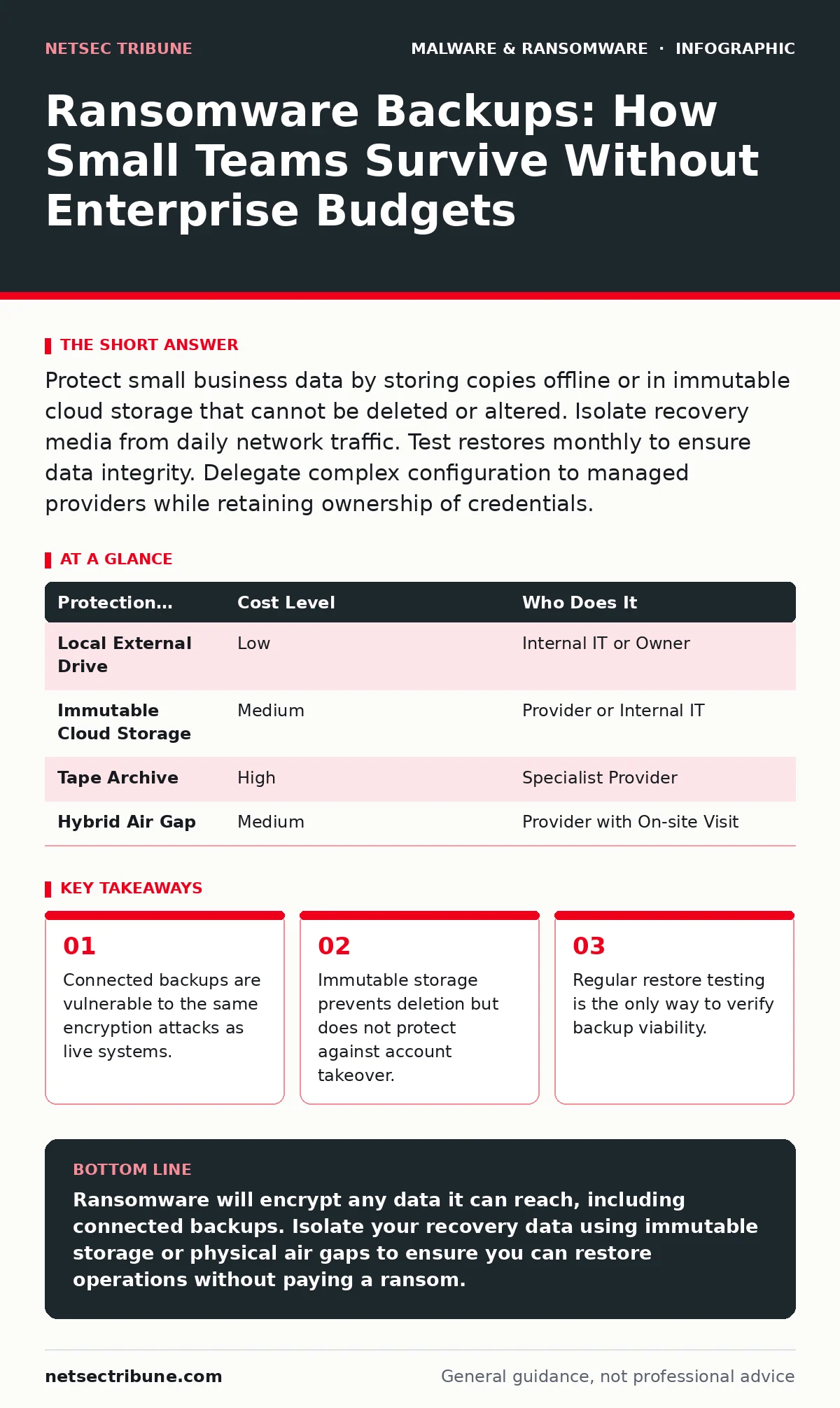
Protect small business data by storing copies offline or in immutable cloud storage that cannot be deleted or altered. Isolate recovery media from daily network traffic. Test restores monthly to ensure data integrity. Delegate complex configuration to managed providers while retaining ownership of credentials.
The Myth of Connected Safety
Many organizations assume that if data is backed up, it is safe. This assumption fails when the backup target shares the same network path as the primary data. Ransomware operates by scanning for writable storage. If your backup server is online and accessible, the malware will encrypt it alongside your active files.
This is not a rare edge case. It is the default behavior of most encryption malware. The software does not distinguish between a production database and a nightly backup job. It simply seeks out data it can modify.
You must treat the backup infrastructure as a separate security domain. This requires physical or logical separation. If the malware can reach the primary system, it must not be able to reach the backup system.
Immutable Storage and Air Gaps
Immutable storage refers to data that cannot be changed or deleted for a set period. Cloud providers offer this feature through object lock or write-once-read-many protocols. When enabled, even an administrator with full privileges cannot erase the backup while the lock is active.
This protects against accidental deletion and ransomware that has gained administrative access. However, it does not protect against account takeover. If an attacker compromises the cloud account itself, they may be able to disable the bucket or assume the role that manages the lock.
An air gap is a stronger control. An air gap means the backup media is physically disconnected from the network. External hard drives or tape media that are unplugged after the backup completes provide this isolation.
The trade-off is convenience. Restoring from an air-gapped source takes time. You must physically insert the media and wait for the data to transfer. For a small team, this delay is acceptable if it ensures the data is clean.
The Hidden Cost of Convenience
Automated backup solutions often prioritize ease of use over security. Many default configurations keep multiple versions of files online for quick recovery. This creates a large attack surface.
Consider the cost of a failed restore. It is not just the ransom payment. It is the downtime, the loss of client trust, and the legal fees. These costs far exceed the price of proper backup infrastructure.
You should evaluate the retention policy carefully. Keeping too many versions online increases the risk. Keeping too few reduces your ability to recover from slow-moving threats.
Delegating Complexity
Small teams often lack the expertise to configure enterprise-grade backup solutions. This is where managed service providers enter. You can delegate the technical configuration to an IT provider while retaining control over the security policies.
The provider should handle the scheduling, monitoring, and initial troubleshooting. You should retain the master credentials and the authority to approve major changes.
This separation of duties prevents a rogue employee or a compromised provider account from wiping your backups. You hold the keys. They manage the lock.
What to Ask Your Provider
Before signing a contract, verify how the provider handles ransomware scenarios. Do not accept generic assurances. Ask for specific technical details.
- How are backup credentials stored and rotated?
- Is the backup target immutable or air-gapped?
- What is the maximum time to restore a single file?
- How often do you test restores in a clean environment?
- Do you have a separate account for backup administration?
| Protection Method | Cost Level | Who Does It |
|---|---|---|
| Local External Drive | Low | Internal IT or Owner |
| Immutable Cloud Storage | Medium | Provider or Internal IT |
| Tape Archive | High | Specialist Provider |
| Hybrid Air Gap | Medium | Provider with On-site Visit |
See also: Software Restriction Policies: 6 Common Misunderstandings · Decoding Ransom Notes: Evidence Handling and Negotiation Realities
Testing the Recovery Path
A backup is useless if you cannot restore it. Many organizations discover this during an incident. You must test the restore process regularly.
Schedule a quarterly test. Select a random set of files. Restore them to a isolated machine. Verify that the files open and contain the correct data.
This process reveals configuration errors. It also trains your team on the restoration steps. When a real incident occurs, you will not be guessing.
Integrating with Broader Defenses
Backups are the last line of defense. They do not prevent infection. You need other controls to stop the malware from reaching the backup trigger.
Refer to our guide on sandboxing to understand how to isolate suspicious files before they execute. Sandboxing allows you to analyze behavior in a safe environment.
Also consider tamper protection to prevent attackers from disabling your endpoint security software. If the security agent is removed, the malware can move freely to the backup target.
For supply chain risks, see malicious PyPI packages to understand how attackers inject code into trusted libraries. If your development tools are compromised, your backups may contain malicious code.
The Human Factor
Technology fails when humans bypass it. Employees may plug in unauthorized drives. They may share credentials. They may disable alerts to stop noise.
You must enforce strict access controls. Only designated personnel should have write access to the backup system. All access should be logged and reviewed.
Training is not enough. You need technical barriers. Multi-factor authentication is required for all administrative accounts. This adds a layer of friction that stops automated attacks.
Key takeaways
- Connected backups are vulnerable to the same encryption attacks as live systems.
- Immutable storage prevents deletion but does not protect against account takeover.
- Regular restore testing is the only way to verify backup viability.
Ransomware will encrypt any data it can reach, including connected backups. Isolate your recovery data using immutable storage or physical air gaps to ensure you can restore operations without paying a ransom.
Frequently asked questions
Is cloud backup safe from ransomware?
Cloud backup is safe only if the storage is immutable or if the provider uses strict access controls that prevent account takeover. Standard cloud sync is not safe.
How often should I test my backups?
Test at least quarterly. More frequent testing is better for critical data. Ensure you test the actual restore process, not just the backup job completion.
Can I use external hard drives for backups?
Yes, if you unplug them after the backup completes. This creates an air gap. Do not leave them connected to the computer or network.
What if my IT provider gets hacked?
Ensure you have separate credentials from the provider. If the provider is compromised, you should still be able to access and restore your data independently.
How this guide was produced: written by the NetSec Tribune editorial team with AI assistance, checked against the public references listed below, and reviewed when the facts change. See our editorial policy or report an error.