
How Tamper Protection Works: The Mechanics of Kernel Defense
Tamper protection shifts security from user-level discretion to kernel-enforced immutability, blocking administrative overrides that malware exploits.
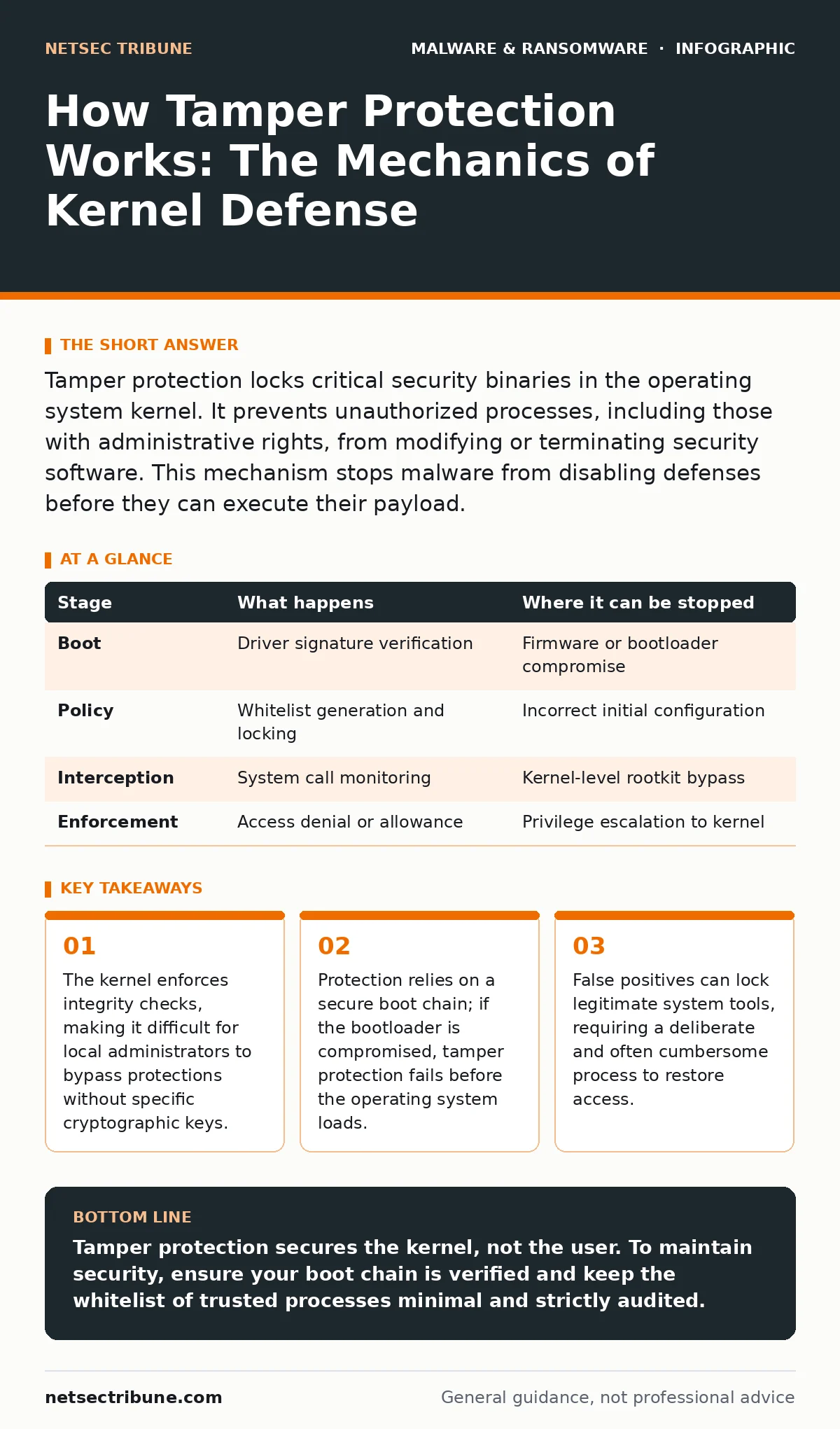
Tamper protection locks critical security binaries in the operating system kernel. It prevents unauthorized processes, including those with administrative rights, from modifying or terminating security software. This mechanism stops malware from disabling defenses before they can execute their payload.
The Kernel as the Trusted Boundary
Traditional security software runs in user mode, where the operating system allows any process with sufficient privileges to terminate or modify it. This creates a fundamental vulnerability. If malware gains administrative access, it can simply kill the security service before the service can analyze the threat.
Tamper protection moves the enforcement layer into kernel mode. The kernel is the core of the operating system, managing hardware and memory. Code running here has higher privileges than user applications. By anchoring protection here, the security software ensures that even a compromised administrator account cannot easily disable it.
This shift changes the attack surface. The defender no longer fights for control of the user session. Instead, the defender controls the rules that govern how processes interact with system resources. This creates a barrier that malware must breach before it can operate.
The Boot Sequence and Key Establishment
Protection begins before the operating system fully loads. During the boot process, the system verifies the integrity of the security driver. This driver contains the cryptographic keys that define what is allowed to modify the protected components.
Imagine a secure vault where the key is generated during manufacturing and sealed into the hardware. The operating system cannot change this key. When the system starts, it loads the security driver and checks its signature against this sealed key.
If the signature matches, the driver initializes the tamper protection engine. If it does not, the system may refuse to boot or enter a restricted mode. This step ensures that an attacker cannot replace the security driver with a malicious one that ignores protection rules.
Stage 1: Policy Definition and Scope
The first active stage involves defining which components are protected. This typically includes the main security service, its configuration files, and its communication channels. The system creates a whitelist of trusted processes that are allowed to interact with these components.
This whitelist is critical. It must include the security vendor’s own update mechanisms and management consoles. If the whitelist is too narrow, the security software cannot update its definitions. If it is too broad, an attacker might find a trusted process to abuse.
The policy is stored in a protected memory region. Standard file system permissions do not apply. Only the kernel-enforced security driver can read or modify this policy. This isolation prevents an attacker from altering the rules by simply editing a configuration file on disk.
Stage 2: Request Interception and Validation
When a process attempts to interact with a protected component, the operating system intercepts the request. This happens at the system call level. The tamper protection engine examines the request before the target component sees it.
The engine checks the identity of the requesting process. It verifies the process’s signature and its parent chain. It also checks if the request matches an allowed operation defined in the policy. For example, a process might be allowed to read configuration but not write to it.
This validation happens in real-time. There is no delay for logging or analysis. The decision is binary: allow or deny. This immediacy prevents race conditions where malware might act between the check and the execution. It also means the system cannot make nuanced decisions based on behavior history in this specific moment.
| Stage | What happens | Where it can be stopped |
|---|---|---|
| Boot | Driver signature verification | Firmware or bootloader compromise |
| Policy | Whitelist generation and locking | Incorrect initial configuration |
| Interception | System call monitoring | Kernel-level rootkit bypass |
| Enforcement | Access denial or allowance | Privilege escalation to kernel |
Stage 3: Enforcement and Lockdown
If the request fails validation, the tamper protection engine denies it. The operating system returns an error to the requesting process. The protected component remains unchanged and running.
This denial is silent to the user in most cases. The application might crash or fail to start, but the security software continues operating. This prevents an attacker from knowing they have been blocked. Silence is a security feature here, as feedback helps attackers refine their techniques.
However, this strict enforcement can cause issues with legitimate software. Some applications try to hook into system processes or modify memory for performance reasons. If these applications are not on the whitelist, tamper protection blocks them. This can lead to stability issues or application crashes.
See also: Software Restriction Policies: 6 Common Misunderstandings · Decoding Ransom Notes: Evidence Handling and Negotiation Realities
Limits of Kernel Enforcement
Tamper protection is not a magic shield. It relies on the integrity of the kernel itself. If an attacker gains kernel-level access, they can potentially disable the tamper protection driver or hook its functions. This is known as a rootkit attack.
Once at the kernel level, the attacker operates on the same privilege tier as the protection mechanism. They can redirect system calls or modify memory directly. Tamper protection cannot distinguish between a legitimate kernel operation and a malicious one if both originate from the kernel space.
This is why secure boot and hardware-based attestation are necessary complements. These technologies ensure that the kernel itself has not been modified. Without them, tamper protection is only as strong as the underlying operating system’s integrity.
Operational Trade-offs and False Positives
The strict nature of tamper protection creates operational friction. Security teams must carefully manage the whitelist. Adding new software to the whitelist requires administrative access and often a reboot. This slows down deployment and testing.
False positives can lock out legitimate administrative tools. If an IT administrator needs to troubleshoot a system issue, they might find that their diagnostic tools are blocked. Resolving this often requires disabling tamper protection, which leaves the system vulnerable during the troubleshooting window.
This vulnerability window is a significant risk. Attackers often wait for maintenance windows when security software is updated or reconfigured. During these times, tamper protection might be temporarily relaxed. This is when malware like crypto-stealing malware or trojanized software can slip past defenses.
Interaction with Evasion Techniques
Malware authors adapt to these controls. They develop techniques to bypass tamper protection without disabling it. One common method is to exploit legitimate processes that are already whitelisted. This is known as living-off-the-land.
For instance, an attacker might use a system utility like PowerShell to execute malicious code. Since PowerShell is a trusted system component, tamper protection allows it to run. The security software must then rely on behavioral analysis to detect the abuse. This shifts the burden from prevention to detection.
This dynamic is similar to sandbox evasion techniques, where malware detects it is in a controlled environment and changes its behavior. Here, the malware detects the presence of tamper protection and alters its execution path to avoid triggering the kernel hooks. It might delay execution or use indirect system calls that are harder to monitor.
The Role of Cryptographic Integrity
At the heart of tamper protection is cryptographic verification. Every protected component is signed with a private key. The public key is stored in a secure location, often in the Trusted Platform Module (TPM).
When the system loads a component, it verifies the signature. If the signature is invalid, the component is rejected. This ensures that the code has not been altered since it was signed. It also ensures that the code comes from a trusted source.
This mechanism prevents simple file replacement attacks. An attacker cannot just copy a malicious file over the security binary. The signature check will fail, and the kernel will refuse to load the malicious code. This adds a layer of defense that is difficult to bypass without the private signing key.
Key takeaways
- The kernel enforces integrity checks, making it difficult for local administrators to bypass protections without specific cryptographic keys.
- Protection relies on a secure boot chain; if the bootloader is compromised, tamper protection fails before the operating system loads.
- False positives can lock legitimate system tools, requiring a deliberate and often cumbersome process to restore access.
Tamper protection secures the kernel, not the user. To maintain security, ensure your boot chain is verified and keep the whitelist of trusted processes minimal and strictly audited.
Frequently asked questions
Can tamper protection be disabled by an administrator?
Yes, but usually only through a specific secure process that requires elevated privileges and often a reboot. This prevents casual or automated disabling by malware.
Does tamper protection stop all malware?
No. It stops malware from disabling the security software. It does not prevent malware from running if the malware is not detected by the security software’s other features.
What happens if the security software crashes?
The tamper protection driver usually remains active in the kernel. It will prevent any process from modifying the crashed software’s files or registry keys until the software is restarted.
Is tamper protection compatible with all operating systems?
It is most effective on modern operating systems with strong kernel security features, such as Windows 10/11 and recent Linux kernels. Older systems may not support the necessary kernel hooks.
How this guide was produced: written by the NetSec Tribune editorial team with AI assistance, checked against the public references listed below, and reviewed when the facts change. See our editorial policy or report an error.