
Container Runtime Security Explained: The Kitchen Analogy
Most container security fails because teams secure the recipe but leave the kitchen doors unlocked for anyone to cook with.
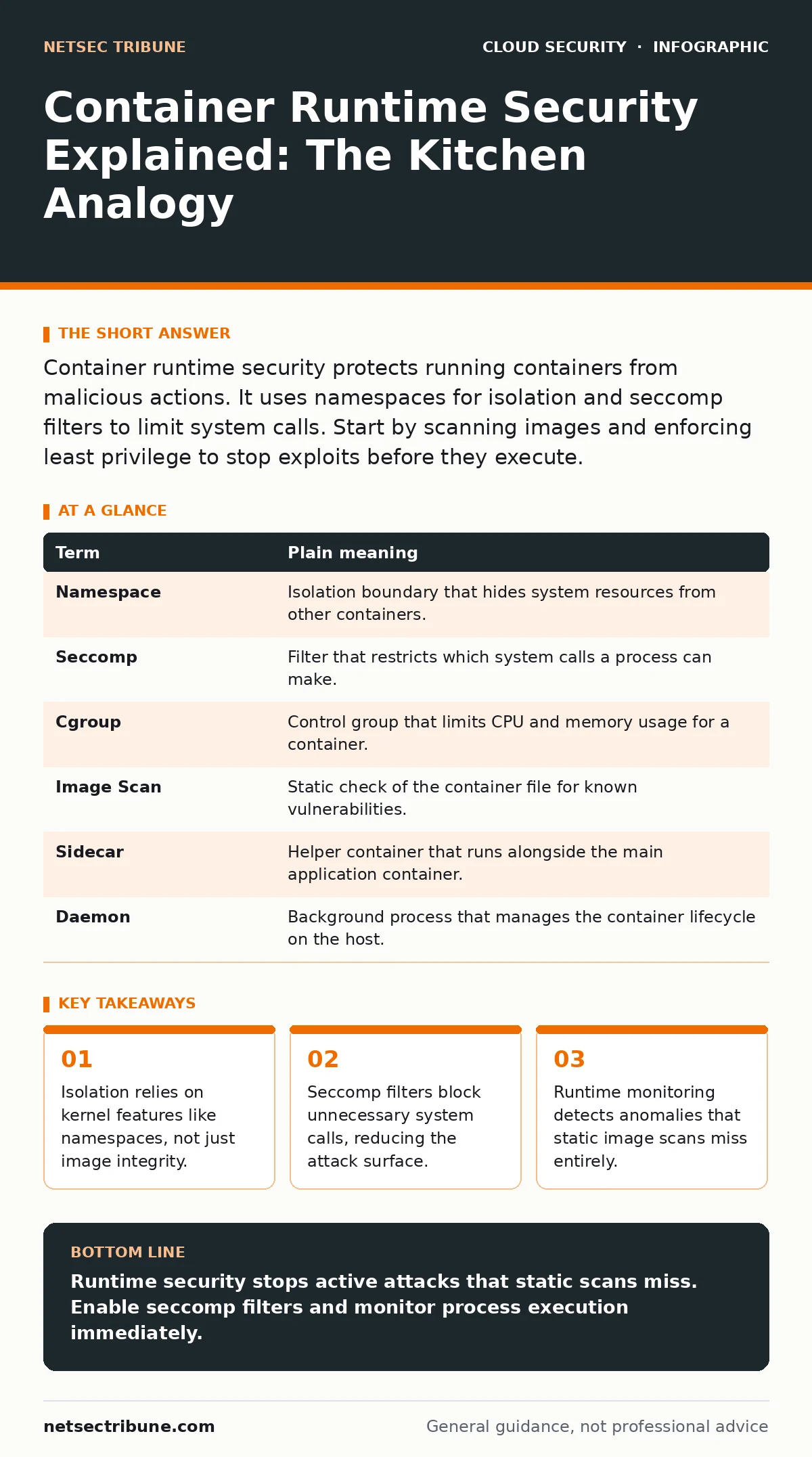
Container runtime security protects running containers from malicious actions. It uses namespaces for isolation and seccomp filters to limit system calls. Start by scanning images and enforcing least privilege to stop exploits before they execute.
The Recipe Versus The Kitchen
Imagine you are a chef. The container image is your recipe. It lists ingredients and steps. You can check the recipe for errors before you start. This is static analysis. It tells you if the recipe itself is bad. It does not tell you if someone steals your knife while you cook.
The container runtime is the kitchen. It is where the recipe becomes a meal. Security tools often focus on the recipe. They ignore the kitchen. This leaves a gap. An attacker does not need a bad recipe. They need access to the stove.
Key Terms for Runtime Defense
You need specific vocabulary to discuss runtime security. These terms describe how the kernel protects your processes. Understanding them helps you configure defenses correctly.
| Term | Plain meaning |
|---|---|
| Namespace | Isolation boundary that hides system resources from other containers. |
| Seccomp | Filter that restricts which system calls a process can make. |
| Cgroup | Control group that limits CPU and memory usage for a container. |
| Image Scan | Static check of the container file for known vulnerabilities. |
| Sidecar | Helper container that runs alongside the main application container. |
| Daemon | Background process that manages the container lifecycle on the host. |
Why Static Scans Fail You
Suppose you scan every image before deployment. You find no vulnerabilities. You deploy the container. An attacker exploits a zero-day vulnerability in the application code. The scan did not catch it. The image was clean at build time.
The attack happens at runtime. The attacker uses the running process to access sensitive files. Static tools cannot see this. They only see the frozen state of the image. You need runtime controls to stop active threats.
Limiting System Calls With Seccomp
Every container needs to talk to the host kernel. It does this via system calls. Some calls are dangerous. They allow access to hardware or other processes. Most applications do not need these calls.
Seccomp filters block unnecessary system calls. If an application tries to make a blocked call, the kernel stops it. This limits the damage an attacker can do. Even if they exploit the app, they cannot execute certain actions.
You should define a strict seccomp profile. Allow only the calls your app needs. Deny everything else. This is harder than using a default profile. It requires testing. The trade-off is security versus convenience.
Monitoring Anomalies In Real Time
Runtime monitoring watches the container while it runs. It looks for strange behavior. A web server should not execute shell commands. A database should not connect to external networks.
If the monitoring tool sees this, it alerts you. It can also kill the container. This stops the attack in progress. You cannot rely on logs alone. Logs are historical. Monitoring is immediate.
See also: Difference Between Cloud Logging and Monitoring: Operational Reality · Tenant Isolation for Small Business: Practical Cloud Security Steps
Integrating With Broader Controls
Runtime security does not work in isolation. It connects to other layers. For example, Kubernetes RBAC controls who can deploy containers. It does not control what they do once running.
You might use Kubernetes admission controllers to enforce policies at deploy time. They check labels and resource limits. They do not monitor runtime behavior. You need both.
Consider service mesh security for network traffic between containers. It encrypts communication. It does not protect the container process itself. Each layer addresses a different risk.
Orphaned Resources And Hidden Costs
Running containers consume host resources. If a container leaks memory, it affects the host. This is a denial of service. It is not always malicious. It can be a bug.
Orphaned cloud resources often include stopped but not deleted containers. They still hold metadata. They can be targets for privilege escalation. Clean up unused resources regularly.
Try This Now
Start securing your runtime today. These steps are concrete and effective.
- Enable seccomp profiles for all production containers. Use a restrictive profile. Test thoroughly in staging.
- Install a runtime monitoring agent. Configure it to alert on unexpected process execution. Do not ignore these alerts.
- Review your container capabilities. Drop all default capabilities. Add only what is strictly necessary.
The Bottom Line Of Defense
You cannot trust the image alone. The runtime environment is where attacks succeed. Secure the kernel interface. Monitor behavior continuously.
Review your cloud attack surface regularly. Identify where containers interact with external services. Reduce these interactions.
Key takeaways
- Isolation relies on kernel features like namespaces, not just image integrity.
- Seccomp filters block unnecessary system calls, reducing the attack surface.
- Runtime monitoring detects anomalies that static image scans miss entirely.
Runtime security stops active attacks that static scans miss. Enable seccomp filters and monitor process execution immediately.
Frequently asked questions
Does runtime security slow down containers?
Minimal overhead occurs from monitoring agents. Seccomp filters add negligible latency. The security benefit outweighs the cost.
Can I use runtime security without Kubernetes?
Yes. Runtime security applies to any container engine. The principles of isolation and monitoring remain the same.
How do I know which system calls to allow?
Run your application in a test environment. Log all system calls. Allow only those used during normal operation.
Is runtime security enough on its own?
No. It must complement image scanning and network policies. Layered defense is required for full protection.
How this guide was produced: written by the NetSec Tribune editorial team with AI assistance, checked against the public references listed below, and reviewed when the facts change. See our editorial policy or report an error.