
Broken Access Control: Definition, Forms, and Mitigation Strategies
See how authorization failures allow unauthorized data access and how to architect defenses that enforce least privilege at every layer.
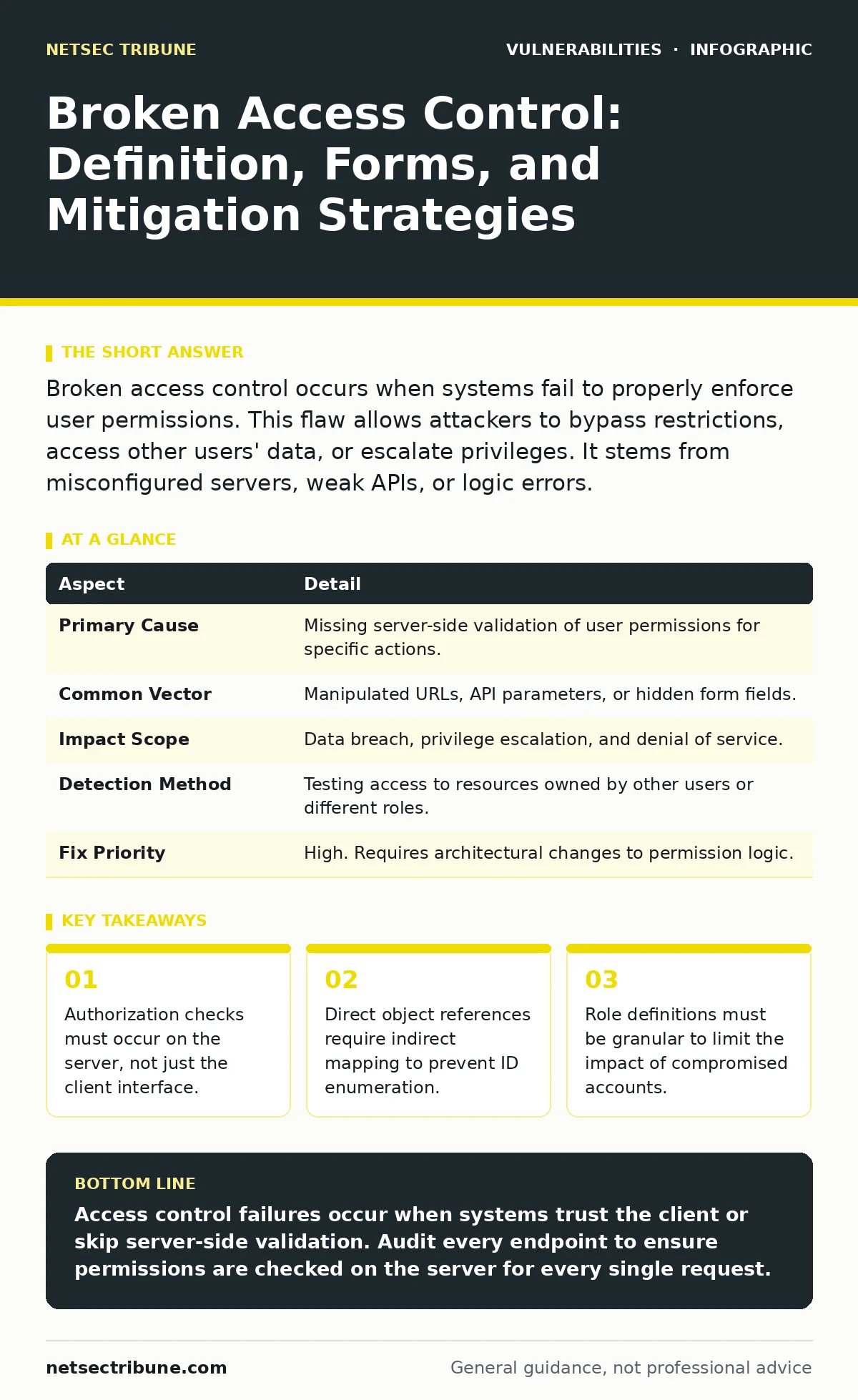
Broken access control occurs when systems fail to properly enforce user permissions. This flaw allows attackers to bypass restrictions, access other users' data, or escalate privileges. It stems from misconfigured servers, weak APIs, or logic errors.
The Library Card Analogy
Imagine a library where the librarian checks your card at the entrance but never verifies which books you pull from the shelves. You enter as a patron with basic privileges. However, if the shelves are open and unlabelled, you can walk into the restricted archives and take out classified documents. The system trusted your presence in the building but failed to verify your right to access specific resources. Broken access control works similarly in software. It grants entry but fails to validate every individual request.
Defining the Failure
Broken access control is a security vulnerability where a system does not correctly enforce restrictions on what authenticated users are allowed to do. It is distinct from authentication, which verifies who you are. Access control determines what you can touch. A system can have perfect authentication yet suffer from catastrophic access control failures. The core issue is a gap between the policy definition and the technical enforcement.
This vulnerability affects any application that manages user data or permissions. It is prevalent in web applications, APIs, and mobile backends. The impact ranges from data leakage to full system compromise. Attackers exploit these gaps to read, modify, or delete data they should not touch.
How the Breakage Occurs
The failure usually happens during development or configuration. Developers often assume that hiding menu items or disabling buttons prevents access. This is a client-side control. The browser can disable a button, but a determined user can send the request directly to the server using a tool like cURL or a browser extension. If the server does not re-check permissions for that specific request, the action succeeds.
Another common cause is inconsistent permission models. One module might check if a user is an admin, while another checks if the user is logged in. An attacker finds the path of least resistance. Configuration errors also play a role. Misconfigured cloud storage buckets or database permissions often expose data to the public internet.
| Aspect | Detail |
|---|---|
| Primary Cause | Missing server-side validation of user permissions for specific actions. |
| Common Vector | Manipulated URLs, API parameters, or hidden form fields. |
| Impact Scope | Data breach, privilege escalation, and denial of service. |
| Detection Method | Testing access to resources owned by other users or different roles. |
| Fix Priority | High. Requires architectural changes to permission logic. |
Common Forms of Failure
There are several specific ways access control breaks. Direct Object Reference vulnerabilities occur when an application exposes internal implementation objects. These are often simple integers or UUIDs. If an application uses these IDs directly in URLs without checking ownership, users can enumerate and access other records.
Role-based access control failures happen when the system does not correctly map users to roles. An attacker might modify a session token to claim an administrative role. If the server trusts this client-side value without cryptographic verification, it grants admin privileges.
Function-level access control issues arise when different user types have different capabilities. A regular user might access a dashboard, while an admin accesses a configuration panel. If the application checks for admin status only on the login page but not on the configuration endpoint, a regular user can navigate directly to the admin URL.
What People Usually Get Wrong
Many teams believe that hiding functionality is sufficient security. They remove links from the user interface for non-administrators. This is security through obscurity. It hides the door but does not lock it. An attacker does not need to see the link to construct a valid request. The server must reject the request regardless of how it arrives.
Another misconception is that single sign-on solves access control. SSO simplifies authentication by letting users log in once. It does not dictate what resources that user can access within your application. Your application must still enforce its own authorization logic for every request.
Teams also often neglect horizontal privilege escalation. They focus on preventing users from becoming admins. They forget to prevent users from accessing other regular users' data. Horizontal attacks are more common and easier to automate.
See also: Lateral Movement in Cybersecurity: Definition and Detection · Exposed Admin Panels: 7 Configuration Mistakes That Invite Intrusion
Reducing the Risk
To mitigate these risks, implement a default-deny posture. The system should deny all access unless explicitly permitted. This reduces the attack surface by eliminating accidental open doors. Every request must undergo an authorization check. This check must happen on the server side. Client-side checks are for user experience, not security.
Use indirect references for internal objects. Instead of using a database ID like 101 in the URL, map it to a unique, random identifier like a UUID. The server translates the UUID back to the ID and checks if the requesting user owns that record. This prevents attackers from guessing valid IDs.
Enforce the principle of least privilege. Users should only have the permissions necessary for their current task. Administrative functions should be segregated from standard user functions. Use separate sessions or distinct code paths for high-privilege actions.
Regular code reviews should focus on authorization logic. Look for places where the application accepts user input and passes it directly to a data store. Ensure that every data retrieval or modification includes a check against the user's permissions.
Testing and Verification
Testing access control requires a different mindset than standard vulnerability scanning. You must test as a low-privilege user trying to act as a high-privilege user. Create two accounts with different roles. Log in with the lower role. Attempt to access the resources of the higher role. Change parameters in requests to see if the server rejects them.
Automated tools can help find some issues, but they often fail to understand business logic. Manual testing is necessary to identify cases where the system behaves correctly for one user but fails for another. Test for both vertical escalation (gaining admin rights) and horizontal escalation (accessing peer data).
Verify that session tokens are securely managed. Ensure that tokens cannot be easily tampered with to change role attributes. Use server-side sessions or signed tokens that include the user's permissions. Validate these signatures on every request.
Architectural Defense
Defense in depth is critical for access control. Do not rely on a single checkpoint. Implement checks at the application framework, the business logic layer, and the data layer. The framework can enforce route-level permissions. The business logic can verify object ownership. The database can enforce row-level security policies.
Row-level security in databases adds a final layer of protection. Even if the application logic fails to check permissions, the database query can filter results based on the user's ID. This ensures that the application never receives data it should not process.
Regularly update your permission models as the application grows. New features often introduce new endpoints or data types. Ensure that these new elements inherit the existing security controls. Do not assume that new code is secure by default. Treat every new feature as a potential breach of access control until proven otherwise.
Key takeaways
- Authorization checks must occur on the server, not just the client interface.
- Direct object references require indirect mapping to prevent ID enumeration.
- Role definitions must be granular to limit the impact of compromised accounts.
Access control failures occur when systems trust the client or skip server-side validation. Audit every endpoint to ensure permissions are checked on the server for every single request.
Frequently asked questions
Is broken access control the same as authentication failure?
No. Authentication verifies identity, while access control verifies permissions. You can be authenticated but lack permission to view specific data.
How do I fix direct object reference vulnerabilities?
Replace direct database IDs with indirect, random identifiers and verify ownership on the server before returning data.
Can hiding admin pages prevent access control attacks?
No. Hiding pages is cosmetic. Attackers can guess or discover URLs and send requests directly to the server without using the interface.
Does multi-factor authentication fix broken access control?
No. MFA strengthens authentication but does not enforce granular permissions or prevent privilege escalation within the application.
How this guide was produced: written by the NetSec Tribune editorial team with AI assistance, checked against the public references listed below, and reviewed when the facts change. See our editorial policy or report an error.