
Keyloggers: Debunking Myths About Keyboard Recording Malware
Keylogging relies on memory interception and API hooks rather than screen capture, making encryption and clipboard monitoring more effective than visual obfuscation.
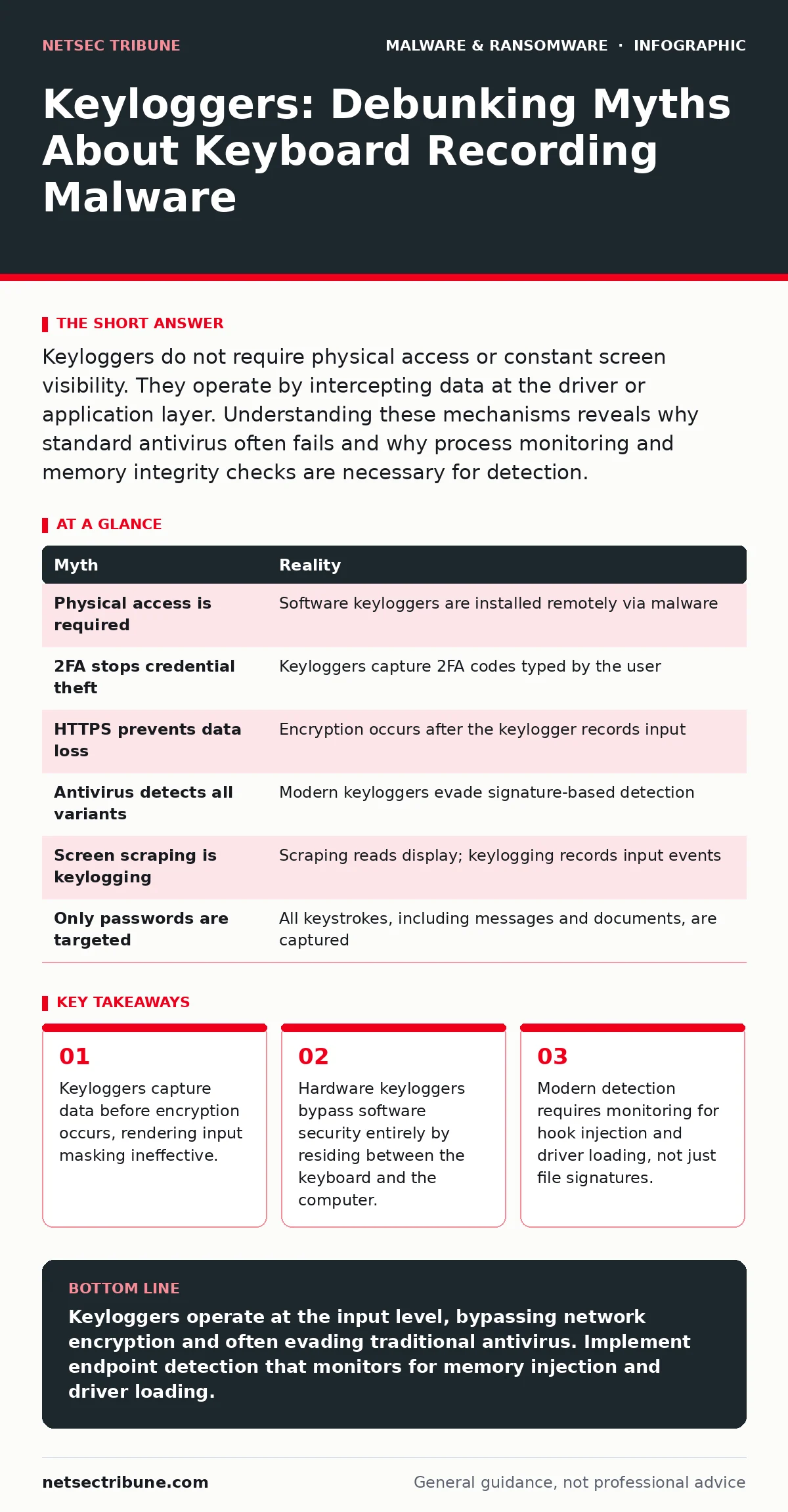
Keyloggers do not require physical access or constant screen visibility. They operate by intercepting data at the driver or application layer. Understanding these mechanisms reveals why standard antivirus often fails and why process monitoring and memory integrity checks are necessary for detection.
Myth: Keyloggers only work with physical access to the machine
Reality: This belief persists because early keylogging tools were indeed small hardware devices inserted between the keyboard cable and the computer port. These hardware interceptors store keystrokes on a microcontroller until the attacker retrieves the device. However, the vast majority of modern keyloggers are software-based. They infect the operating system through phishing emails, malicious downloads, or drive-by exploits. Once installed, they operate entirely in the background. You do not need to touch the victim's computer to install or maintain a software keylogger.
The shift to software allows attackers to scale their operations globally. A single distribution campaign can infect thousands of machines without the attacker leaving their location. This makes software keyloggers far more prevalent and dangerous than their hardware counterparts. While hardware loggers remain a risk for physical security breaches, assuming they are the primary threat leads to neglecting software defense layers.
Myth: Two-factor authentication stops all keylogging attacks
Reality: Two-factor authentication adds a second verification step, typically a code sent to a mobile device or generated by an app. Keyloggers do not just record your username and password. They record every keystroke you type, including the six-digit codes from your authenticator app. If an attacker captures the password and the time-sensitive code in the same session, they can bypass the second factor entirely. This is known as a man-in-the-browser attack when combined with other malware, or simply credential harvesting in the case of pure keylogging.
The protection offered by two-factor authentication relies on the assumption that the attacker does not have access to the second factor in real time. Keyloggers break this assumption by capturing both factors simultaneously. To mitigate this, you must use authentication methods that do not rely on typing. Hardware security keys, such as those using the FIDO2 standard, generate cryptographic signatures that cannot be captured by recording keystrokes. These devices verify identity without transmitting the secret itself.
Myth: Encrypted connections prevent keylogger data theft
Reality: Transport Layer Security, or TLS, encrypts data as it travels between your computer and the destination server. This prevents network eavesdroppers from reading your traffic. However, keyloggers operate on your local machine, before the data is encrypted. They capture the keystrokes as they are entered into the application. The encryption process happens after the keylogger has already recorded the input. Therefore, HTTPS and other transport security measures provide zero protection against local keylogging.
This misconception leads users to believe that seeing the padlock icon in their browser means their input is safe. The padlock only guarantees that the connection to the website is secure from external interception. It says nothing about the security of the device you are using. If the operating system is compromised, the encryption layer is irrelevant to the attacker. The data is stolen at the source, not in transit.
Myth: Keyloggers are easily detected by standard antivirus
Reality: Traditional antivirus software relies on signature-based detection, comparing files against a database of known malware hashes. Modern keyloggers often use techniques similar to those found in polymorphic malware to change their appearance with each infection. They may also use legitimate system tools to perform malicious actions, a technique known as living off the land. Because these tools are part of the operating system, their presence does not trigger signature alerts.
Furthermore, many keyloggers operate as memory-resident processes or kernel-level drivers. They do not always write distinct executable files to the disk. This makes file-based scanning ineffective. Detection requires behavioral monitoring rather than static analysis. You must look for processes injecting code into other applications or loading unsigned drivers. This level of visibility is typically provided by endpoint detection and response platforms, not basic antivirus solutions.
Myth: Screen scraping is the same as keylogging
Reality: Screen scrapers capture images of the display or read the memory of active windows to extract data. Keyloggers record input events, regardless of what is displayed on the screen. These are fundamentally different mechanisms with different detection profiles. A screen scraper might fail if the input field is obscured or if the application uses virtual keyboards. A keylogger works even if the application is minimized or if the input is not visible.
Confusing these two leads to ineffective countermeasures. If you believe the threat is screen scraping, you might focus on obfuscating the display or using overlay protection. These measures do nothing against a keylogger. Conversely, defenses against keyloggers, such as monitoring for hook injection, do not necessarily stop screen scrapers. Understanding the distinction allows you to implement layered defenses. You must protect against both input recording and visual extraction.
See also: Remote Access Trojan Warning Signs and Immediate Response Steps · Software Restriction Policies: 6 Common Misunderstandings
Myth: Keyloggers only target passwords and credit cards
Reality: While financial credentials are common targets, keyloggers capture all input. This includes instant messages, emails, documents, and search queries. For organizations, this means trade secrets, internal communications, and source code can be exfiltrated. The scope of data loss is often wider than initially suspected. Attackers may install keyloggers to gather intelligence for later exploitation rather than for immediate financial gain.
This broad data capture capability makes keyloggers valuable for espionage and corporate sabotage. The attacker can build a profile of the victim's activities and relationships. This information can be used to craft highly targeted phishing campaigns or to identify vulnerabilities in the organization's workflow. Treating keyloggers as solely financial threats ignores their strategic value to advanced persistent threats.
| Myth | Reality |
|---|---|
| Physical access is required | Software keyloggers are installed remotely via malware |
| 2FA stops credential theft | Keyloggers capture 2FA codes typed by the user |
| HTTPS prevents data loss | Encryption occurs after the keylogger records input |
| Antivirus detects all variants | Modern keyloggers evade signature-based detection |
| Screen scraping is keylogging | Scraping reads display; keylogging records input events |
| Only passwords are targeted | All keystrokes, including messages and documents, are captured |
Key takeaways
- Keyloggers capture data before encryption occurs, rendering input masking ineffective.
- Hardware keyloggers bypass software security entirely by residing between the keyboard and the computer.
- Modern detection requires monitoring for hook injection and driver loading, not just file signatures.
Keyloggers operate at the input level, bypassing network encryption and often evading traditional antivirus. Implement endpoint detection that monitors for memory injection and driver loading.
Frequently asked questions
Can a keylogger steal data from a hardware security key?
No. Hardware security keys perform cryptographic operations internally and do not transmit secrets that can be captured by recording keystrokes.
How do I know if my system has a keylogger?
Look for unexpected processes injecting into legitimate applications, unsigned kernel drivers, or high CPU usage when the system is idle.
Does clearing browser history remove a keylogger?
No. Clearing history only removes local records of visited sites. The malware remains installed in the operating system until removed.
Are mobile devices vulnerable to keyloggers?
Yes. Mobile keyloggers often use accessibility services or overlay attacks to capture input on smartphones and tablets.
How this guide was produced: written by the NetSec Tribune editorial team with AI assistance, checked against the public references listed below, and reviewed when the facts change. See our editorial policy or report an error.